 EveryGen AI
EveryGen AI · AI book cover generator for a story readers can recognize
A cover introduces the reading experience before the first sentence. Use the EveryGen AI AI book cover generator to explore an original front-cover concept with GPT Image 2, starting in text mode at 3:4 and 1K. Give the AI book cover generator the story mood, one visual motif, and a plan for separately editable title and author text.
Image workspace
Sample Image
 23 / 30
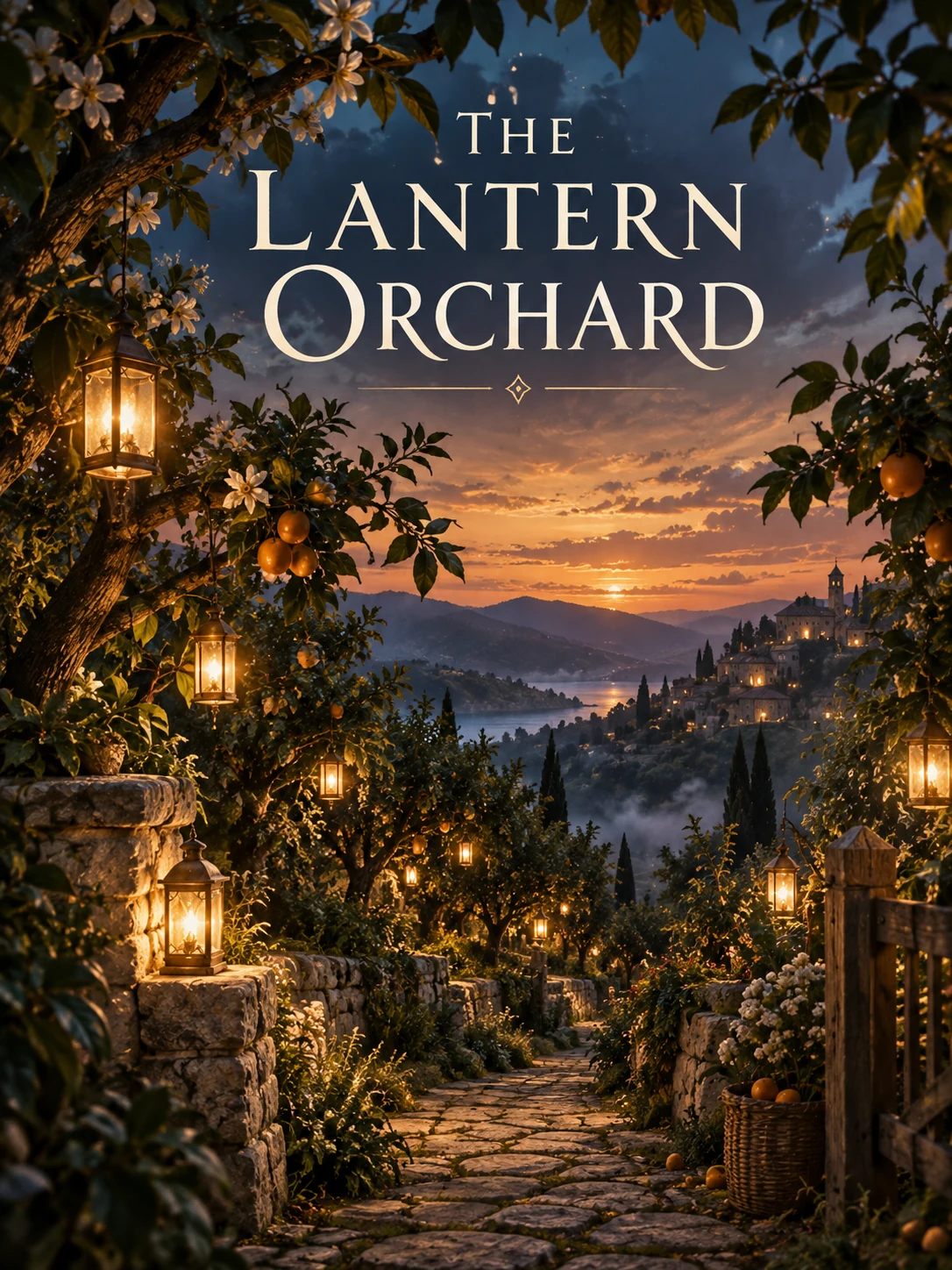
AI-generated fantasy book cover concept with lantern-lit orchard scenery.
Introduction
Give the AI book cover generator a story direction
Give the AI book cover generator a reading experience to express, not the entire plot.
Choose the emotional promise
A quiet family novel might call for distance, memory, and an empty coastal house. A playful mystery might suggest curiosity through a misplaced object. Brief the AI book cover generator around the experience you want readers to anticipate before adding scenery.
- Name the mood and the audience in one short sentence.
- Keep the AI book cover generator concept connected to the actual manuscript.
Use genre signals without copying a cover
Pick qualities such as restrained literary atmosphere, adventurous movement, or lighthearted suspense. Give the AI book cover generator those qualities directly. Borrowing an entire recognizable arrangement from another book can obscure what makes your own story and visual identity distinctive.
Choose what not to reveal
A cover can suggest a locked room without showing the answer to the mystery. Identify spoilers and misleading symbols before prompting. Ask the AI book cover generator to create curiosity around a truthful story element rather than inventing a dramatic event absent from the book.
How to use
How to use the AI book cover generator
- PromptSTEP 1
Describe the story signal
Select GPT Image 2 text mode in the AI book cover generator and describe your genre, central mood, and one symbolic scene.
- ModelGPT Image 21K3:4PromptSTEP 2
Plan the hierarchy
Give the AI book cover generator a strong focal point and quiet upper space for a readable title without overcrowding the image.
- Layout preview
 A Clue in the GreenhouseLayout preview onlySTEP 3
Generate the cover concept
Choose portrait framing and 1K in the AI book cover generator, review the displayed credits, and generate a flat cover concept.
- Create a 3:4 front-cover illustration for an original lighthearted mystery set in a neighborhood greenhouse. One small brass key rests on a cream potting bench, with a single trailing vine and softly suggested glass panes behind it. Curious, inviting atmosphere rather than horror; muted deep green, warm cream, and a restrained brass accent. Keep the upper third quiet for a title added separately and leave a calm lower edge for the author name. No embedded text, people, skulls, weapons, logos, border, or back-cover panel.DownloadSTEP 4
Review at thumbnail size
Check AI book cover generator imagery and any lettering when reduced, then prepare final typography and publishing specifications in your layout workflow.
Features
Build the AI book cover generator concept around one motif
Choose one AI book cover generator motif instead of showing every character and location.
Make an object carry the story
A salt-stained letter, an empty birdcage, or a cracked teacup can suggest a relationship or unanswered question. Choose one relevant motif for the AI book cover generator. The object should earn its importance through the manuscript, not simply look mysterious.
- Test whether the motif still reads as a simple silhouette.
- Keep secondary AI book cover generator details subordinate to the central image.
Use setting as atmosphere
A distant house or greenhouse interior can establish place without describing every architectural feature. Tell the AI book cover generator where to simplify. Too many small windows, books, and plants may become visual noise once the cover appears in a catalog thumbnail.
Decide whether a face helps
A visible protagonist can make a concept immediate, but it also fixes an interpretation of the character. Consider a figure viewed from behind or an object-led scene. Give the AI book cover generator the approach that supports the book rather than following a default formula.
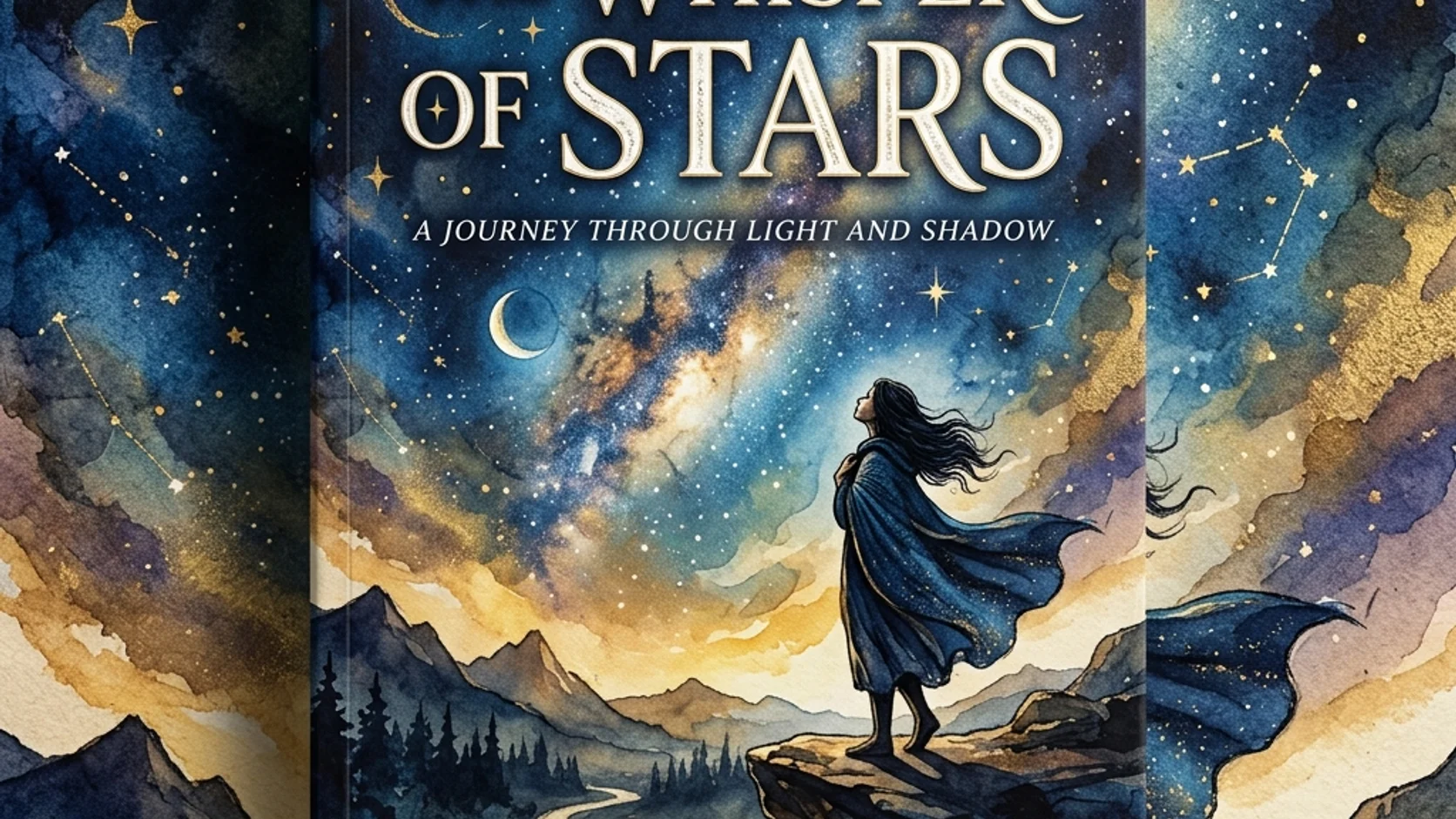
Plan AI book cover generator artwork around typography
Plan AI book cover generator framing around the actual title and author text.
Reserve a quiet title area
Choose a calm sky, wall, or broad shadow for the title instead of covering the focal object. Describe that region in the AI book cover generator brief. Leave enough room for the actual title length, including the possibility of several lines.
- Sketch the rough title placement before choosing a final candidate.
- Keep AI book cover generator detail away from important letter shapes.
Keep precise lettering separate
Request text-free artwork and add the title in your layout tool when exact wording matters. The AI book cover generator returns a JPEG, not editable type layers. Separate text makes spelling, spacing, subtitle changes, and author-name revisions easier to control.
Balance title, author, and image
An oversized title may suit a simple symbolic cover, while an atmospheric illustration needs room to establish its setting. Test the hierarchy with rough text placement. Revise the AI book cover generator composition when the words and picture keep fighting for the same area.
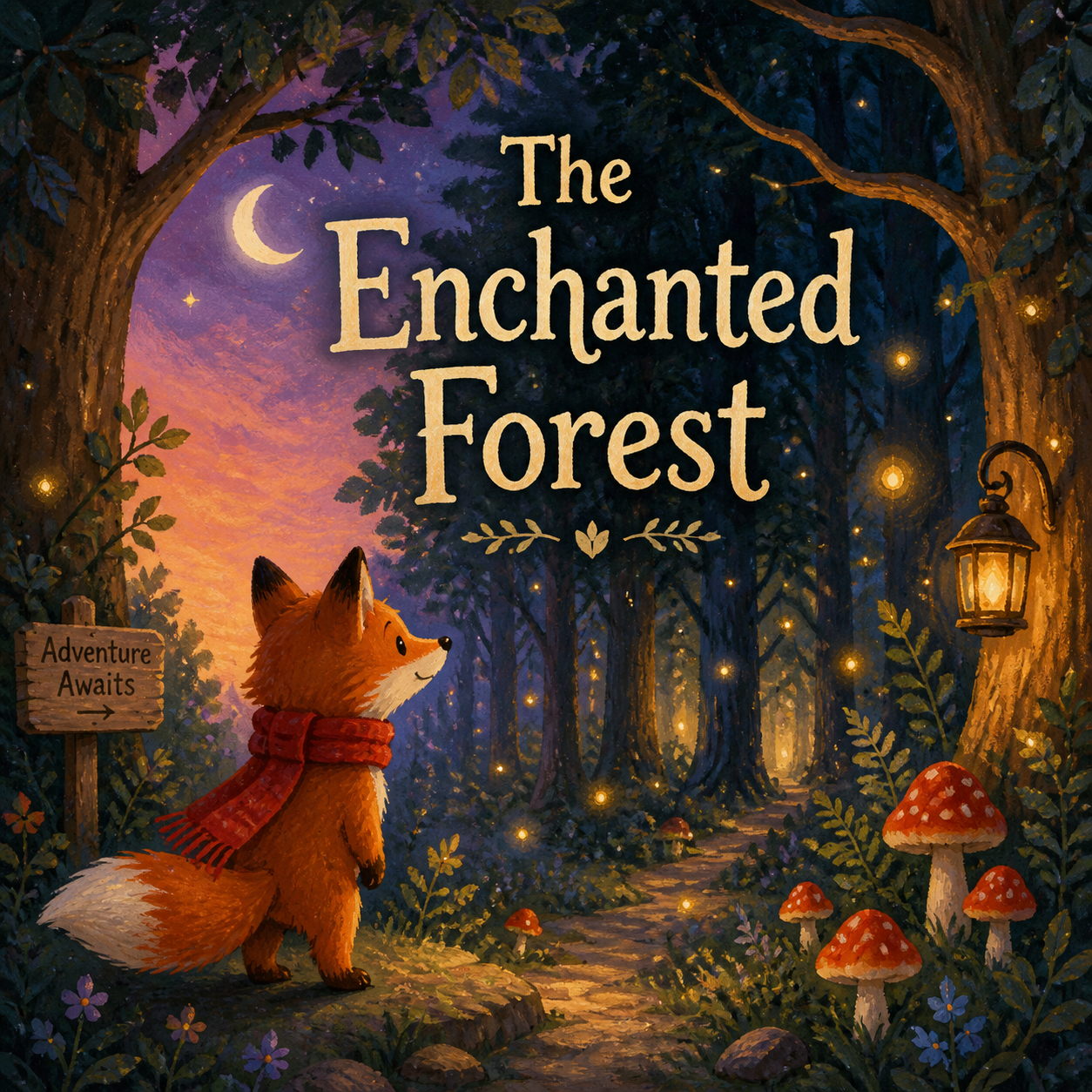
Review AI book cover generator ideas as thumbnails
Inspect AI book cover generator candidates at reduced size before refining decorative details.
Look for a readable main shape
Reduce the cover until the textures fade and check what remains. The central object, broad tonal pattern, and title space should still feel organized. Ask the AI book cover generator for a simpler silhouette when the main motif disappears into the background.
- Compare all candidates at the same reduced viewing size.
- Choose AI book cover generator clarity before decorative complexity.
Check dark and light regions
A cream title area above a dark courtyard may remain distinct even in a small preview. Similar middle tones can blend together. Direct the AI book cover generator toward deliberate tonal separation, then inspect whether the actual lettering still has enough contrast.
Compare related editions carefully
For a series, keep a repeatable title position, palette family, and visual scale. Change the central motif to distinguish each volume. Review AI book cover generator results together; repeating a prompt does not guarantee that separate requests will form a coherent collection.

Explore AI book cover generator options with a clear brief
Compare AI book cover generator solutions to the same story rather than unrelated visual styles.
Start with the front-cover composition
Choose GPT Image 2 text mode at 3:4 and 1K. Describe the mood, focal motif, title space, and lighting. Review the displayed credits before submitting the AI book cover generator request. The starting ratio is for concept exploration, not a printer-specific template.
- Keep the first instruction centered on a single front-cover scene.
- Give the AI book cover generator clear exclusions for spoilers and unwanted lettering.
Use purposeful visual references
Image mode supports up to sixteen references when you want to develop an authorized drawing or mood study. Explain each role to the AI book cover generator. Use a reference to communicate your direction, not to request a close imitation of another published cover.
Select the useful output configuration
GPT Image 2 supports multiple ratios, one to four outputs, and 1K, 2K, or 4K. Use AI book cover generator candidates to compare motif, color, or atmosphere. Higher resolution is useful only after the basic composition has passed your small-size review.
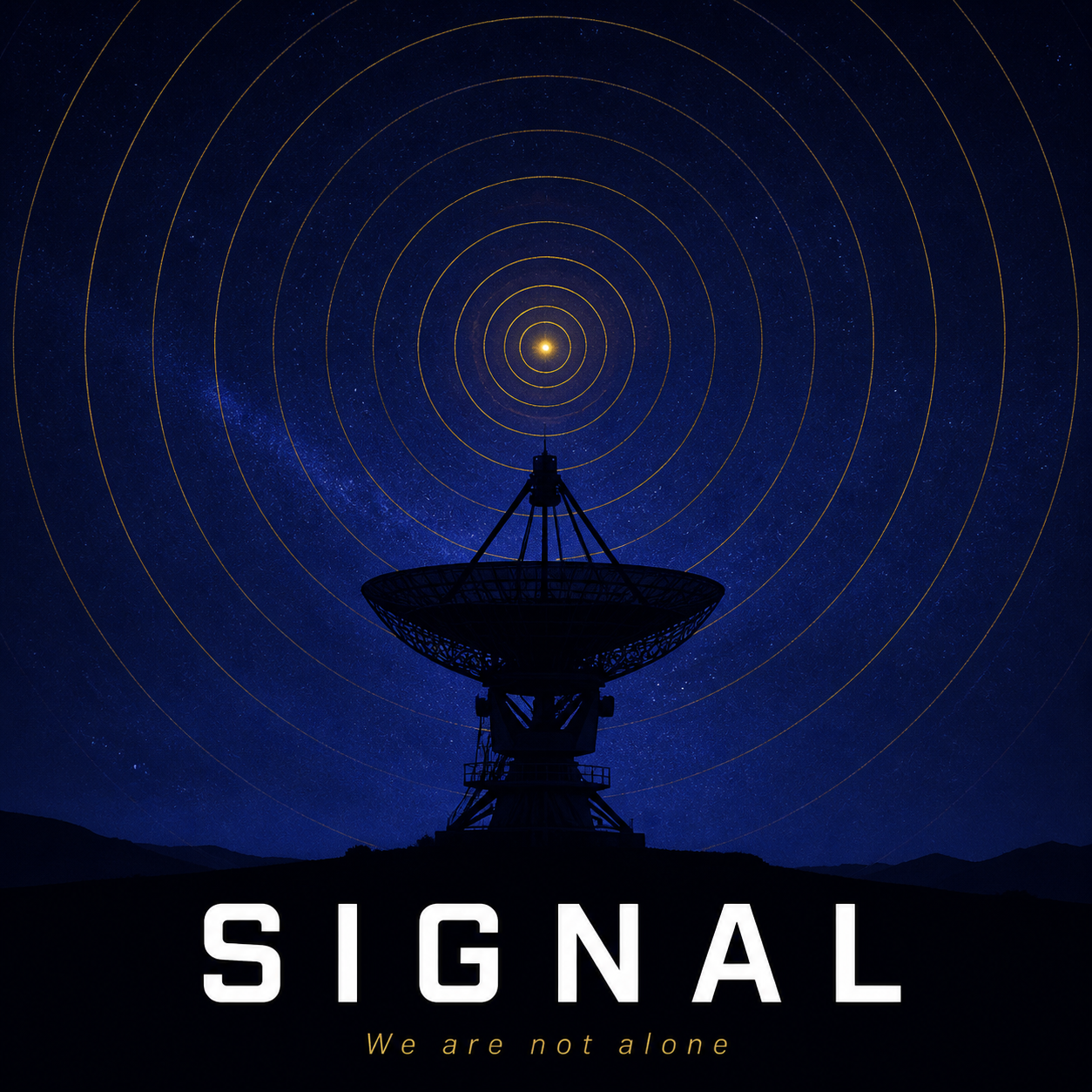
Carry AI book cover generator artwork into a finished design
Keep AI book cover generator concept approval separate from publication file preparation.
Check story and visual details
Inspect objects, clothing, buildings, and any historical cues against the manuscript. Remove invented details that imply a different genre or setting. The AI book cover generator should introduce your book accurately, even when the image is symbolic rather than a literal scene.
- Read the title and look at the artwork together before approval.
- Keep the selected AI book cover generator prompt with the manuscript brief.
Prepare the publication layout elsewhere
Take the approved front image into your design workflow for precise trim size, spine, back cover, and production requirements. The AI book cover generator does not supply a complete publishing template. Check the chosen printer or platform specifications when assembling the actual files.
Keep room for later revisions
Save the artwork before adding type and retain the original concept notes. A subtitle or format change may require another crop. Use the AI book cover generator to revise the scene deliberately rather than stretching a finished cover until its proportions become awkward.

Example prompts
A greenhouse mystery without spoilers
Create a 3:4 front-cover illustration for an original lighthearted mystery set in a neighborhood greenhouse. One small brass key rests on a cream potting bench, with a single trailing vine and softly suggested glass panes behind it. Curious, inviting atmosphere rather than horror; muted deep green, warm cream, and a restrained brass accent. Keep the upper third quiet for a title added separately and leave a calm lower edge for the author name. No embedded text, people, skulls, weapons, logos, border, or back-cover panel.
A coastal family novel
A vertical 3:4 literary front-cover concept: one weathered envelope on a pale windowsill, with a distant empty coastal house barely visible through a softly misted window. Quiet reflective mood, cool sea-gray tones balanced with warm paper, broad simple shapes, subtle painted texture. The envelope is the focal motif, not readable handwriting. Reserve generous quiet space above and below for separate typography. No title text, author name, recognizable branding, faces, dramatic storm, spine, or full-wrap publishing layout.
User reviews
EveryGen AI video creator feedback.
EveryGen AI creator reviews

I made a full character PV for my game with MiniMax H3 in one afternoon. The menu UI stayed readable in every frame and the character never went off-model. That used to cost me a contractor and three weeks.

We tested every AI video generator on the market for stylized work. H3 is the only one that held our anime style across cuts. We now use it for pitch reels and animatics on every project.

I uploaded four product photos and got a listing video with music and a voiceover the same day. My click-through rate on the new listings is up 38%. H3 even got the label text on my packaging right.

I ship five vertical videos a week for three brands. MiniMax H3 gets me from brief to draft in under an hour, with sound already synced. My old workflow needed a videographer and two review rounds.

The editing side is what sold me. A client wanted the background of an interview changed — I typed one sentence into MiniMax H3 and the lighting on the subject matched the new scene automatically.

I previsualized my entire short film in MiniMax H3 before we shot a single frame. Rack focus, match cuts, even the title cards — it understands director language, not just keywords.
EveryGen AI · MiniMax H3 Max Pricing and Credit Plans
Cancel anytime
Lite
50% off0.025 / credit
Billed $ yearly179· Save $179.8
Video Models


Image Models



- Includes MiniMax H3 and all premium models
- Up to 1 batch generation task
- Standard generation speed
- Standard generation success rate
- Standard customer support
- Commercial Use License
Standard
50% off0.017 / credit
Billed $ yearly299· Save $299.8
Video Models
Image Models
- Includes MiniMax H3 and all premium models
- Up to 4 batch generation tasks
- Priority processing speed
- High generation success rate
- Priority customer support
- Commercial Use License
Pro
50% off0.014 / credit
Billed $ yearly599· Save $599.8
Video Models
Image Models
- Includes MiniMax H3 and all premium models
- Up to 10 batch generation tasks
- Fastest generation speed
- High generation success rate
- Dedicated account manager
- Commercial Use License
Max
50% off0.012 / credit
Billed $ yearly1,199· Save $1,199.8
Video Models
Image Models
- Includes MiniMax H3 and all premium models
- Up to 10 batch generation tasks
- Fastest generation speed
- High generation success rate
- Dedicated account manager
- Commercial Use License
Pay safely and securely with
























FAQ
Frequently asked questions
Does the AI book cover generator create a print-ready full cover?
No. The AI book cover generator produces front-cover artwork concepts as JPEG images. Spine width, back-cover layout, precise dimensions, and production preparation remain separate tasks. Start with a visual direction, then assemble the complete publication file using the requirements of your chosen destination.
Should I ask it to include the title?
You can request lettering, but inspect it carefully. For dependable wording and later edits, use the AI book cover generator for text-free artwork and add typography separately. The image does not contain editable title, subtitle, or author-name layers.
Can I develop a cover from my own sketch?
Yes. Switch to GPT Image 2 image mode and upload your authorized drawing. Tell the AI book cover generator which shapes and spaces define the design, then describe the desired finish. Review the result because exact layout or line preservation is not guaranteed.
How do I make several covers feel related?
Keep a shared layout recipe for title placement, color relationships, and motif scale. Give each AI book cover generator request a different story-specific image. Compare the results together and revise inconsistencies rather than assuming separate generations automatically belong to one design system.
What resolution and ratio should I use?
Begin with 3:4 and 1K to explore the front-cover concept. The AI book cover generator supports other ratios and 2K or 4K through GPT Image 2. Choose final settings with your layout needs in mind and inspect the dynamic credits before submitting.
CTA
Give the AI book cover generator your story mood
Choose one motif, plan the title space, and explore a front-cover direction. Compare AI book cover generator candidates as thumbnails before preparing precise typography and the final publication layout.
Explore a book cover concept