 EveryGen AI
EveryGen AI · Nano Banana Pro for Detailed Briefs and Considered Image Editing
Build the picture around the details your project actually needs. Nano Banana Pro on H3 Max supports generating images from text and editing existing images, with 1K, 2K, and 4K selections. Use Nano Banana Pro for a structured visual concept, a carefully directed scene, or an image revision with clear priorities.
Image workspace
Sample Image
 3 / 30
Introduction
What Is Nano Banana Pro?
Nano Banana Pro is Google's Gemini 3 Pro Image model, with official interfaces for generating images and editing supplied images through written instructions.
The model identity behind Nano Banana Pro
The familiar name refers to Gemini 3 Pro Image, which is distinct from Gemini 3.1 Flash Image. Official model information positions Nano Banana Pro around detailed image creation and editing. Use that identity to choose the model, then let your own visual brief guide the work. Judge the resulting picture by its composition, accuracy, and usefulness for the specific assignment you are developing.
Creation and revision in H3 Max
Start Nano Banana Pro with a written scene when the image is new, or use editing when an existing picture supplies important visual context. H3 Max offers both workflows with 1K, 2K, and 4K output selections. Choose the setup around the intended destination, then use the prompt to define what matters inside the frame and what should stay outside it.

How to use
How to Use Nano Banana Pro on H3 Max
- PromptSTEP 1
Choose creation or an image edit
Select Nano Banana Pro. Start from text for a new picture, or provide an image when the assignment depends on an existing subject or composition.
- ModelNano Banana Pro1K1:1PromptSTEP 2
Write the hierarchy and details
Tell Nano Banana Pro which element should lead, what supporting material belongs in the frame, and which features must remain when editing. Keep important wording explicit.
- Detail
 STEP 3
Set output size and check credits
Choose 1K, 2K, or 4K for the Nano Banana Pro request. Review the visible configuration and credits before submitting the prompt and any required image input.
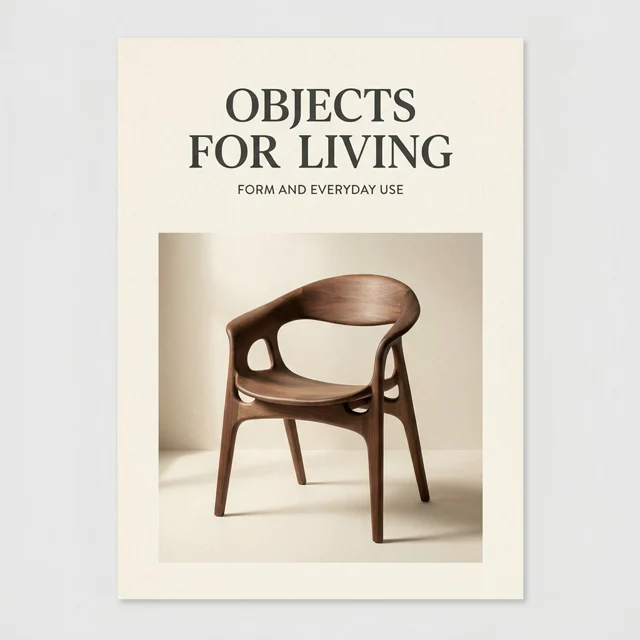
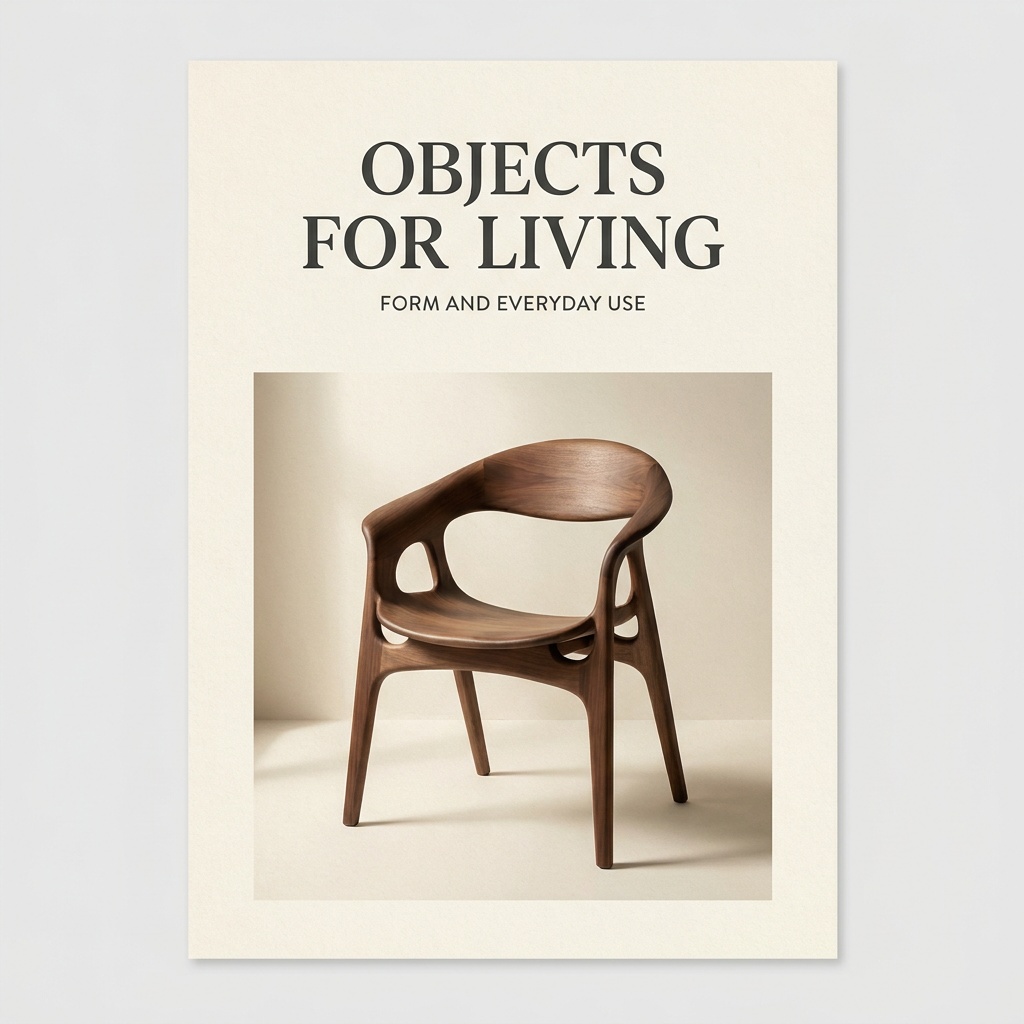
- Create a refined poster concept for a fictional furniture exhibition. Use the exact heading "OBJECTS FOR LIVING" above one sculptural wooden chair. Add only the smaller supporting line "FORM AND EVERYDAY USE" below the heading. Warm cream paper background, dark charcoal typography, soft side lighting, and generous margins. Give the chair a clear silhouette and keep the reading order obvious. No dates, prices, venue details, logos, or additional text.DownloadSTEP 4
Review the image in its destination
Inspect the Nano Banana Pro output for detail, typography, and reference accuracy. Place it into the intended layout, then define a specific revision only where it would help.
Features
Give Nano Banana Pro a Structured Visual Assignment
Use Nano Banana Pro to explore layouts with a clear reading order, a dominant subject, and deliberate supporting details.
Tell Nano Banana Pro which element leads
A poster concept might have one large title, a central illustration, and a small supporting line. Describe that hierarchy before adding decorative instructions. Ask Nano Banana Pro to keep the secondary material quieter than the main message. For a complicated composition, decide what can be removed. A successful hierarchy should still be visible when the image is reduced to its intended viewing size.
Keep information precise and manageable
Provide exact wording for any short text that belongs inside the picture, and explain its location. Nano Banana Pro should not be asked to invent factual labels, measurements, or event details for a real assignment. Supply approved information and proofread the result. When the layout needs extensive copy or later text changes, create the artwork first and finish typography in a design editor.
Use Nano Banana Pro for Reference Based Revisions
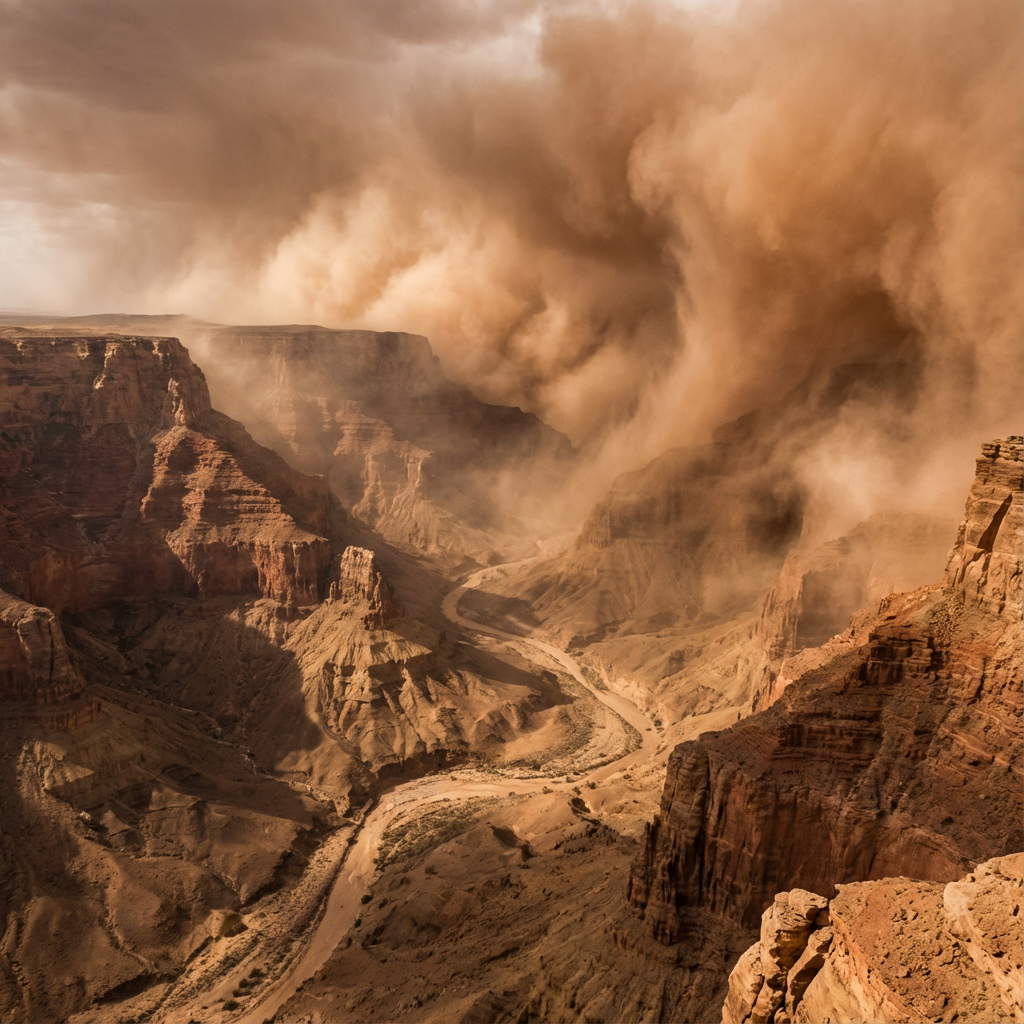
An input image gives Nano Banana Pro editing a visual starting point, while your instruction explains the change you want to make.
Anchor Nano Banana Pro edits to a clear source
Choose a source with a visible subject and enough detail to judge the result. Ask for a specific revision, such as simplifying the setting around a chair while retaining its silhouette and fabric. Tell Nano Banana Pro what must remain recognizable. Avoid asking for a new perspective, new lighting, new materials, and a new setting simultaneously when only the background was a problem.
Check the full image after a local request
Review the Nano Banana Pro edit beyond the area you mentioned. Seams, repeated patterns, facial details, and object edges may need attention even when the requested change looks convincing. Keep an approved source or earlier result available for comparison. Preservation instructions express your intent, but inspection determines whether the image is actually suitable for the next stage of the project.
Develop Product Scene Concepts with Nano Banana Pro
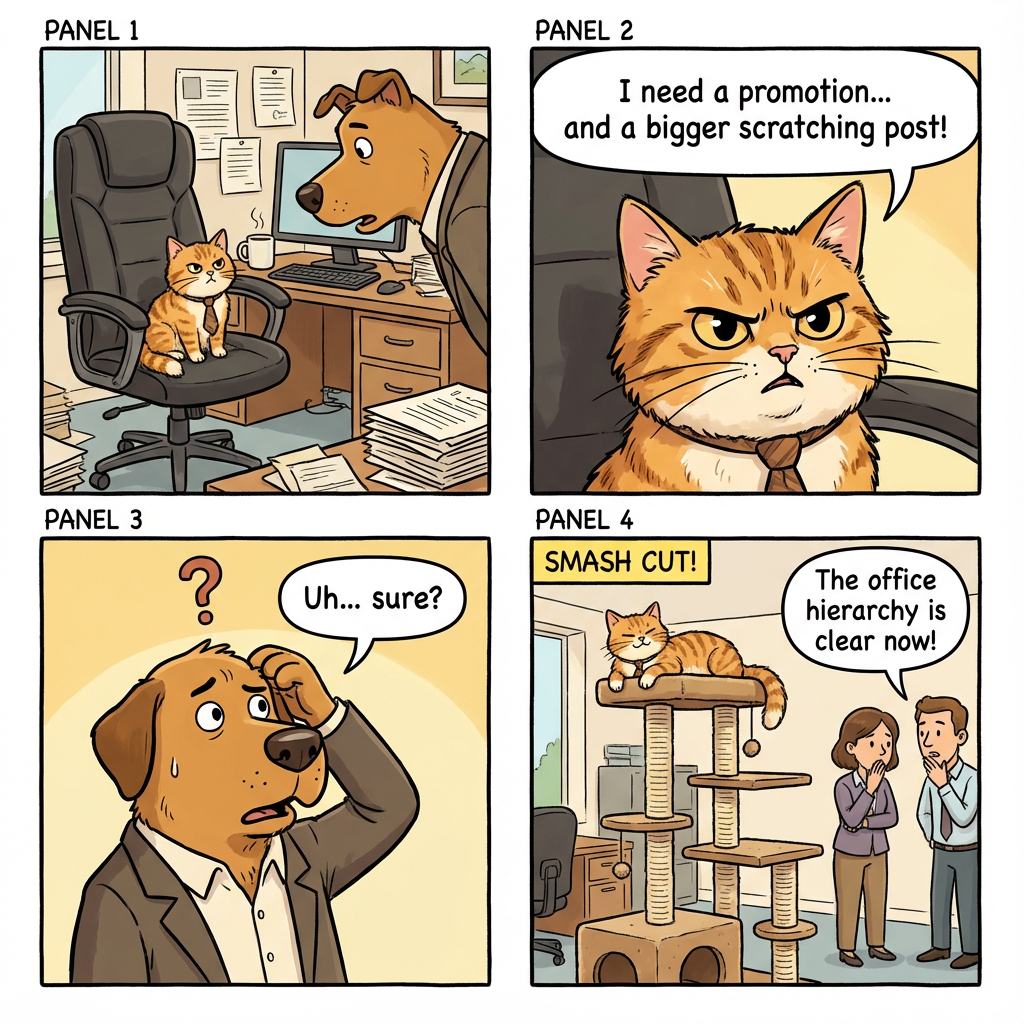
Ask Nano Banana Pro for a setting that explains the subject, instead of surrounding it with decoration that obscures what matters.
Make context support the object
A reading light can be presented beside a closed book; a watering can can sit near one young plant. Give Nano Banana Pro a scene in which the supporting objects clarify scale or use without taking attention away. Specify the viewing angle and space around the main item. Review whether the composition communicates the intended idea without needing a long explanation beneath it.
Protect the distinction between a concept and a real item
For an actual product, use authorized source material and inspect any Nano Banana Pro edits against it. Confirm that closures, labels, construction, and proportions still represent the item accurately. An invented scene should not suggest a capability the product does not have. Use imaginative visual treatments for concept exploration, while keeping representations of real merchandise tied to verifiable product details.
Choose Nano Banana Pro Resolution with the Layout in Mind
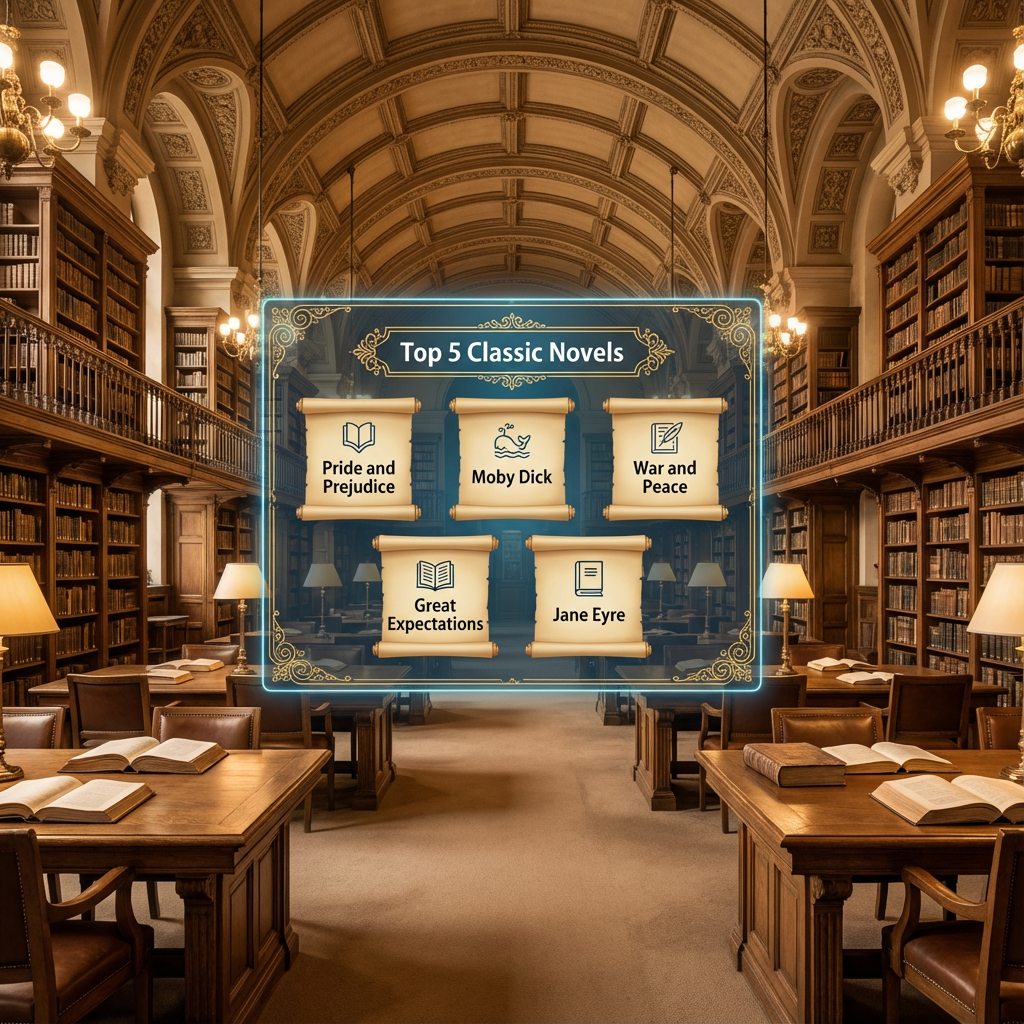
Nano Banana Pro on H3 Max offers 1K, 2K, and 4K selections, allowing you to consider output size alongside the creative brief.
Plan the Nano Banana Pro file around its destination
Think about whether the image will become a compact website visual, a presentation centerpiece, or part of a larger design. Select the output size that makes sense for that use, then check the displayed credits. A Nano Banana Pro resolution choice should be deliberate. It is not a reason to add unnecessary detail or postpone solving a weak composition until later.
Review enlarged details without losing the whole picture
Inspect small features closely, then step back to judge the overall composition. A larger Nano Banana Pro output may make a strange contour or repeated pattern easier to notice, but size itself does not fix those issues. If you make another request, compare the complete result again. Do not assume a new generation preserves every decision from the previous picture.
Take Nano Banana Pro Artwork into a Finished Design
Use Nano Banana Pro to develop the visual material while keeping final layout decisions and factual checks connected to your project.
Leave a deliberate place for the message
A useful Nano Banana Pro brief can describe a quiet wall, open sky, or uncluttered tabletop where later copy will sit. Specify which part of the frame needs that breathing space. Add final typography and approved branding in your design application when exact placement matters. The generated image then serves the layout instead of forcing every surrounding element to accommodate an accidental composition.
Approve Nano Banana Pro output against a checklist
Check the main subject, visual hierarchy, spelling, reference accuracy, and fit within the intended design. Look for contradictory shadows or details that do not belong to the scene. Keep the chosen Nano Banana Pro file separate from exploratory versions, with the relevant brief available for later revisions. Completion means the asset meets its purpose, not simply that a generation request has returned.
Example prompts
Text to image: a fictional furniture exhibition poster
Create a refined poster concept for a fictional furniture exhibition. Use the exact heading "OBJECTS FOR LIVING" above one sculptural wooden chair. Add only the smaller supporting line "FORM AND EVERYDAY USE" below the heading. Warm cream paper background, dark charcoal typography, soft side lighting, and generous margins. Give the chair a clear silhouette and keep the reading order obvious. No dates, prices, venue details, logos, or additional text.
Image edit: simplify the setting around a chair
Use the uploaded chair photograph as the source. Replace the surrounding room with a restrained interior featuring a warm plaster wall and a pale wooden floor. Aim to retain the chair silhouette, leg structure, upholstery texture, seams, color, and camera perspective. Keep a plausible contact shadow beneath each leg. Do not add cushions, change the construction, introduce branding, or place objects across the chair.
Text to image: a reading light in context
Create an original product scene concept showing a compact brushed-metal reading light beside a closed blue book on a simple oak desk. The light has a rounded shade and a stable circular base. Use a calm evening atmosphere with a soft pool of warm light, while retaining enough ambient illumination to see the desk. Leave the left side quiet for later copy. No logos, people, visible text, or excessive accessories.
User reviews
EveryGen AI video creator feedback.
EveryGen AI creator reviews

I made a full character PV for my game with MiniMax H3 in one afternoon. The menu UI stayed readable in every frame and the character never went off-model. That used to cost me a contractor and three weeks.

We tested every AI video generator on the market for stylized work. H3 is the only one that held our anime style across cuts. We now use it for pitch reels and animatics on every project.

I uploaded four product photos and got a listing video with music and a voiceover the same day. My click-through rate on the new listings is up 38%. H3 even got the label text on my packaging right.

I ship five vertical videos a week for three brands. MiniMax H3 gets me from brief to draft in under an hour, with sound already synced. My old workflow needed a videographer and two review rounds.

The editing side is what sold me. A client wanted the background of an interview changed — I typed one sentence into MiniMax H3 and the lighting on the subject matched the new scene automatically.

I previsualized my entire short film in MiniMax H3 before we shot a single frame. Rack focus, match cuts, even the title cards — it understands director language, not just keywords.
EveryGen AI · MiniMax H3 Max Pricing and Credit Plans
Cancel anytime
Lite
50% off0.025 / credit
Billed $ yearly179· Save $179.8
Video Models


Image Models



- Includes MiniMax H3 and all premium models
- Up to 1 batch generation task
- Standard generation speed
- Standard generation success rate
- Standard customer support
- Commercial Use License
Standard
50% off0.017 / credit
Billed $ yearly299· Save $299.8
Video Models
Image Models
- Includes MiniMax H3 and all premium models
- Up to 4 batch generation tasks
- Priority processing speed
- High generation success rate
- Priority customer support
- Commercial Use License
Pro
50% off0.014 / credit
Billed $ yearly599· Save $599.8
Video Models
Image Models
- Includes MiniMax H3 and all premium models
- Up to 10 batch generation tasks
- Fastest generation speed
- High generation success rate
- Dedicated account manager
- Commercial Use License
Max
50% off0.012 / credit
Billed $ yearly1,199· Save $1,199.8
Video Models
Image Models
- Includes MiniMax H3 and all premium models
- Up to 10 batch generation tasks
- Fastest generation speed
- High generation success rate
- Dedicated account manager
- Commercial Use License
Pay safely and securely with














FAQ
Frequently asked questions
Which Google model does Nano Banana Pro refer to?
It refers to Gemini 3 Pro Image. The name identifies a particular image generation and editing model, distinct from the Gemini 3.1 Flash Image model.
Can Nano Banana Pro create an image without a reference?
Yes. Text based creation begins with a written prompt. Describe the subject, composition, visual treatment, and intended use, then evaluate the output against that brief.
Does Nano Banana Pro support editing on H3 Max?
Yes. Provide the relevant source image and explain the revision. Name the features you want retained and inspect the full result rather than assuming exact preservation.
Which Nano Banana Pro output sizes are available?
H3 Max offers 1K, 2K, and 4K selections. Choose around your intended use and inspect the final image at both a close view and its actual display size.
Can Nano Banana Pro produce a poster with text?
You can request short wording and a visual hierarchy in the prompt. Proofread every character and add critical copy separately when precise text or later editing is required.
Is Nano Banana Pro output automatically ready for print?
No automatic print readiness is promised. Check the file against your intended dimensions and production requirements, then prepare the final layout in the appropriate design workflow.
Where should I check Nano Banana Pro credits?
Review the amount shown in the H3 Max workspace for the current request. Check it again after changing output settings or before submitting a further revision.
CTA
Give Nano Banana Pro a Detailed, Useful Brief
Choose your starting image or describe a new scene, select the output size, and check the displayed credits. Begin a Nano Banana Pro request on H3 Max with a clear purpose and a considered review process.
Create with Nano Banana Pro