 EveryGen AI
EveryGen AI · Nano Banana 2 Lite for Ideas That Start with Words
Describe the picture you want without preparing an image input. Nano Banana 2 Lite on H3 Max offers a text-only creation workflow at fixed 1K output. Use Nano Banana 2 Lite to explore a visual concept, establish a color direction, or make an illustration draft from a clear written brief.
Image workspace
Sample Image
 2 / 30
Introduction
What Is Nano Banana 2 Lite?
Nano Banana 2 Lite is a Google image model offered through a text to image interface that takes a written prompt and returns images.
The verified Nano Banana 2 Lite starting point
The interface used here is for creating an image from text. Nano Banana 2 Lite on H3 Max does not offer an image editing workflow, and it should not be treated as a tool for modifying an uploaded photograph. Start by describing the subject and scene in words. The output is a new interpretation of that description, not a revision anchored to your existing picture.
A deliberately bounded workspace
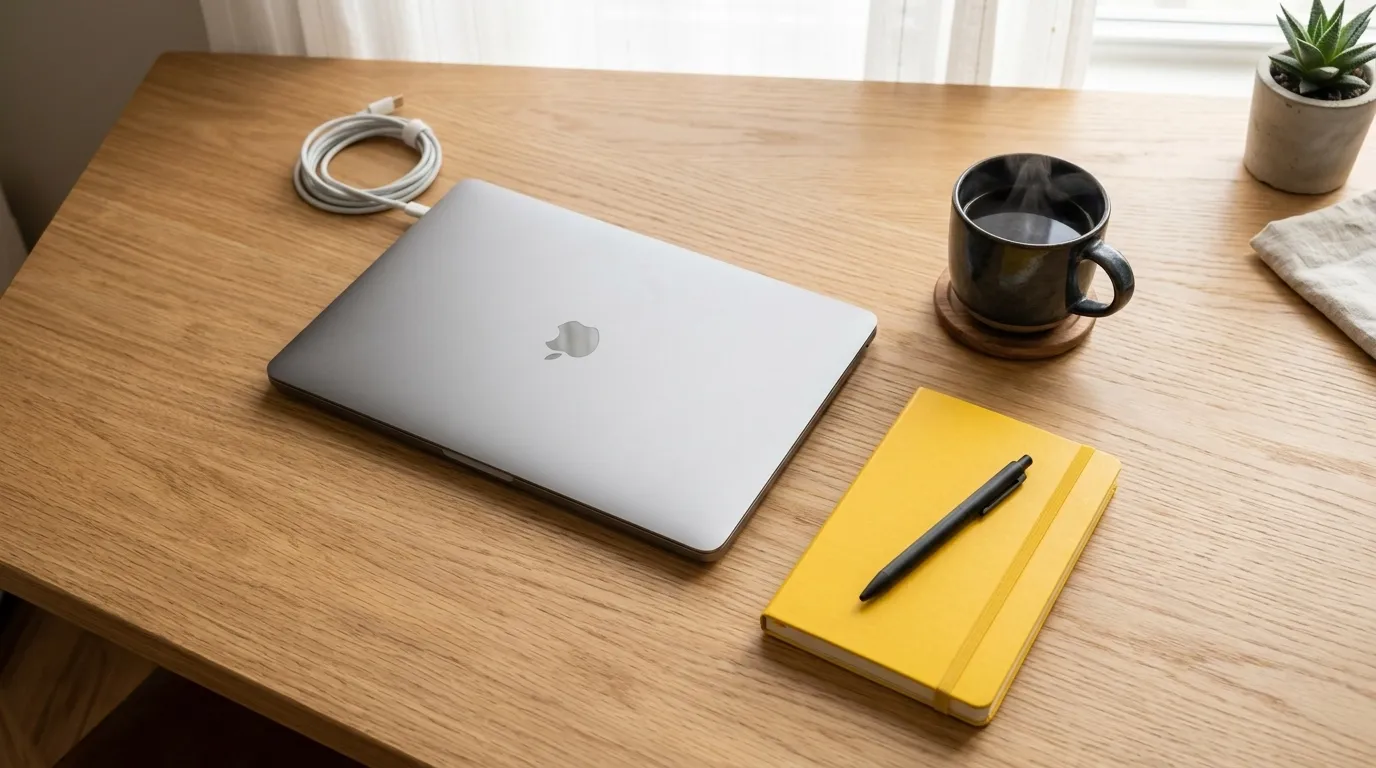
H3 Max runs Nano Banana 2 Lite at fixed 1K output. This gives the workflow a clear scope: text in, a generated image out, with the displayed credits available before submission. There is no need to prepare reference uploads for this model. Put the information that matters into the brief, then judge whether the resulting composition communicates the idea you intended.
How to use
How to Use Nano Banana 2 Lite
- PromptSTEP 1
Select the text workflow
Choose Nano Banana 2 Lite in H3 Max. This model starts from a written prompt, so do not prepare an image upload or an editing request.
- ModelNano Banana 2 Lite1K1:1PromptSTEP 2
Describe one coherent picture
Tell Nano Banana 2 Lite the subject, setting, viewpoint, palette, and visual treatment. Include anything to leave out and any quiet space the composition needs.
- Detail
 STEP 3
Check the fixed setup and credits
Review the Nano Banana 2 Lite fixed 1K configuration and the credits shown for your request. Submit when the prompt describes the picture you actually need.
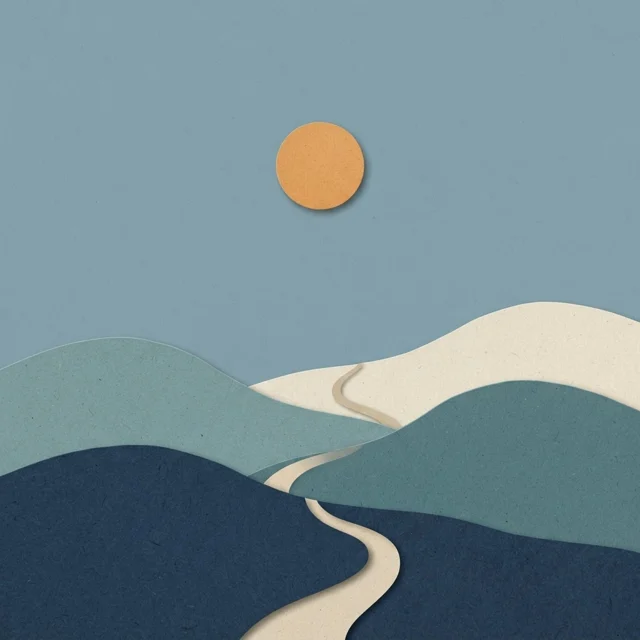
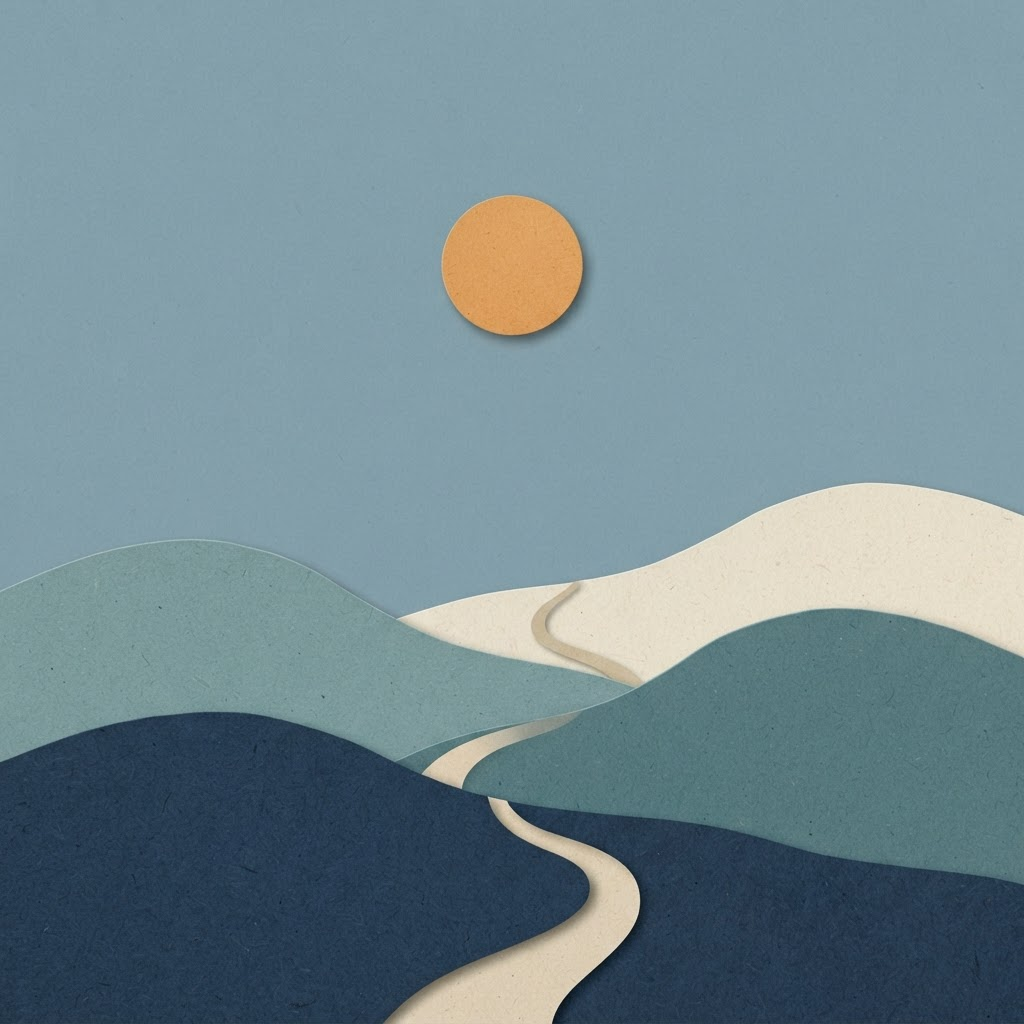
- Create a landscape illustration made from visible layers of cut paper. Show three rounded hills, a small winding path, and a single orange sun against a muted blue sky. Use cream, dusty teal, and deep navy for the paper layers, with soft shadows revealing their edges. Leave generous quiet sky above the hills. No people, buildings, written words, logos, or intricate decoration.DownloadSTEP 4
Review or try a new direction
Inspect the Nano Banana 2 Lite output at its intended size. To explore another direction, revise the words and make a new generation request rather than expecting image editing.
Features
Give Nano Banana 2 Lite a Complete Written Brief
Because the Nano Banana 2 Lite workflow begins with words, make the essential visual information explicit rather than leaving it implied.
Tell Nano Banana 2 Lite what the scene contains
Begin with one main subject and a location within the composition. A red watering can on a pale garden bench is more concrete than a request for something cheerful. Tell Nano Banana 2 Lite what belongs nearby, where the light comes from, and which details should be omitted. Each sentence should help describe the same picture instead of introducing a separate creative direction.
Translate mood into visible choices
Words such as calm, playful, or dramatic become more useful when you explain their visual meaning. For a calm image, ask Nano Banana 2 Lite for generous spacing, a limited palette, and gentle contrasts. For playful artwork, describe rounded forms and an unexpected arrangement. These are directions to interpret, not preset buttons, so review the output against the choices you actually requested.
Plan Nano Banana 2 Lite Images for 1K Clarity
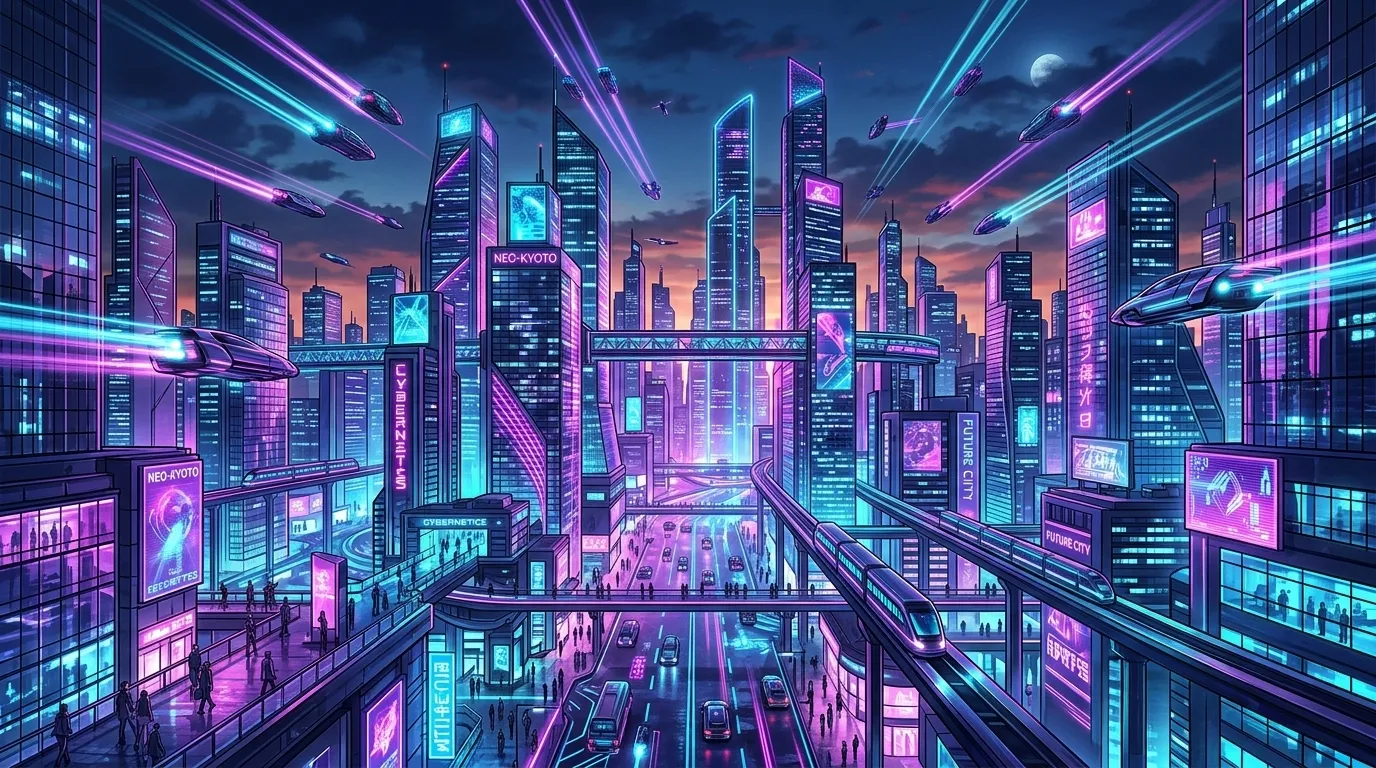
Keep the Nano Banana 2 Lite fixed 1K workflow in mind when deciding how much detail the picture needs to communicate.
Give Nano Banana 2 Lite a readable silhouette
A simple main shape is useful when an image will appear in a small card or compact presentation area. Ask Nano Banana 2 Lite for a recognizable subject and enough contrast to separate it from the background. Avoid hiding the central idea inside a crowd of similar objects. Check the result at the size you intend to use, not only in a large preview.
Reserve fine detail for a clear purpose
Tiny lettering and intricate repeated patterns require especially careful inspection. Rather than filling the Nano Banana 2 Lite frame with detail, decide which texture or small feature actually supports the idea. A few visible paper fibers can suggest a handmade illustration without covering every surface. Keep essential information in readable layout text outside the picture when it would otherwise become too small.
Explore Visual Treatments with Nano Banana 2 Lite
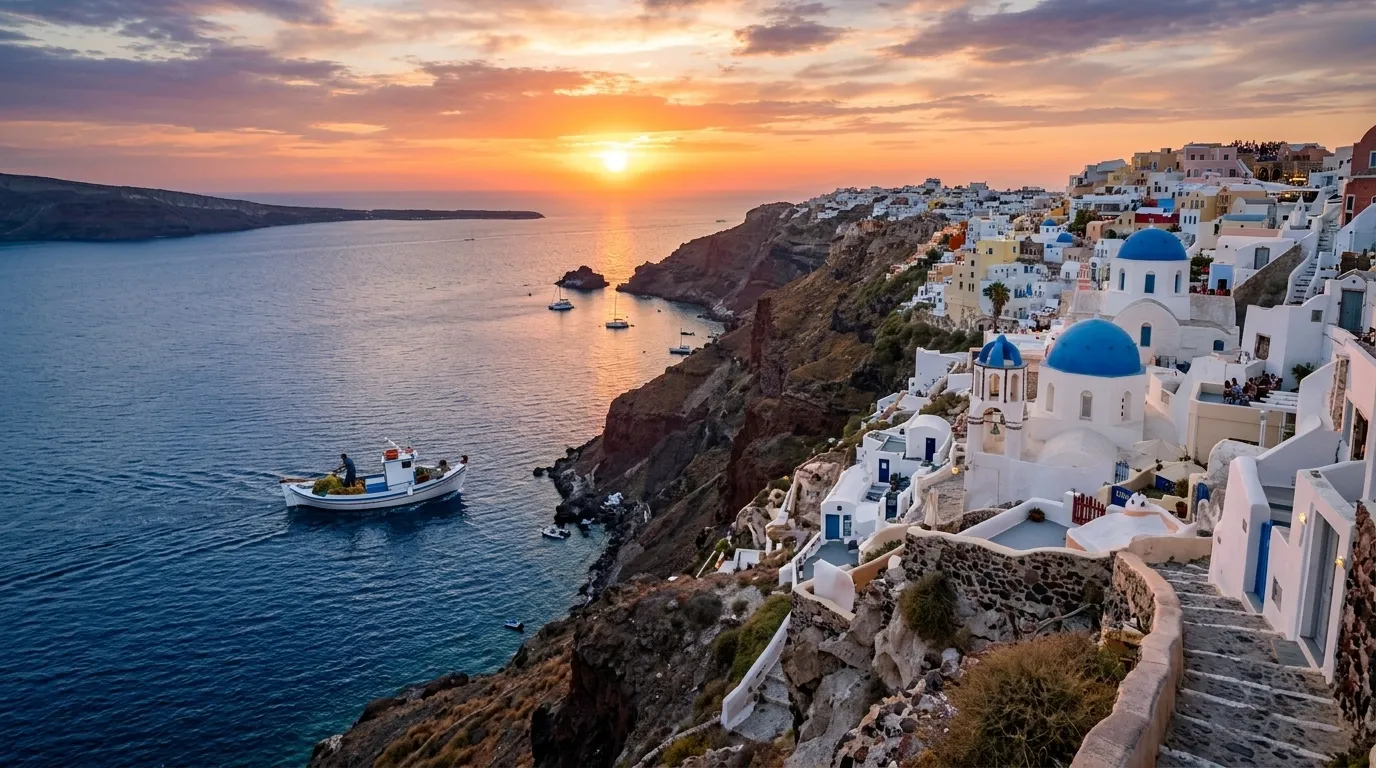
Nano Banana 2 Lite can take descriptive style instructions as part of the same text prompt that defines your subject.
Choose a medium with visible characteristics
Specify layered paper shapes, soft painted edges, or clean geometric forms instead of relying only on a broad style label. Give Nano Banana 2 Lite an account of the visible surfaces and edges you want. For a landscape concept, explain whether the hills should look like cut paper or brushed pigment. Keep that treatment consistent across the major objects in the scene.
Use color to establish the direction
Name a small palette and explain which color belongs to the main subject. Ask Nano Banana 2 Lite for muted blue surroundings with one warm orange focal point, for example. The relationship matters more than a long list of color names. Compare outputs for balance and legibility, and revise the wording when the accent overwhelms the image or disappears into its background.
Test Different Briefs with Nano Banana 2 Lite
Develop an idea through separate Nano Banana 2 Lite text requests, changing the description rather than treating the previous output as an editable input.
Change one written decision at a time
Keep the main subject and palette constant while trying a different viewpoint, or keep the viewpoint while simplifying the background. A new Nano Banana 2 Lite request produces a new image, so other details may vary too. Treat this as concept exploration rather than exact before and after editing. Record the prompt changes so you can explain why one direction feels more useful.
Make Nano Banana 2 Lite alternatives comparable
Decide whether you are comparing mood, composition, or subject treatment before submitting another brief. When you ask Nano Banana 2 Lite for entirely different scenes, it becomes harder to identify which change helped. Keep a copy of each useful prompt alongside your chosen output. Carry the important visual instructions into each new prompt; earlier output details should not be assumed to carry over.
Create Layout Foundations with Nano Banana 2 Lite
Use Nano Banana 2 Lite to develop the artwork around a message while reserving exact typography and alignment for your design application.
Leave room around Nano Banana 2 Lite artwork
Describe a quiet region where a headline, caption, or interface element will later appear. That might be plain sky above a landscape or a clear wall beside an illustrated object. Tell Nano Banana 2 Lite where the busy part of the picture belongs. Evaluate the actual result in your layout rather than assuming a request for empty space will place it perfectly.
Keep fictional imagery honest about its purpose
A text-generated product scene is an invented visual concept, not documentation of a real item. Use Nano Banana 2 Lite for mood studies, illustrative settings, or fictional objects when that fits the assignment. Do not rely on a written description to reproduce exact packaging or construction. Check the image for accidental marks, misleading details, and anything that could confuse the intended message.
Example prompts
Text to image: layered paper landscape
Create a landscape illustration made from visible layers of cut paper. Show three rounded hills, a small winding path, and a single orange sun against a muted blue sky. Use cream, dusty teal, and deep navy for the paper layers, with soft shadows revealing their edges. Leave generous quiet sky above the hills. No people, buildings, written words, logos, or intricate decoration.
Text to image: a cheerful gardening card
Create a simple editorial illustration of one red watering can on a pale wooden garden bench. Place a small green seedling beside it and keep the background warm cream. Rounded geometric shapes, gentle shadows, a limited palette, and a clearly readable main silhouette. Keep the image uncluttered so it works at a small display size. No visible lettering, labels, brand marks, or additional tools.
Text to image: a fictional story cover concept
Create a vertical illustrated cover concept for a fictional story about a quiet coastal town. Show a small white house on a blue headland, one winding path, and soft clouds above a calm sea. Use textured painted shapes and a restrained blue, cream, and ochre palette. Leave the upper portion visually quiet for a title added later. Include no lettering, logos, real landmarks, or detailed map elements.
User reviews
EveryGen AI video creator feedback.
EveryGen AI creator reviews
I made a full character PV for my game with MiniMax H3 in one afternoon. The menu UI stayed readable in every frame and the character never went off-model. That used to cost me a contractor and three weeks.

We tested every AI video generator on the market for stylized work. H3 is the only one that held our anime style across cuts. We now use it for pitch reels and animatics on every project.

I uploaded four product photos and got a listing video with music and a voiceover the same day. My click-through rate on the new listings is up 38%. H3 even got the label text on my packaging right.

I ship five vertical videos a week for three brands. MiniMax H3 gets me from brief to draft in under an hour, with sound already synced. My old workflow needed a videographer and two review rounds.

The editing side is what sold me. A client wanted the background of an interview changed — I typed one sentence into MiniMax H3 and the lighting on the subject matched the new scene automatically.

I previsualized my entire short film in MiniMax H3 before we shot a single frame. Rack focus, match cuts, even the title cards — it understands director language, not just keywords.
EveryGen AI · MiniMax H3 Max Pricing and Credit Plans
Cancel anytime
Lite
50% off0.025 / credit
Billed $ yearly179· Save $179.8
Video Models


Image Models


- Includes MiniMax H3 and all premium models
- Up to 1 batch generation task
- Standard generation speed
- Standard generation success rate
- Standard customer support
- Commercial Use License
Standard
50% off0.017 / credit
Billed $ yearly299· Save $299.8
Video Models
Image Models
- Includes MiniMax H3 and all premium models
- Up to 4 batch generation tasks
- Priority processing speed
- High generation success rate
- Priority customer support
- Commercial Use License
Pro
50% off0.014 / credit
Billed $ yearly599· Save $599.8
Video Models
Image Models
- Includes MiniMax H3 and all premium models
- Up to 10 batch generation tasks
- Fastest generation speed
- High generation success rate
- Dedicated account manager
- Commercial Use License
Max
50% off0.012 / credit
Billed $ yearly1,199· Save $1,199.8
Video Models
Image Models
- Includes MiniMax H3 and all premium models
- Up to 10 batch generation tasks
- Fastest generation speed
- High generation success rate
- Dedicated account manager
- Commercial Use License
Pay safely and securely with











FAQ
Frequently asked questions
Can Nano Banana 2 Lite edit an uploaded image here?
No. This H3 Max workflow is text to image only. It does not accept an existing picture as the basis for an editing request.
Does Nano Banana 2 Lite offer 2K or 4K output?
This workspace uses fixed 1K output for this model. Plan the image around that configuration rather than expecting a higher resolution option or automatic enlargement.
How do I revise a Nano Banana 2 Lite result?
Change the written prompt and submit a new text-based request. The next result is a new interpretation, not a precise edit of the earlier image.
Can Nano Banana 2 Lite recreate my product exactly?
A written prompt alone should not be treated as a guarantee of exact product reproduction. Use this workflow for concepts and inspect any output before associating it with a real item.
Is Nano Banana 2 Lite guaranteed to finish immediately?
No fixed completion time is promised here. Review the request status in the workspace and assess the returned image instead of planning around an assumed instant result.
Can Nano Banana 2 Lite include visible lettering?
You can describe short wording in the prompt, but proofread the result. Reserve important copy for your design editor when spelling, spacing, and later editing must remain under direct control.
Where are Nano Banana 2 Lite credits displayed?
Check the current amount in the H3 Max workspace before submitting. Each new request should be reviewed on its own, including another attempt with revised wording.
CTA
Put a Clear Idea into Nano Banana 2 Lite
Write the subject, setting, and visual treatment you want, then check the displayed credits. Open Nano Banana 2 Lite on H3 Max for a text-only, fixed 1K starting point for your next image concept.
Start from a Text Prompt