 EveryGen AI
EveryGen AI · AI tattoo generator for a personal design direction
Develop artwork to discuss with your tattoo artist. The EveryGen AI AI tattoo generator explores motifs, contours, negative space, and visual flow. Begin with GPT Image 2 text mode at 3:4 and 1K. Use the AI tattoo generator to clarify your preferences before your artist redraws and assesses the design for its intended placement.
Image workspace
Sample Image
 28 / 30
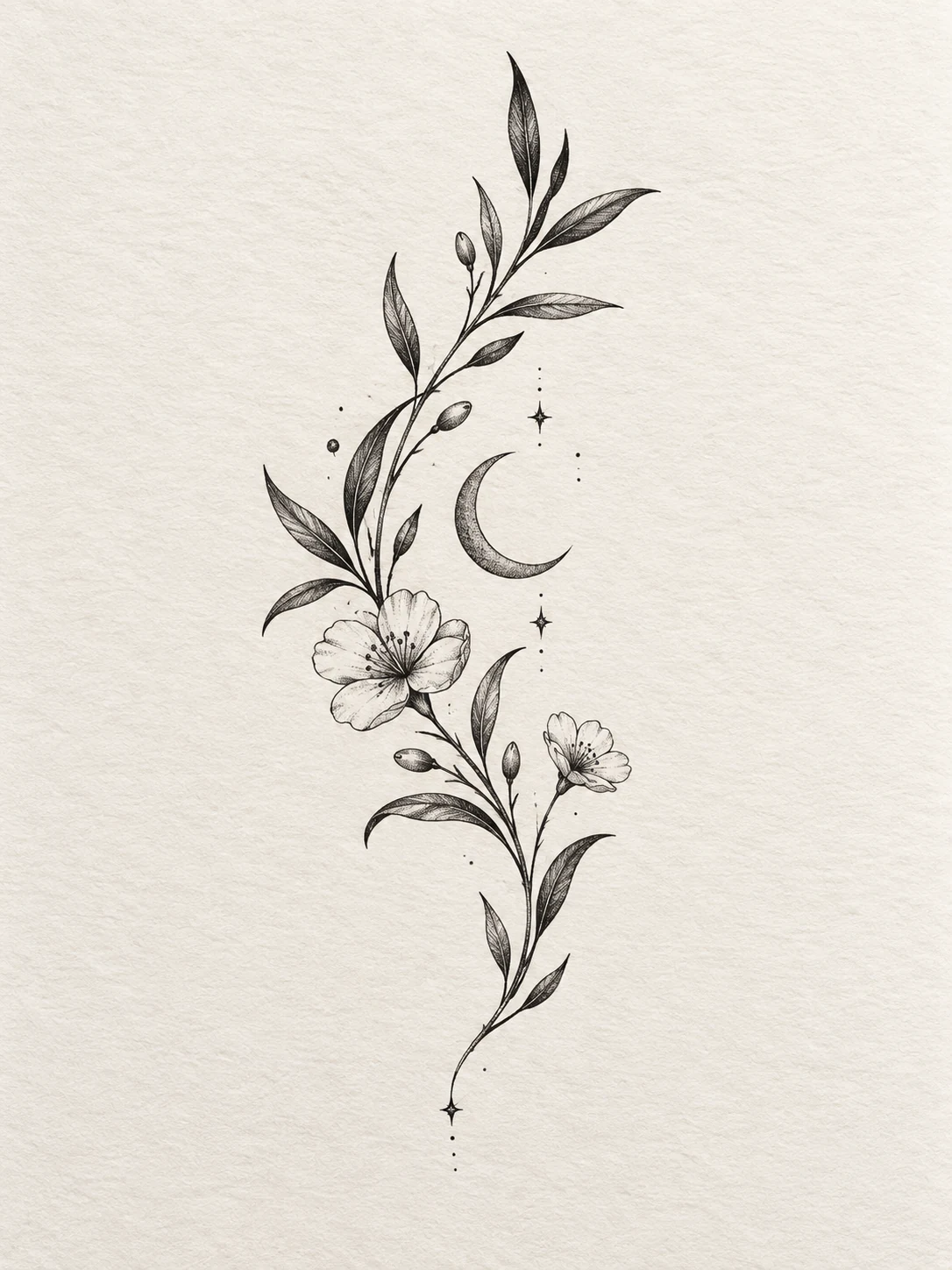
AI-generated botanical tattoo concept for design discussion.
Introduction
Give the AI tattoo generator a meaningful motif
Give the AI tattoo generator a focused visual idea rather than a crowded collection of unrelated symbols.
Translate meaning into visible form
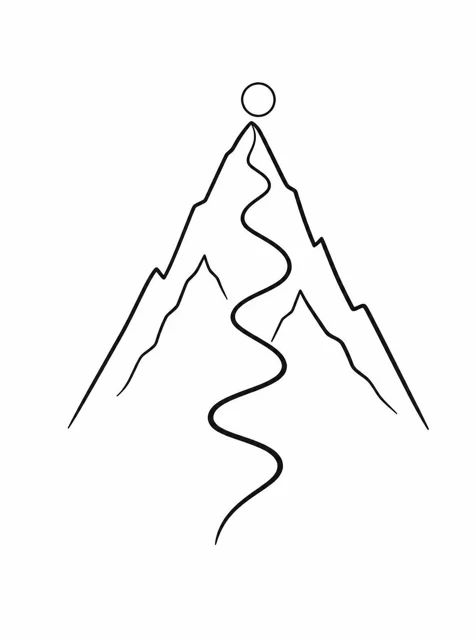
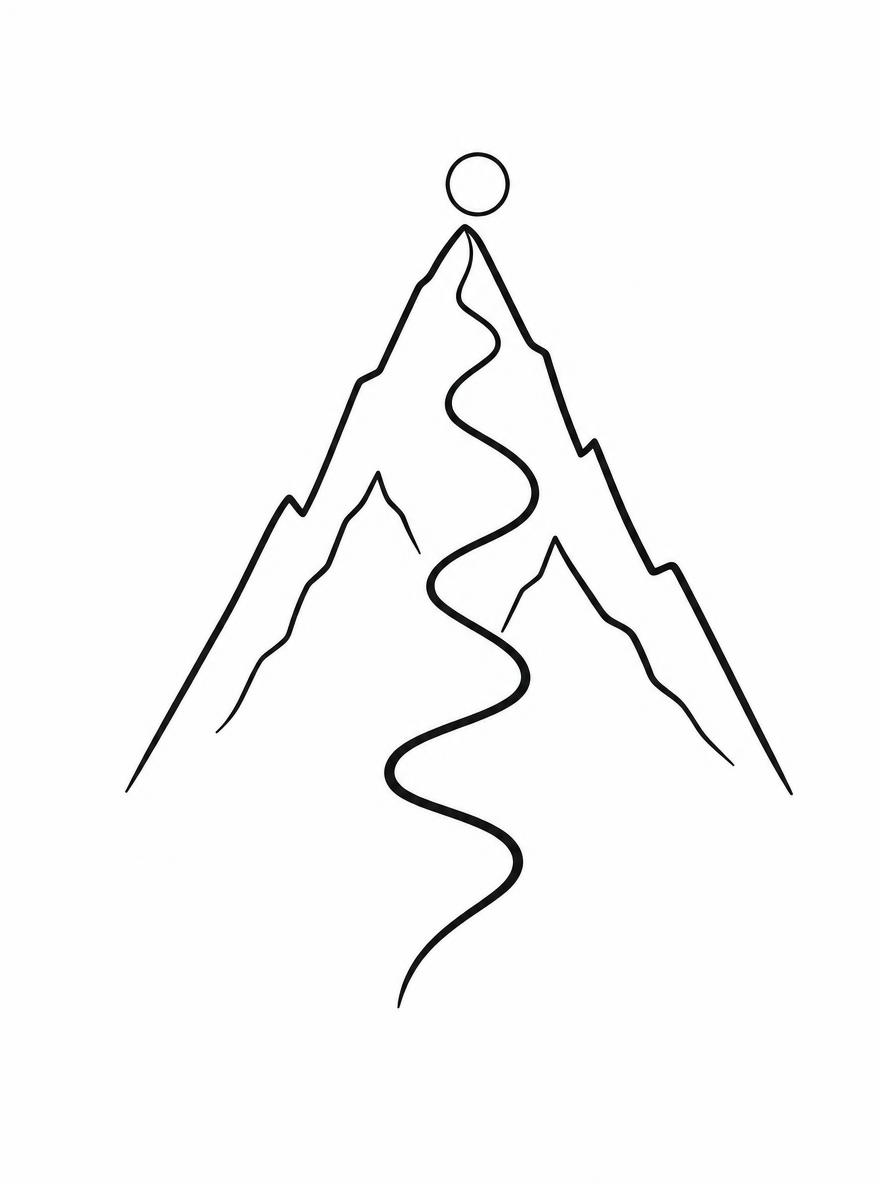
For a theme of finding your way, try a winding path inside a simple mountain outline rather than several unrelated travel symbols. Give the AI tattoo generator one main motif and a relationship. This makes the design easier to discuss and refine with an artist.
- Describe the idea in plain language before choosing decoration.
- Keep the AI tattoo generator motif focused on that meaning.
Choose the supporting element carefully
A small leaf, star, or line of water can reinforce the main image without taking over. Tell the AI tattoo generator which element is primary. If every symbol needs equal attention, consider separate concepts instead of forcing all of them into one design.
Be specific about visual style
Describe bold outlines, open blackwork, soft illustrative shading, or restrained geometric construction. Give the AI tattoo generator visible characteristics rather than a string of broad style names. Compare how those characteristics support the motif instead of selecting only the most detailed image.
How to use
How to use the AI tattoo generator
- PromptSTEP 1
Describe your motif
Select GPT Image 2 text mode in the AI tattoo generator and describe one meaningful motif with a simple supporting element.
- ModelGPT Image 21K3:4PromptSTEP 2
Shape the design
Direct the AI tattoo generator toward clear line hierarchy, generous negative space, and an elongated or rounded composition suited to discussion.
- Detail
 STEP 3
Create a concept
Choose portrait framing and 1K in the AI tattoo generator, review the displayed credits, and generate the artwork on plain paper.
- Create an original tattoo concept on a plain white background: a simple mountain outline containing one winding path that rises toward a small open circle. Portrait 3:4 composition, clear upward movement, restrained black linework with a slightly stronger outer contour, generous negative space, no dense texture. Keep intersections clean and the motif readable as a small composition. No lettering, dates, extra travel symbols, decorative frame, skin mockup, stencil labels, or imitation of a named artist’s work.DownloadSTEP 4
Discuss with your artist
Review AI tattoo generator details at the intended size, then bring the concept to a tattoo artist for adaptation and redrawing.
Features
Shape the outline with the AI tattoo generator
Ask the AI tattoo generator for a clear contour whose main movement supports the intended composition.
Choose a directional gesture
A rising branch, a curled wave, and a centered emblem each move differently. Tell the AI tattoo generator whether the design should feel vertical, circular, or gently diagonal. This gives you a compositional principle for deciding where smaller elements belong.
- Keep the main movement visible without decorative shading.
- Check the AI tattoo generator outline as a simple silhouette.
Make line hierarchy intentional
Use a stronger outer contour with quieter internal marks, or choose a consistently restrained line direction. The AI tattoo generator can explore both approaches. Look for accidental thick patches and broken joins that distract from the rhythm rather than treating every irregularity as character.
Simplify intersections
Where stems, feathers, ribbons, or geometric lines meet, ask for clear separations. The AI tattoo generator may create knots of detail that are difficult to interpret. A cleaner intersection can make the concept more useful than adding extra texture around a confusing junction.
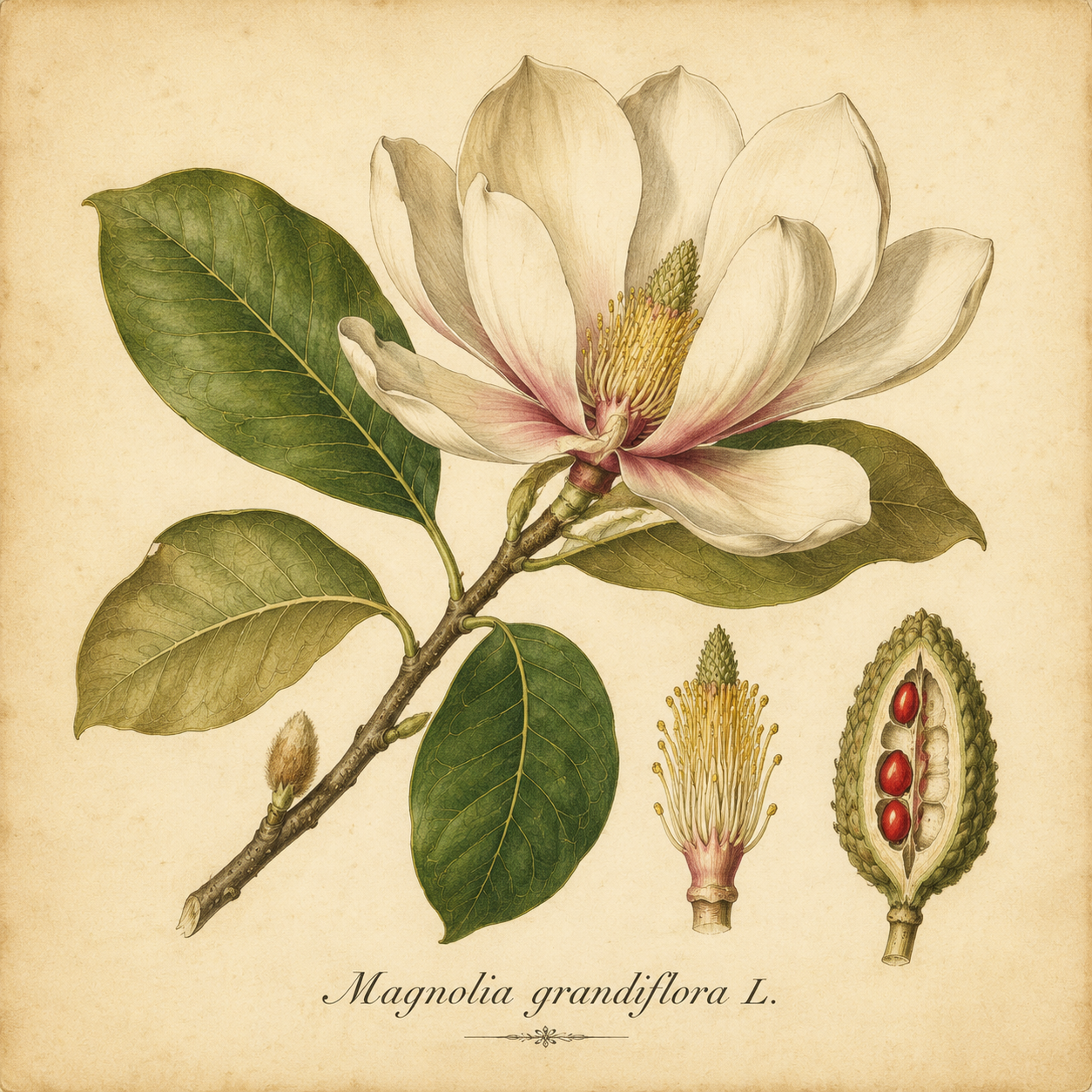
Reserve negative space in the AI tattoo generator
Give the AI tattoo generator deliberate breathing room between shapes so the drawing remains understandable when viewed smaller.
Separate the main forms
Leave a readable opening between leaves, wings, or bands instead of filling every gap. Ask the AI tattoo generator for deliberate white space on a plain background. Review whether the spaces create a clear rhythm or disappear beneath unnecessary dots and shading.
- Keep small gaps visible in a reduced preview.
- Ask the AI tattoo generator to simplify crowded interior areas.
Compare dense and open treatments
Try one version with broad dark areas and another with more open linework while keeping the motif stable. The AI tattoo generator can help you express that preference. Compare the balance of filled and empty regions, not only which version looks more dramatic.
Review details at the proposed size
Look at a preview near the size you want to discuss with the artist. If the AI tattoo generator concept needs enlargement to become readable, simplify it. Your artist should judge the workable line choices and spacing for the actual tattoo rather than a screen image alone.
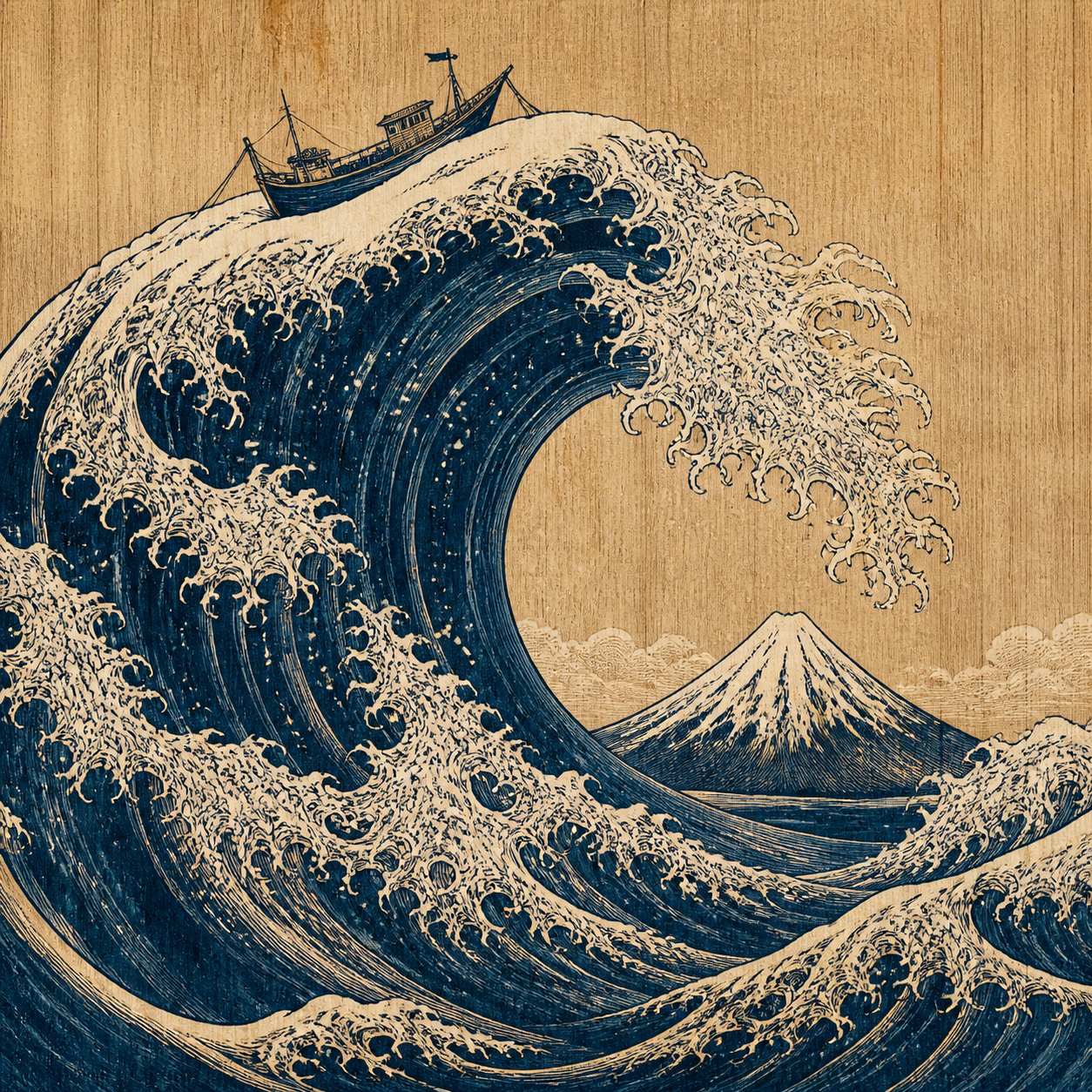
Explore placement with the AI tattoo generator
Use the AI tattoo generator to explore placement relationships without treating a body mockup as an exact fit.
Describe the placement shape
A long forearm direction might suit an elongated branch, while a rounded shoulder concept may need a broader arc. Tell the AI tattoo generator about the area’s visual shape. Keep the brief about composition rather than assuming the image measures a particular body.
- Choose vertical, curved, or compact movement deliberately.
- Use AI tattoo generator placement studies as discussion references.
Use an authorized reference when helpful
Switch to image mode to provide a clear adult placement reference you are authorized to use. Explain the intended area and orientation to the AI tattoo generator. Avoid tightly cropped or distorted references that make it difficult to understand how the design sits.
Check the artwork independently
Keep a plain-background version alongside any placement mockup. Lighting and skin texture can make a design appear more finished than it is. Judge the AI tattoo generator motif on its own so the body photograph does not conceal unclear lines or awkward spacing.
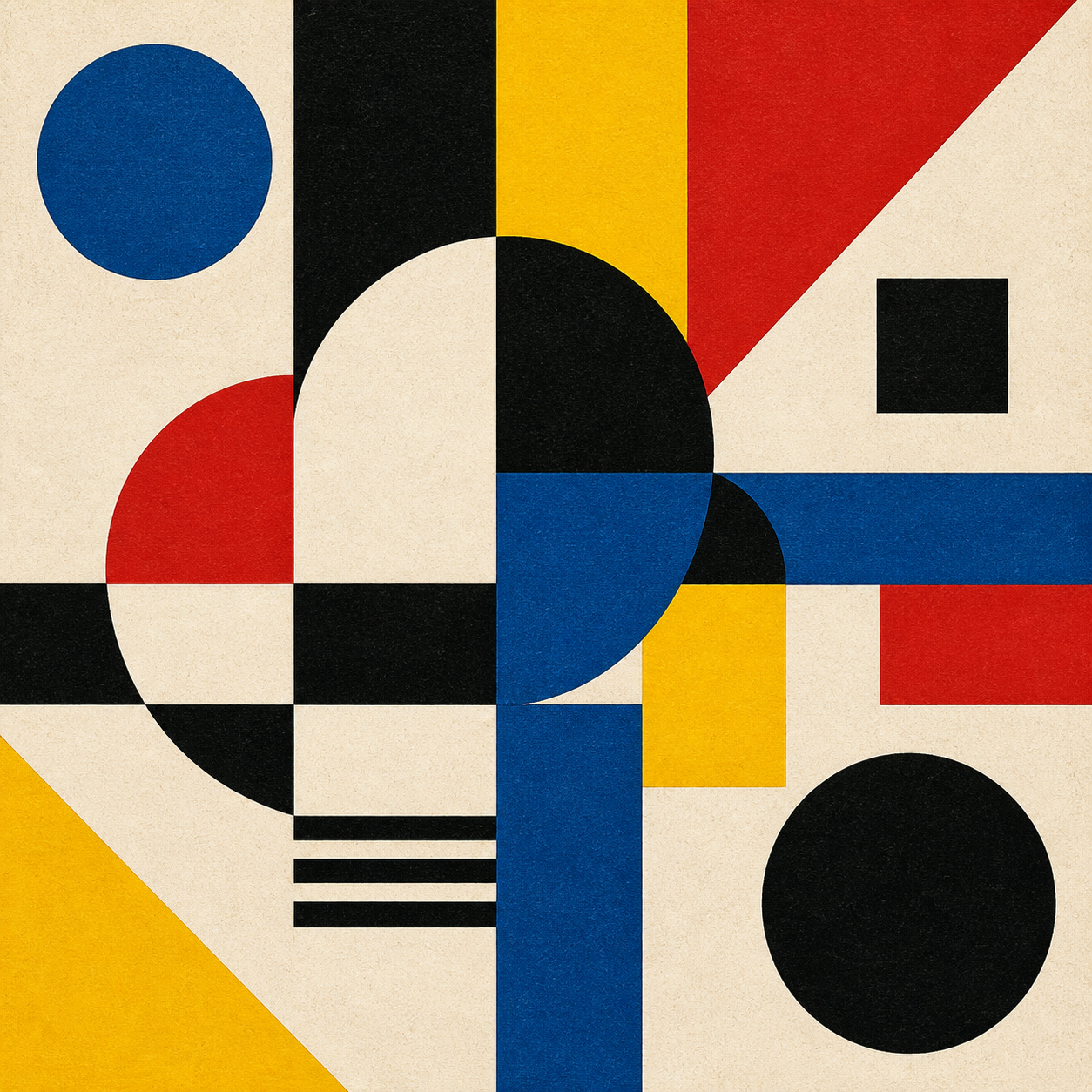
Refine a direction in the AI tattoo generator
Give each AI tattoo generator revision a specific question about the motif, outline, or balance of detail.
Start with the portrait canvas
Select GPT Image 2 text mode at 3:4 and 1K, with one output. Describe the motif, line hierarchy, negative space, and plain background. Review the AI tattoo generator settings and the displayed credit amount before submitting the first concept request.
- Keep the initial concept separate from a body mockup.
- Give the AI tattoo generator a small, clear exclusion list.
Change one feature at a time
Compare an open branch with a more compact one, or remove one secondary symbol. Keep the rest of the AI tattoo generator brief stable. This makes the differences useful to discuss instead of producing a series of unrelated decorative drawings.
Choose references and outputs deliberately
GPT Image 2 supports text and image workflows, up to sixteen references in image mode, and one to four outputs. The AI tattoo generator offers multiple ratios and 1K, 2K, or 4K. Use these choices to clarify the design, not to substitute resolution for composition.
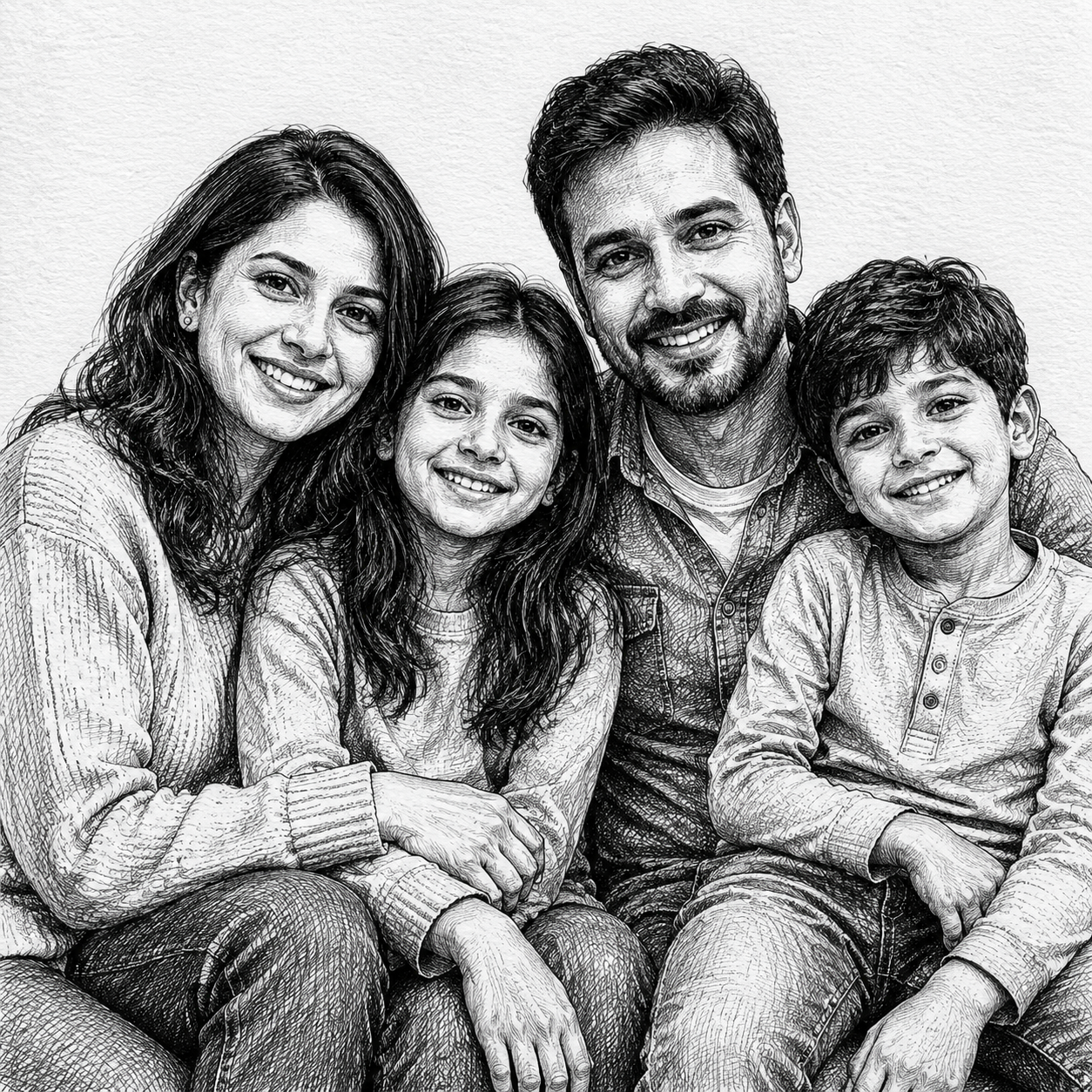
Bring the AI tattoo generator concept to your artist
Use the AI tattoo generator concept to communicate preferences and open questions for your tattoo artist’s own design work.
Write a short preference note
Record the motif, approximate placement, preferred line weight, and details you would be comfortable changing. Share the AI tattoo generator image with that note. An artist can work more usefully from a clear intention than from a demand to reproduce every generated mark.
- Identify essential meaning separately from optional decorative details.
- Mark AI tattoo generator areas that need professional redrawing.
Inspect lettering and repeated motifs
If the design contains a name, date, or repeated symbol, check every character and instance before sharing it. The AI tattoo generator can introduce extra strokes or incorrect text. Keep critical wording separately written out so the artist can review it without guessing.
Treat the file as a concept
The result is a JPEG raster image, not a ready-to-apply stencil or professional tattoo template. The AI tattoo generator does not decide the final linework, placement, or practical execution. Ask your tattoo artist to adapt the concept rather than treating its pixels as final instructions.
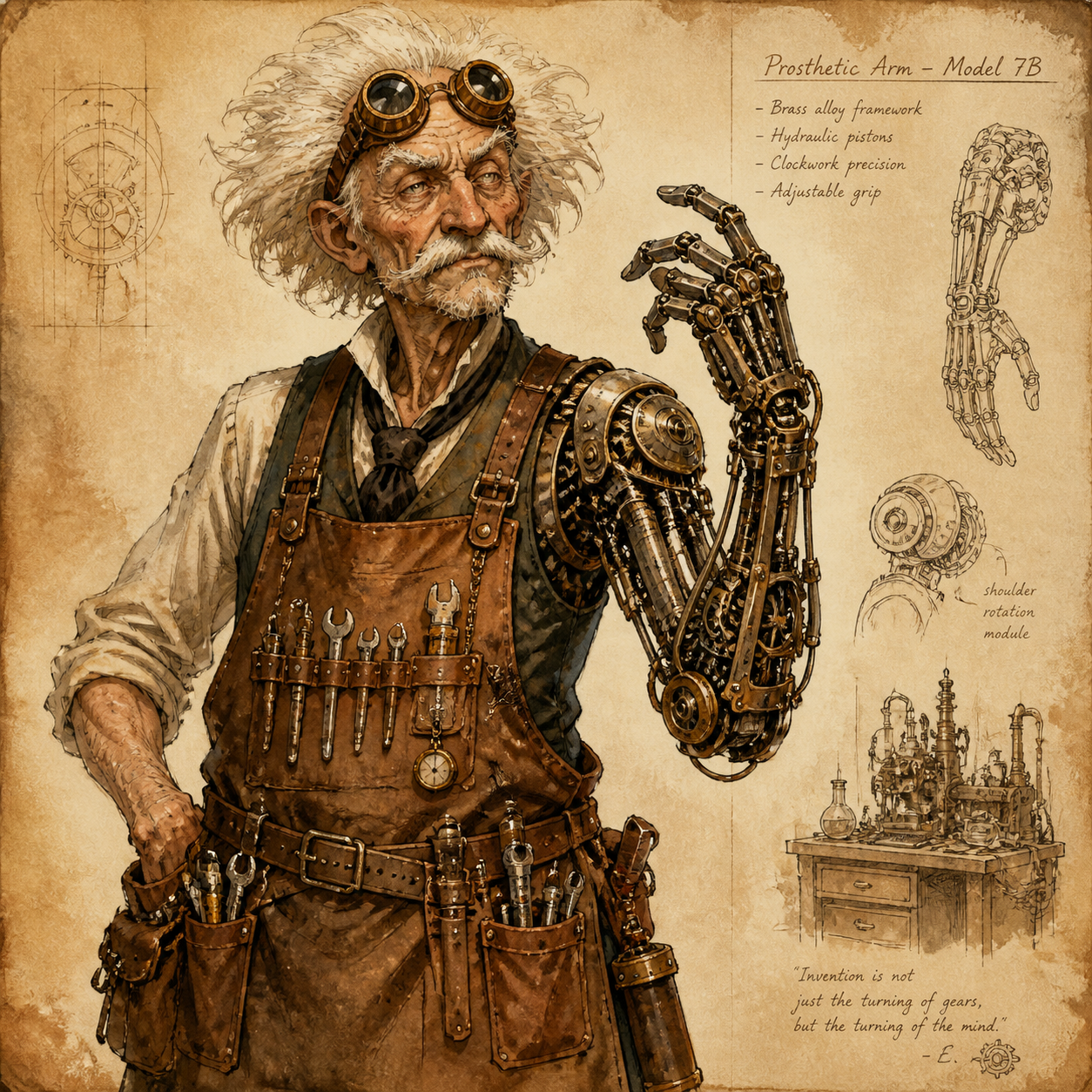
Example prompts
An open mountain-path motif
Create an original tattoo concept on a plain white background: a simple mountain outline containing one winding path that rises toward a small open circle. Portrait 3:4 composition, clear upward movement, restrained black linework with a slightly stronger outer contour, generous negative space, no dense texture. Keep intersections clean and the motif readable as a small composition. No lettering, dates, extra travel symbols, decorative frame, skin mockup, stencil labels, or imitation of a named artist’s work.
A curved botanical direction
Create an original illustrative tattoo concept of one gently curving branch with five clearly separated leaves and a small seed pod. Elongated portrait composition with a calm diagonal flow, open black linework, sparse internal leaf detail, generous gaps between forms, and one restrained dark accent. Plain white background, no skin, no lettering, no border, no dense dotwork, and no additional motifs. Prioritize a coherent silhouette and a design that can be discussed and redrawn by a tattoo artist.
User reviews
EveryGen AI video creator feedback.
EveryGen AI creator reviews
I made a full character PV for my game with MiniMax H3 in one afternoon. The menu UI stayed readable in every frame and the character never went off-model. That used to cost me a contractor and three weeks.

We tested every AI video generator on the market for stylized work. H3 is the only one that held our anime style across cuts. We now use it for pitch reels and animatics on every project.

I uploaded four product photos and got a listing video with music and a voiceover the same day. My click-through rate on the new listings is up 38%. H3 even got the label text on my packaging right.
I ship five vertical videos a week for three brands. MiniMax H3 gets me from brief to draft in under an hour, with sound already synced. My old workflow needed a videographer and two review rounds.

The editing side is what sold me. A client wanted the background of an interview changed — I typed one sentence into MiniMax H3 and the lighting on the subject matched the new scene automatically.

I previsualized my entire short film in MiniMax H3 before we shot a single frame. Rack focus, match cuts, even the title cards — it understands director language, not just keywords.
EveryGen AI · MiniMax H3 Max Pricing and Credit Plans
Cancel anytime
Lite
50% off0.025 / credit
Billed $ yearly179· Save $179.8
Video Models


Image Models



- Includes MiniMax H3 and all premium models
- Up to 1 batch generation task
- Standard generation speed
- Standard generation success rate
- Standard customer support
- Commercial Use License
Standard
50% off0.017 / credit
Billed $ yearly299· Save $299.8
Video Models
Image Models
- Includes MiniMax H3 and all premium models
- Up to 4 batch generation tasks
- Priority processing speed
- High generation success rate
- Priority customer support
- Commercial Use License
Pro
50% off0.014 / credit
Billed $ yearly599· Save $599.8
Video Models
Image Models
- Includes MiniMax H3 and all premium models
- Up to 10 batch generation tasks
- Fastest generation speed
- High generation success rate
- Dedicated account manager
- Commercial Use License
Max
50% off0.012 / credit
Billed $ yearly1,199· Save $1,199.8
Video Models
Image Models
- Includes MiniMax H3 and all premium models
- Up to 10 batch generation tasks
- Fastest generation speed
- High generation success rate
- Dedicated account manager
- Commercial Use License
Pay safely and securely with





















FAQ
Frequently asked questions
Is the AI tattoo generator output ready to tattoo?
No. The AI tattoo generator provides a JPEG concept for discussion. Your tattoo artist should redraw and assess the artwork, placement, and practical details. A polished image is not a verified stencil, professional template, or instruction to reproduce every generated line.
Can the AI tattoo generator help with a small design?
Yes. Ask for a compact motif, a clear silhouette, and generous negative space. Preview it near the intended size and remove detail that becomes hard to distinguish. Let your artist judge the final spacing and line choices for the actual placement.
Can I upload references to the AI tattoo generator?
Yes. Switch to GPT Image 2 image mode and use artwork or adult placement references you are authorized to provide. Explain what each reference contributes. Up to sixteen images are supported, but a small, well-explained selection avoids mixing unrelated design directions.
Can the AI tattoo generator include a name or date?
You can request short text, but verify every character. Keep the exact wording separately recorded for your artist and do not rely on generated lettering as the final version. Consider exploring the motif first and deciding the typography during the artist-led refinement.
How should I compare AI tattoo generator concepts?
Compare the main contour, open spaces, line hierarchy, and relationship to the intended body area. Use a plain-background view as well as any mockup. Choose the direction that expresses your idea clearly, then discuss the unresolved details with your artist.
CTA
Find a design direction with the AI tattoo generator
Choose a motif, give it room to breathe, and explore the outline. Use the AI tattoo generator to clarify your preferences before taking the selected concept to an artist for personal refinement.
Explore a tattoo concept