 EveryGen AI
EveryGen AI · AI face swap with authorized adult references and a clear target
Explore a face-replacement concept using a target photograph and an authorized adult face reference. EveryGen AI AI face swap is a GPT Image 2 multi-image editing workflow, not a dedicated identity-lock system. Start in image mode with Auto ratio and 1K. Give the AI face swap request clear reference roles, then inspect facial proportions, lighting, and the connection to the target pose.
Image workspace
Sample Image
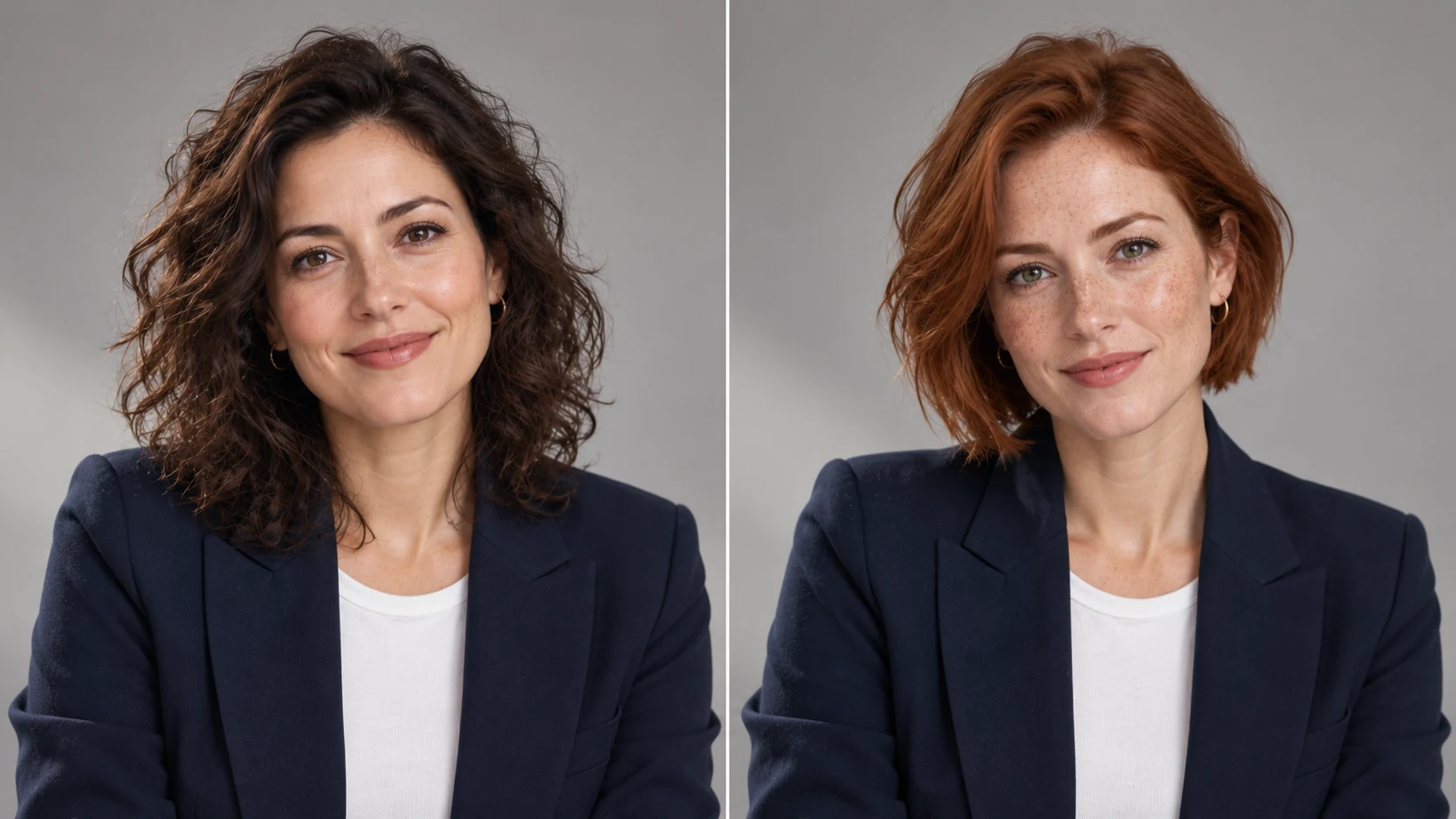 8 / 17
AI face-swap concept illustration; not an EveryGen AI test.
Introduction
Give the AI face swap references distinct jobs
The target supplies the composition; the face reference supplies the requested appearance. Explain that distinction before an AI face swap so the instructions do not ask both pictures to control the entire scene.
Identify the photograph being edited
Name the target by a visible feature, such as the adult standing beside a blue wall. Tell the AI face swap request to retain its pose, clothing, framing, and surroundings as closely as possible. Check that the uploaded target is the picture you actually intend to revise.
- Use a target with one clearly identifiable adult subject for the first attempt.
- Give the AI face swap prompt a plain description of that subject.
Identify the face reference separately
Identify the other upload as the authorized adult face reference, not a second scene to combine. This directs AI face swap toward facial appearance rather than importing different clothing. Verify both roles in the prompt instead of assuming automatic assignment.
Avoid several competing identities
Begin with one target and one clear face source. Multiple unrelated face references make an AI face swap request ambiguous. When additional pictures show the same adult, explain which angle or lighting information they contribute rather than simply adding more faces to the upload list.
How to use
How to use AI face swap
- Input
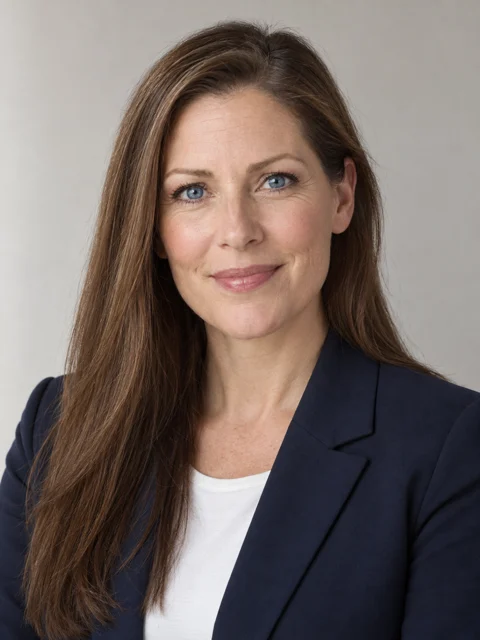 Target composition 1
 Face reference 2STEP 1
Add authorized references
Prepare AI face swap with GPT Image 2 reference editing, uploading an authorized adult face reference and a separate target photograph.
- ModelGPT Image 21KPromptOutputSTEP 2
Assign each role
Tell AI face swap which image supplies the face and which supplies the target pose, clothing, background, and overall composition.
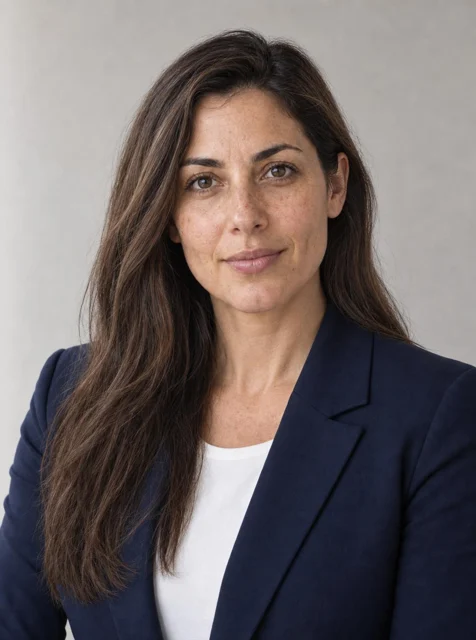 BeforeAfterSTEP 3
Generate a concept
Choose 1K and suitable framing for AI face swap, check the displayed credits, and generate a reference-guided editing candidate.
- STEP 4
Review both identities
Compare AI face swap output with both references, checking facial differences and unwanted body changes before using the authorized concept.
Features
Choose compatible photographs for AI face swap
A closer match in angle and visibility makes the task easier to describe and review. Prepare AI face swap references that show the relevant facial structure without heavy obstruction or extreme perspective.
Match the head angle where possible
A front-facing source provides limited information for a target looking sharply sideways. For AI face swap, choose a source with a compatible view when available. If the target needs an unseen profile, expect interpretation rather than verified reproduction of the person's hidden features.
- Compare the amount of each cheek visible in both pictures.
- Use a clear, authorized adult source for every AI face swap concept.
Keep defining features visible
Deep shadow, motion blur, and a hand across the face can conceal the details you want transferred. Give AI face swap a readable source with visible eyes, nose, mouth, and facial outline. Avoid strong beauty filters when recognizable personal characteristics matter to the task.
Use similar perspective rather than just similar size
A close phone selfie can have different facial proportions from a photograph taken farther away. Consider that difference when planning AI face swap. A larger face crop does not necessarily provide a better reference if its perspective conflicts with the target portrait.
Keep AI face swap grounded in the target photograph
Decide how the face should relate to the existing pose and expression. An AI face swap brief needs more than a request for another identity; it needs a coherent person within the chosen frame.
Specify the desired expression
Explain whether to keep the target smile or use a calmer expression. Do not make AI face swap resolve conflicting expressions without direction. Review eyes and mouth together so the result does not combine an engaged gaze with an unrelated gesture.
- Choose an expression compatible with the target's overall body language.
- Inspect AI face swap results for changed teeth, eyelids, and eye direction.
Clarify the hair and accessory boundary
State whether the target hairstyle and glasses should stay or the face source should guide them. These choices affect the silhouette as well as facial appearance. Make the AI face swap instruction explicit, then inspect frames, ears, and the hairline for merged or missing details.
Keep the body and setting secondary to the edit
Ask to retain the target clothing, shoulders, and surroundings when the task concerns the face. Avoid adding a new location or outfit during the first AI face swap attempt. Fewer simultaneous changes make it easier to judge whether the reference roles were interpreted correctly.
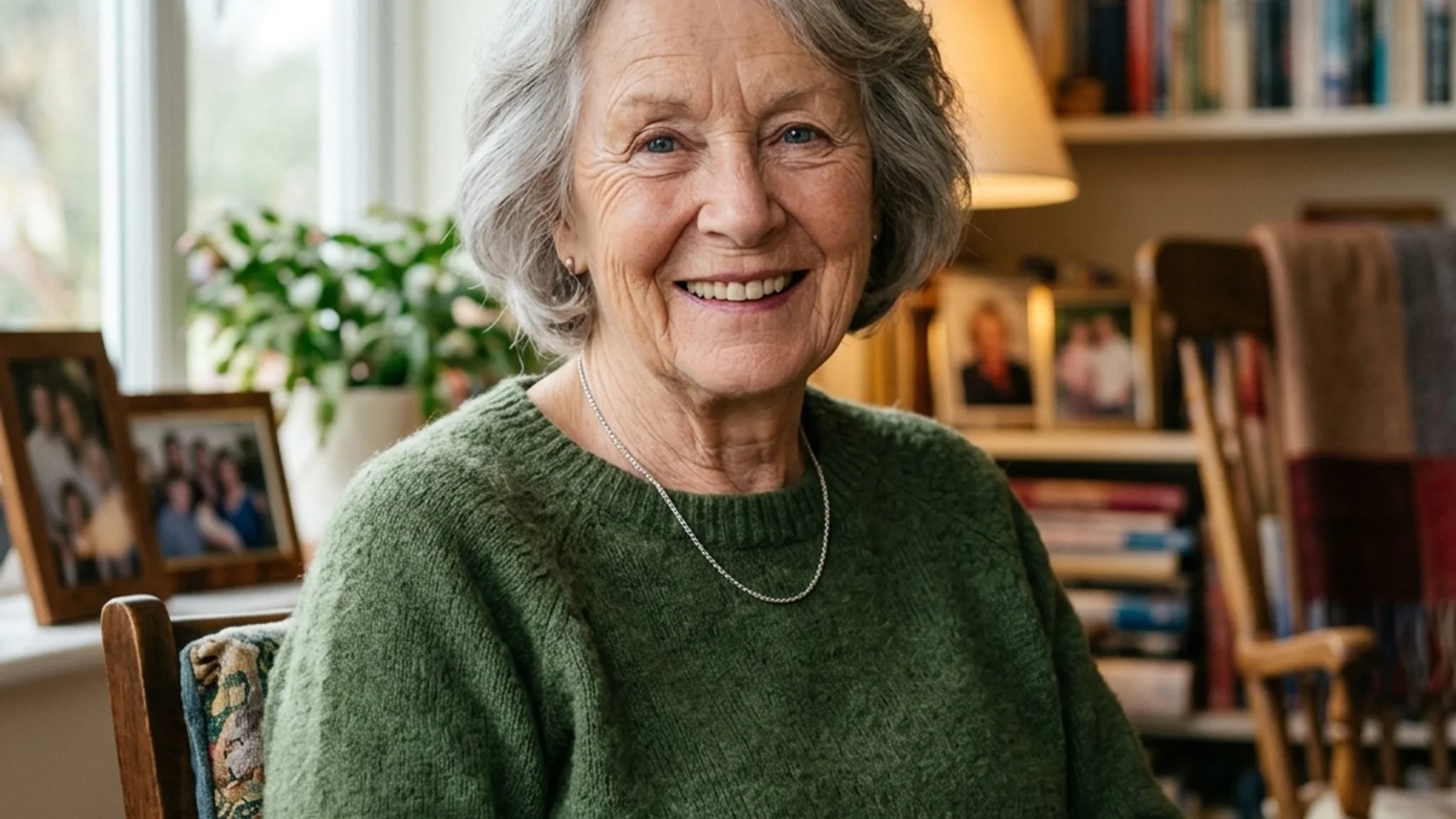
Review light and transitions in AI face swap
A recognizable face can still look pasted into a scene when its illumination disagrees with the target. Direct AI face swap toward consistent light and inspect the transition into hair, ears, and neck.
Follow the target light direction
If the target is lit from the left, ask for compatible facial highlights and shadows. The AI face swap result should fit the photograph's illumination rather than copy the source's studio lighting unchanged. Look at both cheeks and the shadow beneath the nose when comparing.
- Check that the face and clothing suggest the same light source.
- Keep AI face swap skin texture consistent with the surrounding photograph.
Check the jaw, ears, and neck
Inspect the outline where the edited face meets the neck and hair. AI face swap may produce a convincing central face with an awkward jaw transition or mismatched ear. Review these boundaries before judging fine skin texture, because they define how the head fits the body.
Preserve natural tonal variation
Avoid requesting a uniformly smooth complexion across every part of the face. AI face swap should receive a direction for natural texture and coherent illumination. Check whether the face, neck, and visible hands still belong in the same lighting environment without forcing identical brightness everywhere.
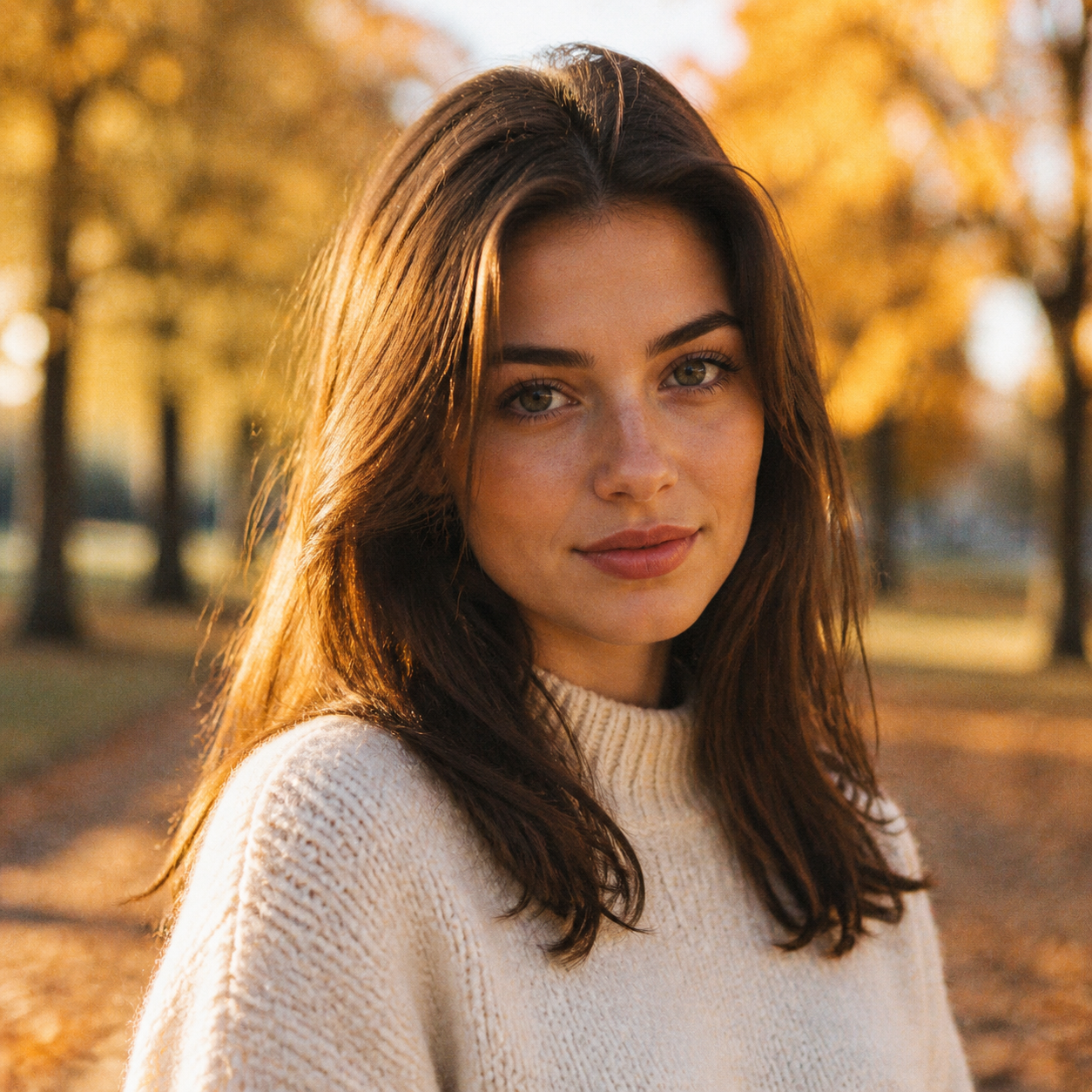
Run an AI face swap request deliberately
Assign the face source and target roles clearly before adjusting the settings or adding further references.
Upload and label the roles in words
Identify the authorized adult face source and target photograph separately. Check their order so the requested roles are not reversed.
Check the actual configuration
Two clear sources are usually the useful starting point. Add references only for explicit roles; review output settings and displayed credits.
Refine the largest mismatch
Revise the largest mismatch, such as expression or angle. Compare each AI face swap candidate against both original references before accepting other changes.

Judge AI face swap against both source and target
Use two separate checks: resemblance to the face reference and coherence with the target scene. A useful AI face swap result needs both; one cannot substitute for the other.
Check resemblance without promising exact identity
Compare facial proportions, eyes, mouth, and distinctive visible features with the authorized source. AI face swap here does not offer a dedicated identity lock or exact exchange guarantee. A plausible new person is not necessarily a close representation of the reference adult.
Check whether the target still tells the same story
Review clothing, pose, background objects, and any other people in the target photograph. AI face swap is generative editing, so changes can extend beyond the face. Reject a candidate that solves resemblance by unexpectedly altering the setting or the main subject's body position.
Keep the edited image in an honest context
Treat the result as an edited concept, not evidence that the reference adult attended the photographed event or endorsed something. Obtain appropriate permission for the intended AI face swap use. Preserve the originals so collaborators can understand what was changed when reviewing the finished image.
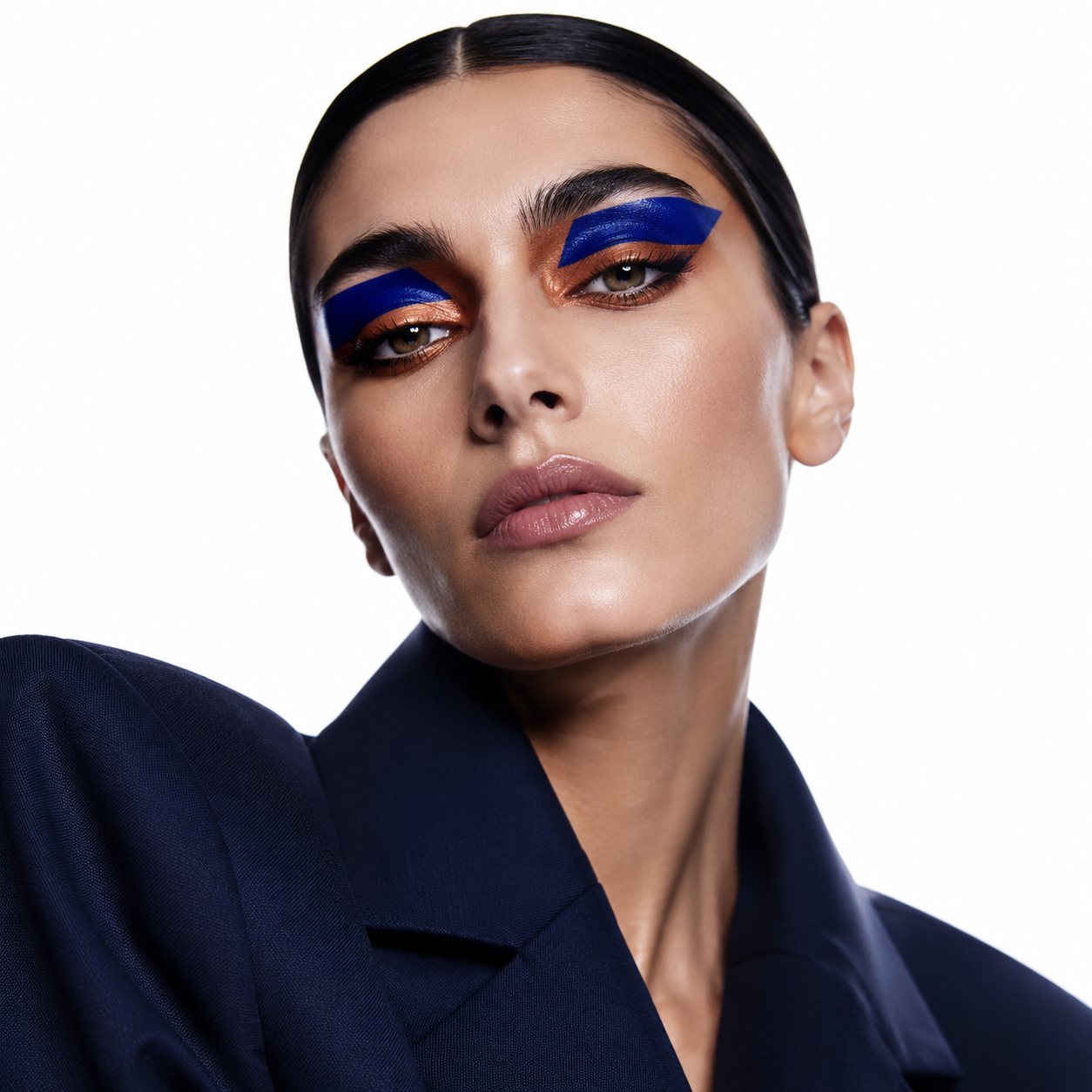
Example prompts
An authorized studio portrait variation
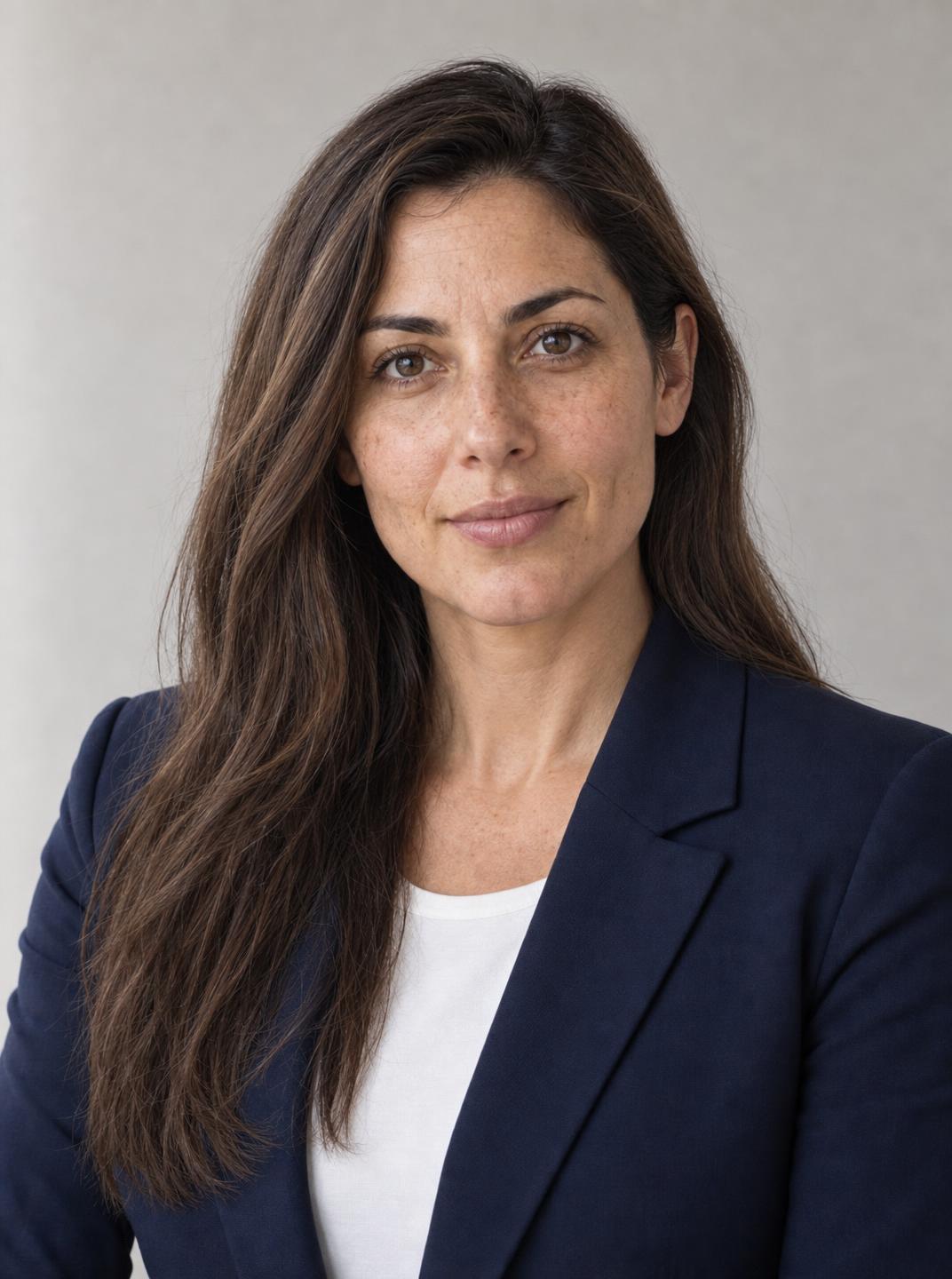
Use the photograph with the navy jacket as the target composition and the separate authorized adult close-up as the face reference. Create a face-replacement concept guided by the adult reference's recognizable facial features. Retain the target jacket, pose, framing, neutral background, and soft light from the left as closely as possible. Use a relaxed expression and natural skin texture. Keep the target hairstyle. Pay attention to the jaw, ears, neck, and hairline transitions. Do not add people, text, or logos.
A consistent face in a creative portrait target
Use the adult portrait beside the blue wall as the target, and the other uploaded adult portrait as the authorized face source. Guide facial appearance from the source while retaining the target's three-quarter pose, calm expression, clothing, background, and camera viewpoint. Match the target's existing window light and retain its hairstyle and glasses. Keep the face naturally integrated with the neck and ears, without excessive smoothing or new accessories. Do not change other people or objects in the frame.
User reviews
EveryGen AI video creator feedback.
EveryGen AI creator reviews

I made a full character PV for my game with MiniMax H3 in one afternoon. The menu UI stayed readable in every frame and the character never went off-model. That used to cost me a contractor and three weeks.

We tested every AI video generator on the market for stylized work. H3 is the only one that held our anime style across cuts. We now use it for pitch reels and animatics on every project.

I uploaded four product photos and got a listing video with music and a voiceover the same day. My click-through rate on the new listings is up 38%. H3 even got the label text on my packaging right.

I ship five vertical videos a week for three brands. MiniMax H3 gets me from brief to draft in under an hour, with sound already synced. My old workflow needed a videographer and two review rounds.

The editing side is what sold me. A client wanted the background of an interview changed — I typed one sentence into MiniMax H3 and the lighting on the subject matched the new scene automatically.

I previsualized my entire short film in MiniMax H3 before we shot a single frame. Rack focus, match cuts, even the title cards — it understands director language, not just keywords.
EveryGen AI · MiniMax H3 Max Pricing and Credit Plans
Cancel anytime
Lite
50% off0.025 / credit
Billed $ yearly179· Save $179.8
Video Models


Image Models



- Includes MiniMax H3 and all premium models
- Up to 1 batch generation task
- Standard generation speed
- Standard generation success rate
- Standard customer support
- Commercial Use License
Standard
50% off0.017 / credit
Billed $ yearly299· Save $299.8
Video Models
Image Models
- Includes MiniMax H3 and all premium models
- Up to 4 batch generation tasks
- Priority processing speed
- High generation success rate
- Priority customer support
- Commercial Use License
Pro
50% off0.014 / credit
Billed $ yearly599· Save $599.8
Video Models
Image Models
- Includes MiniMax H3 and all premium models
- Up to 10 batch generation tasks
- Fastest generation speed
- High generation success rate
- Dedicated account manager
- Commercial Use License
Max
50% off0.012 / credit
Billed $ yearly1,199· Save $1,199.8
Video Models
Image Models
- Includes MiniMax H3 and all premium models
- Up to 10 batch generation tasks
- Fastest generation speed
- High generation success rate
- Dedicated account manager
- Commercial Use License
Pay safely and securely with





















FAQ
Frequently asked questions
Is AI face swap a dedicated identity-lock model here?
No. EveryGen AI AI face swap uses GPT Image 2 multi-image instruction editing. There is no dedicated identity-lock control or guaranteed exact exchange. Give the target and authorized adult face reference distinct roles, then compare the result with both sources.
How many images do I need for AI face swap?
Begin with a target photograph and one clear, authorized adult face reference. GPT Image 2 supports up to sixteen references, but extra images should resolve a specific ambiguity. A focused two-image AI face swap brief is preferable to several conflicting face sources.
Can AI face swap work with a sideways face?
You can request it, but a compatible source angle is more useful than a front-facing image with hidden profile information. Review AI face swap results for nose shape, ear placement, and jawline. Unseen features may be interpreted rather than accurately reproduced.
Does AI face swap support video on this page?
No. This AI face swap page is a still-image workflow. It does not provide video face replacement, frame tracking, or continuity across moving footage. Use the page to review a single edited photographic concept, not to promise a consistent transformed video.
What should I change when an AI face swap looks unnatural?
Check reference angle, target lighting, expression, and transitions around the jaw first. Revise one mismatch in the AI face swap brief, or choose a more compatible reference. Avoid masking an incorrect face shape with stronger smoothing or dramatic lighting effects.
CTA
Prepare the two references for your AI face swap
Choose a compatible target and an authorized adult face source. Give AI face swap clear roles and a focused instruction, check the displayed settings, and review resemblance and scene consistency before using the result.
Start a reference-based face edit