 EveryGen AI
EveryGen AI · AI fashion generator for considered outfit concepts
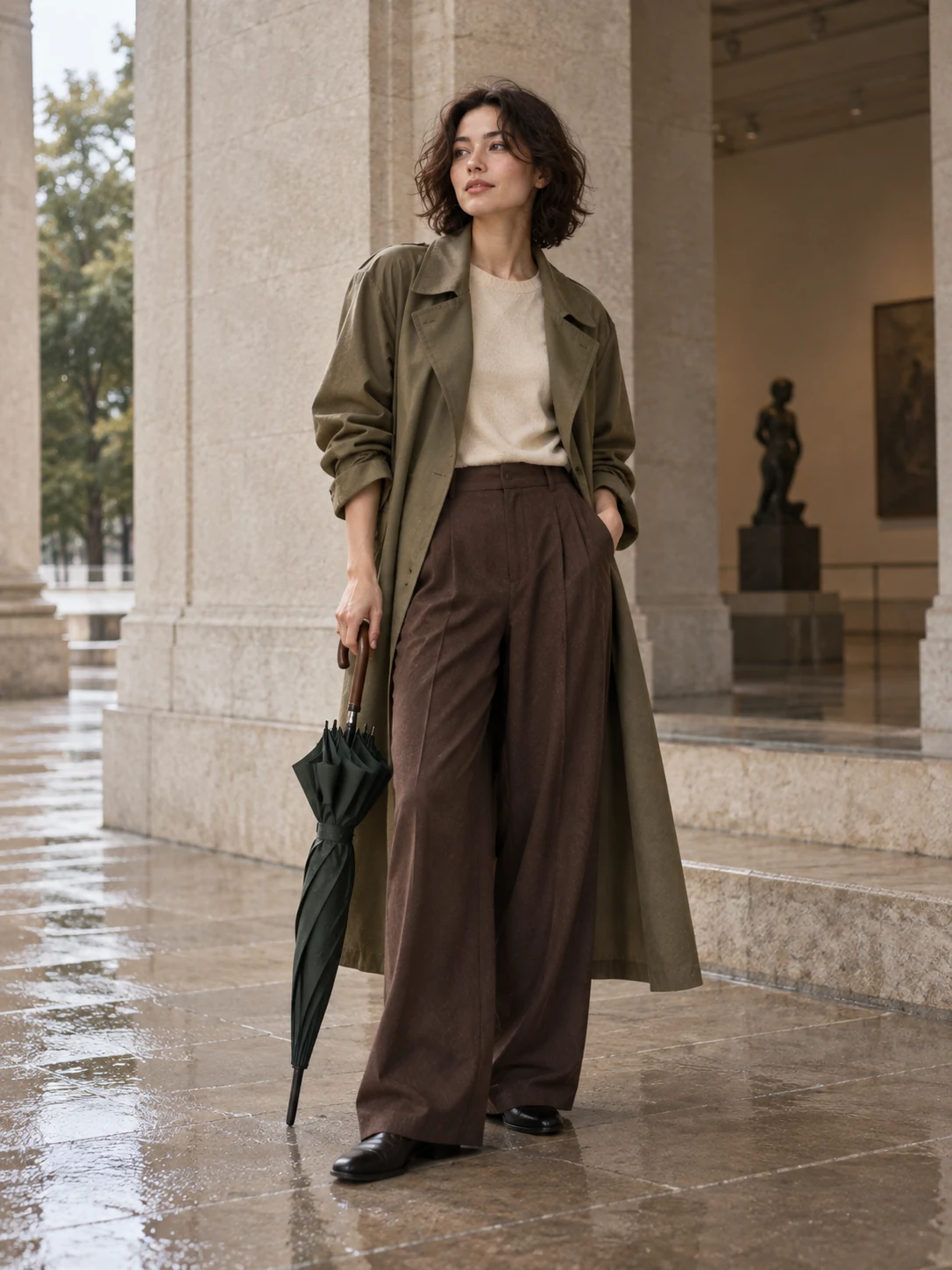
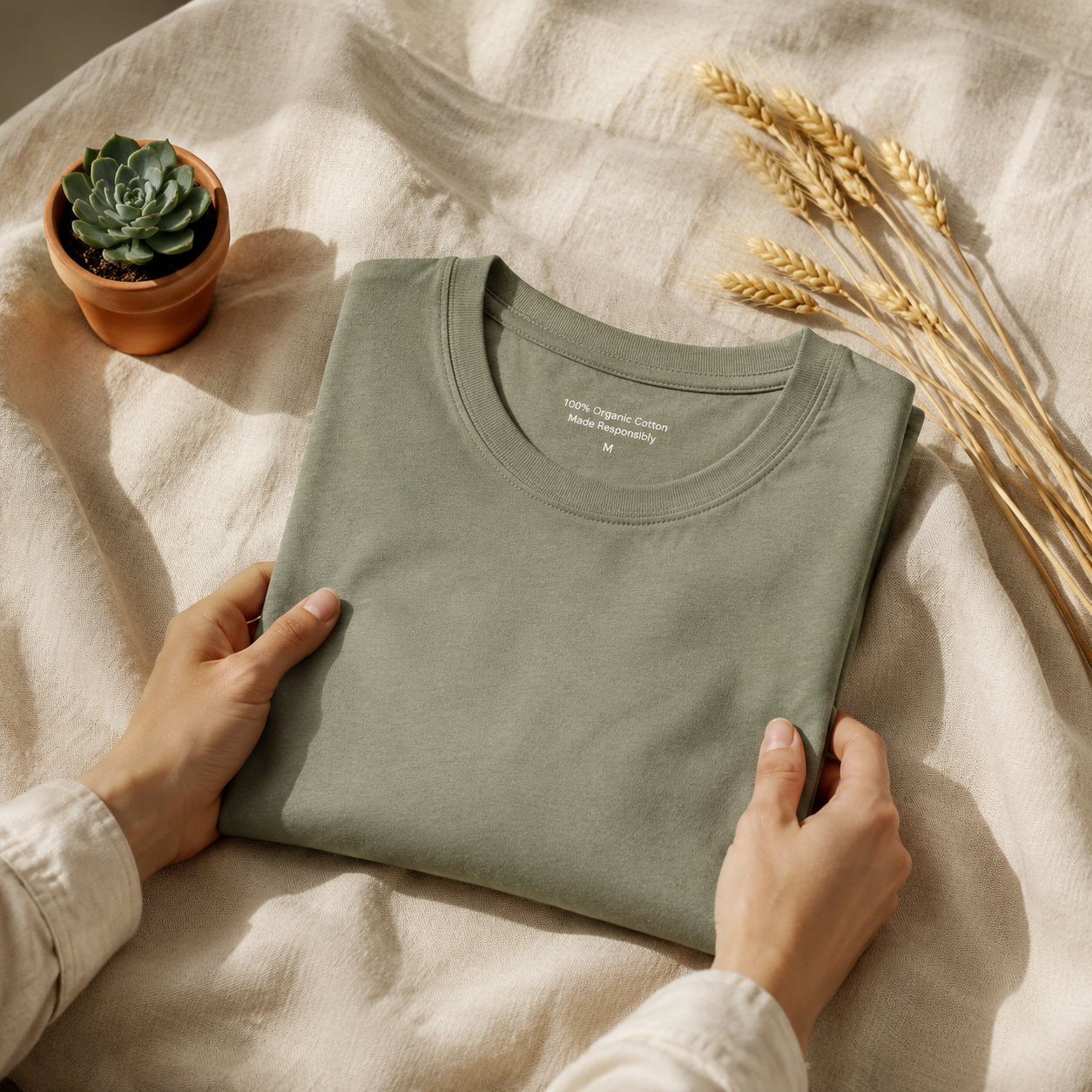
Develop a look around silhouette, material, and the moment it belongs to. The EveryGen AI AI fashion generator uses your references to explore outfit directions without treating a picture as a fitting session. Start with GPT Image 2 image mode at 3:4 and 1K. Give the AI fashion generator one clear styling question, then compare the garment relationships that make the look work.
Image workspace
Sample Image
 9 / 17
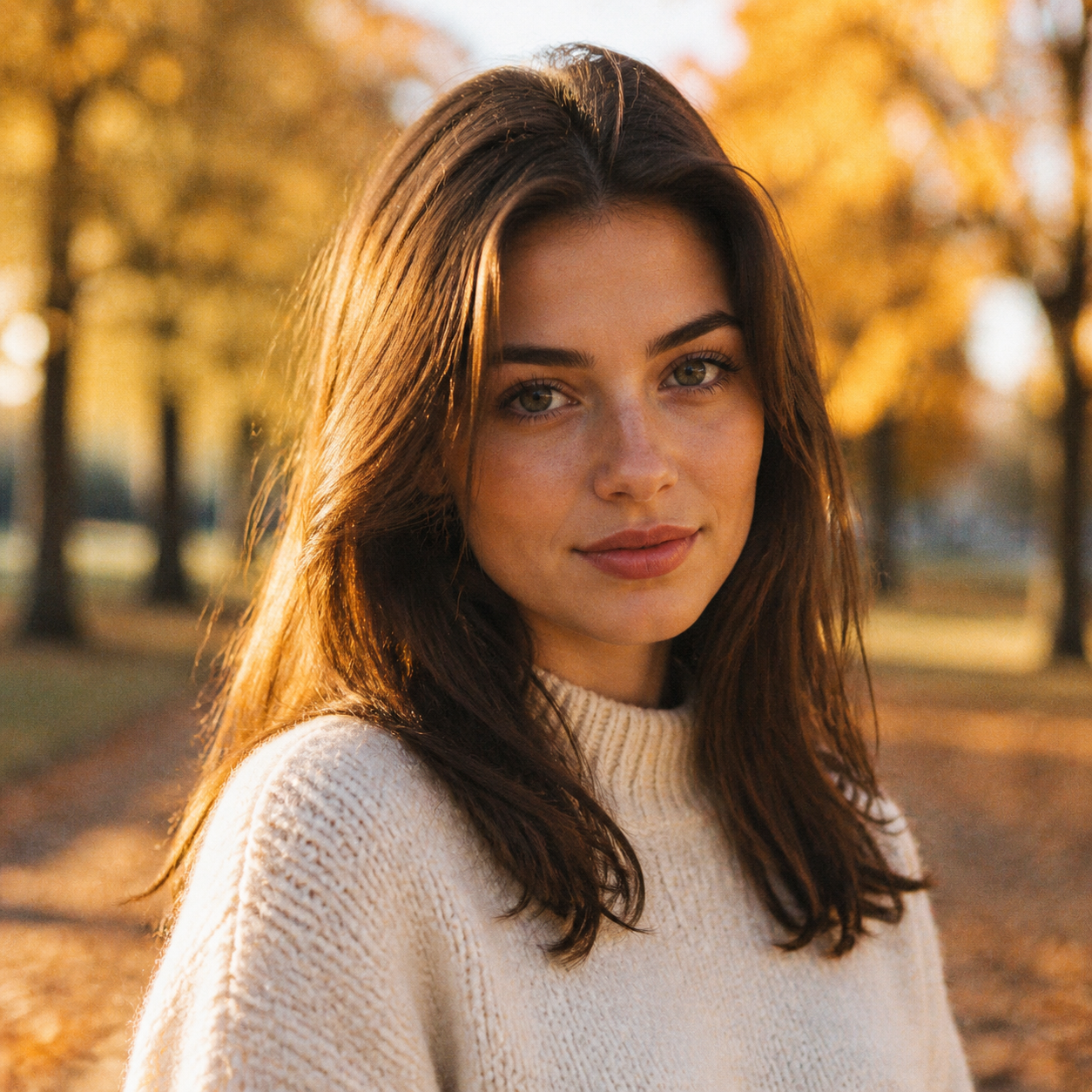
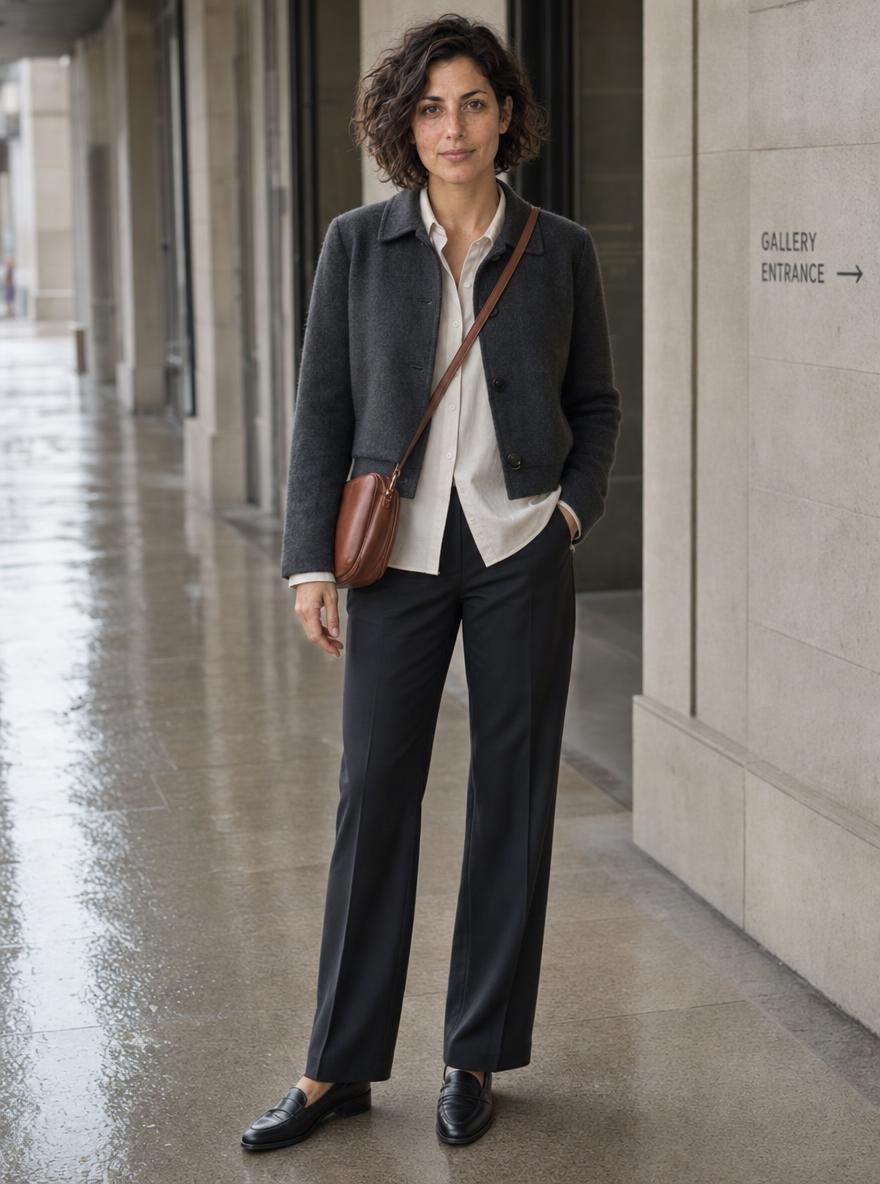
AI-generated fashion concept featuring a fictional adult model.
Introduction
Brief the AI fashion generator for a real occasion
Choose an occasion for the AI fashion generator so the outfit’s proportions, layers, and styling choices have a shared purpose.
Describe the situation
A gallery opening after a rainy commute suggests a different outfit from an outdoor summer lunch. Tell the AI fashion generator the occasion, mood, and practical styling preferences. This gives you a concrete basis for judging whether an attractive image answers the assignment.
- Name the setting and one overall impression you want.
- Keep the AI fashion generator brief tied to that occasion.
Separate the wearer from clothing references
Identify whether an upload defines the person, a garment, or the color direction. The AI fashion generator may otherwise blend those roles. For a personal styling concept, use an authorized adult reference and describe which visible features should remain recognizable.
Choose one dominant garment
Build around a long coat, structured jacket, flowing skirt, or sharply shaped trousers. Ask the AI fashion generator to make that item the visual anchor. Competing statement pieces can prevent you from understanding which silhouette or material combination you actually prefer.
How to use
How to use the AI fashion generator
- Input
 Reference image 1STEP 1
Choose your reference
Upload an authorized outfit or adult model reference to the AI fashion generator and select GPT Image 2 reference editing.
- ModelGPT Image 21K3:4PromptOutputSTEP 2
Build the outfit
Describe silhouette, fabric weight, color relationships, and setting in the AI fashion generator, giving each clothing layer a clear visual role.
 BeforeAfterSTEP 3
Generate a look
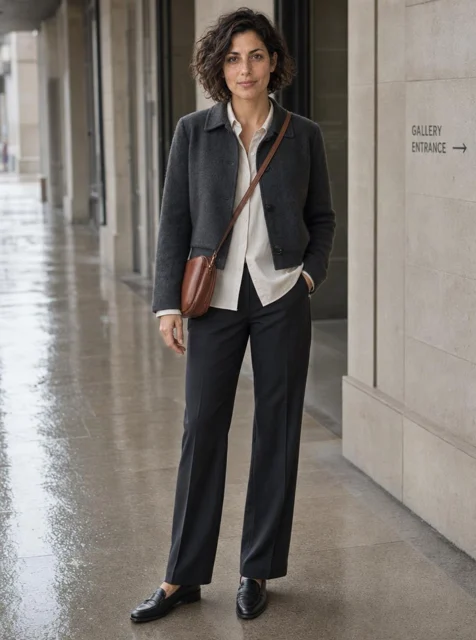
Choose portrait framing and 1K in the AI fashion generator, review the displayed credits, and generate a full outfit concept.
- STEP 4
Review the clothing
Inspect AI fashion generator results for hems, seams, drape, and complete footwear; treat the image as styling direction, not fit verification.
Features
Shape the silhouette with the AI fashion generator
Use the AI fashion generator to explore large clothing forms before judging fabric detail, ornament, or presentation effects.
Balance volume deliberately
Compare a boxy cropped jacket with narrow trousers, or a close-fitting top with a wide skirt. Give the AI fashion generator one proportion relationship. A look with volume everywhere may be intentional, but should not result from vague instructions about oversized clothing.
- Describe where the outfit should feel broad or restrained.
- Check the AI fashion generator outline without focusing on patterns.
Place hems and layers clearly
Specify that a shirt hem ends below the jacket, or that a coat reaches mid-calf. These visual relationships help the AI fashion generator construct an understandable outfit. Inspect overlapping edges because a generated layer may merge with the garment beneath it.
Leave room to see the clothes
Use a standing pose and a camera view that reveals the important pieces. The AI fashion generator should not hide a key sleeve behind a bag or crop away the trousers being compared. Request a full-body frame when the outfit depends on footwear or hem length.
Pair materials in the AI fashion generator
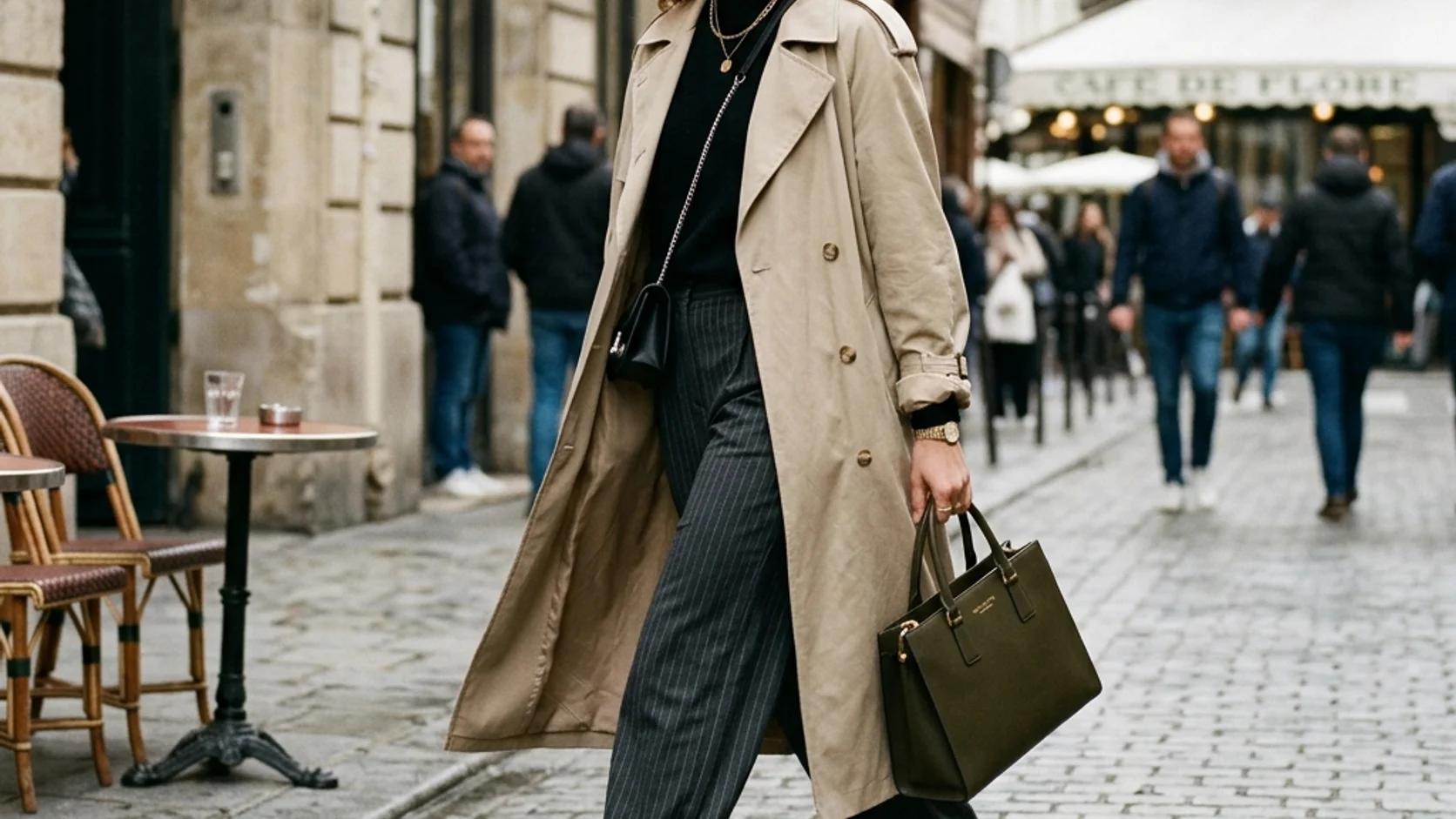
Tell the AI fashion generator which surfaces should look soft, crisp, matte, smooth, or visibly woven, and where they belong.
Choose a primary material contrast
Try dense wool against a smooth shirt, or matte linen with a restrained leather accessory. The AI fashion generator can explore the visual contrast without making every item highly textured. Two clearly different surfaces often say more than five competing decorative finishes.
- Name the finish of the main garment explicitly.
- Check AI fashion generator textures where sleeves and layers overlap.
Use folds as a review cue
Broad, soft folds suggest a different visual weight from stiff angular creases. Describe the desired appearance to the AI fashion generator, then inspect it. The image is not a physical fabric simulation, so plausible-looking drape does not establish how a real garment will behave.
Make patterns accountable
A striped sleeve should remain readable around the arm, and a check should not dissolve into unrelated marks at a seam. Ask the AI fashion generator for a restrained pattern initially. Inspect collars, closures, pockets, and repeated motifs before approving a more elaborate design.
Give the AI fashion generator a color story
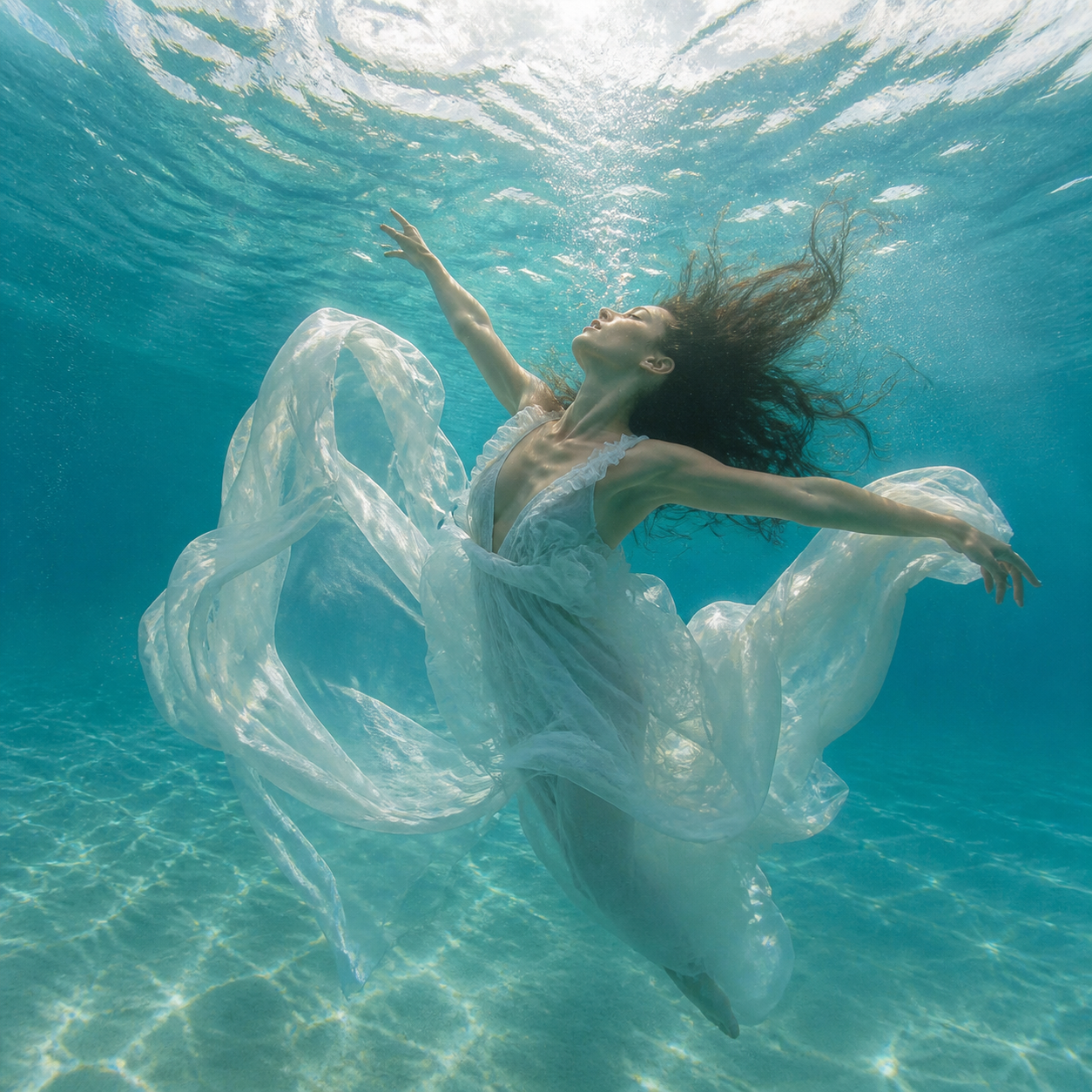
Give the AI fashion generator a restrained palette and setting that support the clothing instead of competing with it.
Choose a base and an accent
Start with charcoal and ivory, then add a muted rust scarf or bag. Tell the AI fashion generator which item owns the accent. When every garment has a different strong color, it becomes harder to understand the intended hierarchy of the outfit.
- Keep background colors quieter than the main clothing relationship.
- Compare AI fashion generator palettes under similar lighting.
Keep the location relevant
A plain studio helps compare silhouettes; a quiet street scene may explain outerwear styling. Give the AI fashion generator enough setting to establish context without crowding the clothes. Avoid an elaborate backdrop that turns an outfit study into an unrelated travel image.
Control presentation rather than beauty
Describe a relaxed stance, visible garment edges, and natural skin texture. Ask the AI fashion generator to prioritize the clothing relationship rather than exaggerated retouching. A person who looks polished is not proof that the specific outfit, fabric, or proportion works as intended.
Explore alternatives with the AI fashion generator
Give every AI fashion generator reference a role and every variation a styling question you can actually evaluate.
Start with the portrait setup
Select GPT Image 2 image mode at 3:4 and 1K, with one output. Upload the reference and describe the intended look, pose, and framing. Give the AI fashion generator explicit clothing roles, then review the dynamic credit display before submitting.
- Use references that clearly show the garments you mean.
- Explain each AI fashion generator reference rather than uploading a mixed moodboard.
Compare one styling change
Keep the wearer, pose, and background brief stable while changing jacket length or a material pairing. The AI fashion generator may still vary other details, so inspect them. A useful comparison isolates an idea instead of presenting unrelated outfits as a controlled test.
Use the available settings intentionally
GPT Image 2 supports text and reference editing, up to sixteen references in image mode, and one to four outputs. The AI fashion generator also offers multiple ratios and 1K, 2K, or 4K. Choose the configuration that makes the clothing decision easiest to review.

Review AI fashion generator images as styling concepts
Review the AI fashion generator image for coherent garments, useful proportions, and decisions still needing real-world confirmation.
Inspect garment connections
Follow lapels, sleeves, waistbands, straps, and fastenings through the image. The AI fashion generator may create a button without a corresponding opening or a sleeve that joins strangely. Check hands near pockets and bags as well, where clothing and anatomy can become confused.
- Compare uploaded garment details with their rendered counterparts.
- Reject AI fashion generator changes that alter the item you intended.
Keep fit questions separate
The AI fashion generator does not determine exact sizing, comfort, or physical fit. Use a concept to decide which silhouettes or combinations to investigate, then assess the actual garments separately. A convincing picture cannot establish measurements or replace trying on the clothing.
Keep a usable styling record
Save the JPEG concept with notes on the selected palette, layers, and unresolved details. Share that direction with a stylist or designer. The AI fashion generator image is not a sewing pattern or technical specification, but it can make the visual conversation much clearer.
Example prompts
A restrained rainy-day gallery look
Use the uploaded authorized adult reference as the wearer. Create a full-body fashion concept for a gallery opening after a rainy city commute. Charcoal cropped wool jacket, ivory smooth shirt with a slightly visible hem, straight dark trousers, understated shoes, and one muted rust crossbody bag. Keep the wearer recognizable as closely as possible. Relaxed standing pose, visible garment edges, quiet covered walkway background, soft neutral daylight. Portrait 3:4 composition with full footwear in frame. No logos, exaggerated body changes, beauty filters, or distracting props.
A linen layering comparison direction
Use the uploaded garment reference as the main design anchor. Create an editorial outfit concept around its silhouette, pairing it with an ivory linen top and one darker matte accessory. Emphasize the contrast between the reference garment and the lightly textured linen, with simple broad folds and clear layer boundaries. Authorized adult wearer in a neutral standing pose, plain warm gray studio background, soft light, full outfit visible. Portrait composition. Do not add brand marks, extra jewelry, impossible fastenings, or claims of measured fit.
User reviews
EveryGen AI video creator feedback.
EveryGen AI creator reviews
I made a full character PV for my game with MiniMax H3 in one afternoon. The menu UI stayed readable in every frame and the character never went off-model. That used to cost me a contractor and three weeks.

We tested every AI video generator on the market for stylized work. H3 is the only one that held our anime style across cuts. We now use it for pitch reels and animatics on every project.

I uploaded four product photos and got a listing video with music and a voiceover the same day. My click-through rate on the new listings is up 38%. H3 even got the label text on my packaging right.

I ship five vertical videos a week for three brands. MiniMax H3 gets me from brief to draft in under an hour, with sound already synced. My old workflow needed a videographer and two review rounds.

The editing side is what sold me. A client wanted the background of an interview changed — I typed one sentence into MiniMax H3 and the lighting on the subject matched the new scene automatically.

I previsualized my entire short film in MiniMax H3 before we shot a single frame. Rack focus, match cuts, even the title cards — it understands director language, not just keywords.
EveryGen AI · MiniMax H3 Max Pricing and Credit Plans
Cancel anytime
Lite
50% off0.025 / credit
Billed $ yearly179· Save $179.8
Video Models


Image Models


- Includes MiniMax H3 and all premium models
- Up to 1 batch generation task
- Standard generation speed
- Standard generation success rate
- Standard customer support
- Commercial Use License
Standard
50% off0.017 / credit
Billed $ yearly299· Save $299.8
Video Models
Image Models
- Includes MiniMax H3 and all premium models
- Up to 4 batch generation tasks
- Priority processing speed
- High generation success rate
- Priority customer support
- Commercial Use License
Pro
50% off0.014 / credit
Billed $ yearly599· Save $599.8
Video Models
Image Models
- Includes MiniMax H3 and all premium models
- Up to 10 batch generation tasks
- Fastest generation speed
- High generation success rate
- Dedicated account manager
- Commercial Use License
Max
50% off0.012 / credit
Billed $ yearly1,199· Save $1,199.8
Video Models
Image Models
- Includes MiniMax H3 and all premium models
- Up to 10 batch generation tasks
- Fastest generation speed
- High generation success rate
- Dedicated account manager
- Commercial Use License
Pay safely and securely with





















FAQ
Frequently asked questions
Is the AI fashion generator a precise virtual fitting tool?
No. The AI fashion generator creates visual outfit concepts, not measured fitting results. It can suggest silhouettes and combinations, but it does not calculate exact size, comfort, or fabric physics. Review real garments separately before making fit-dependent decisions.
What should I upload to the AI fashion generator?
Use a clear person or garment reference that you are authorized to provide. Explain the role of each image: wearer, clothing detail, palette, or setting. Up to sixteen references are supported in image mode, but a smaller coherent selection can communicate the task better.
Can the AI fashion generator change only one garment?
You can request a specific change and name the parts that should remain. Inspect the result carefully because other details may shift. Keep the original reference beside the candidate and check the wearer, pose, and surrounding clothes before accepting the revision.
How do I compare AI fashion generator looks fairly?
Keep the pose, framing, setting, and light similar while changing one clothing relationship. Compare jacket length, color balance, or layering rather than judging only which image looks more glamorous. Unplanned changes in body proportions or camera angle can distort the comparison.
What file does the AI fashion generator produce?
The output is a JPEG raster image. You can choose multiple aspect ratios, 1K, 2K, or 4K, and one to four outputs. The file is a visual concept, not an editable garment pattern, physical simulation, or production-ready technical drawing.
CTA
Bring a styling question to the AI fashion generator
Choose your reference and decide which silhouette or material pairing to explore. Use the AI fashion generator to clarify the visual direction, then check the actual garments and fit separately.
Explore an outfit direction