 EveryGen AI
EveryGen AI · AI figure generator for collectible character concepts
Imagine how your character might look as a carefully photographed collectible. The EveryGen AI AI figure generator starts from your reference and explores sculpted shapes, painted finishes, accessories, and display bases. Begin with GPT Image 2 in image mode at 1:1 and 1K. Use the AI figure generator to develop a visual direction, not a printable mesh or manufacturing file.
Image workspace
Sample Image
 10 / 17
AI-generated concept of an otter explorer collectible.
Introduction
Show the AI figure generator what defines the character
Give the AI figure generator a readable character reference and identify the features that make the design recognizable.
Choose a readable full design
Use a drawing or photograph with visible clothing, hairstyle, and important accessories. The AI figure generator needs enough information to interpret the whole subject. If the reference only shows a face, describe the intended body and outfit rather than treating unseen details as established.
- Keep the principal reference unobstructed and clearly identified.
- Tell the AI figure generator which image defines the character.
Identify the signature features
An oversized hood, crescent-shaped satchel, or unusual glasses might carry the identity. Name those features for the AI figure generator and distinguish them from optional decoration. Review the result against this list before judging whether the display lighting looks expensive.
Choose the degree of stylization
Decide between a softly rounded art toy, a detailed display statuette, or a simplified miniature. Give the AI figure generator one direction. A realistic face on an extremely compressed body can work as a deliberate choice, but should not happen by accident.
How to use
How to use the AI figure generator
- Input
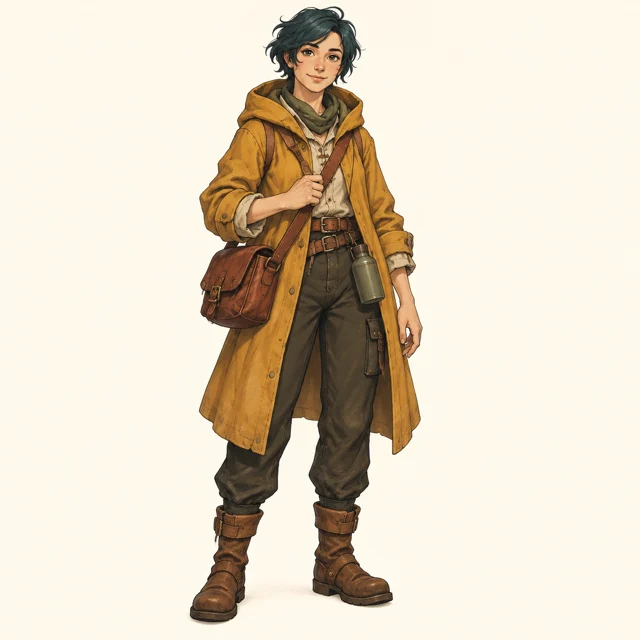 Reference image 1STEP 1
Upload your character
Add an authorized character reference to the AI figure generator and choose GPT Image 2 image mode for a collectible concept.
- ModelGPT Image 21K1:1PromptOutputSTEP 2
Describe the collectible
Tell the AI figure generator about resin finish, clothing, accessories, and a supporting base, keeping the full figure inside the frame.
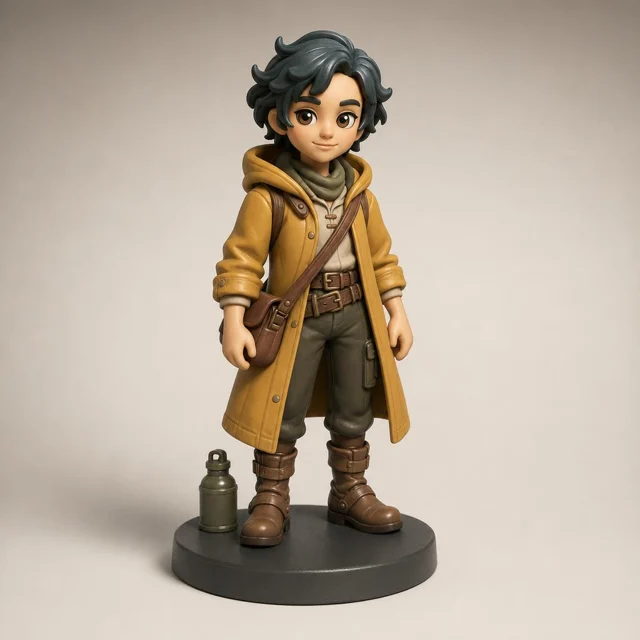 BeforeAfterSTEP 3
Create a studio view
Set square 1K in the AI figure generator, describe soft studio lighting, review the displayed credits, and generate a candidate.
- STEP 4
Inspect the object
Check AI figure generator results for coherent joints, material texture, and stable footing, then download the illustration rather than manufacturing files.
Features
Explore sculpted form with the AI figure generator
Ask the AI figure generator to translate flat shapes into readable volumes without losing the character’s defining visual relationships.
Balance head, body, and hands
Explain which proportions should feel exaggerated and which should stay restrained. For a friendly explorer, request a large hood and compact boots with simple hands. The AI figure generator can explore that balance without filling the face with miniature surface detail.
- Keep the silhouette readable from the chosen viewing angle.
- Review AI figure generator proportions before adding surface decoration.
Simplify the pose
A planted stance with one small accessory is easier to inspect than a leaping pose with overlapping limbs. Ask the AI figure generator for clear separations between arms, torso, and props. Check that the depicted object appears supported rather than floating inexplicably.
Treat hidden surfaces as unresolved
A single image cannot establish every side of a collectible. The AI figure generator may invent a different rear design when asked for another angle. Keep those views as proposals for review, not evidence that one consistent three-dimensional object has been defined.
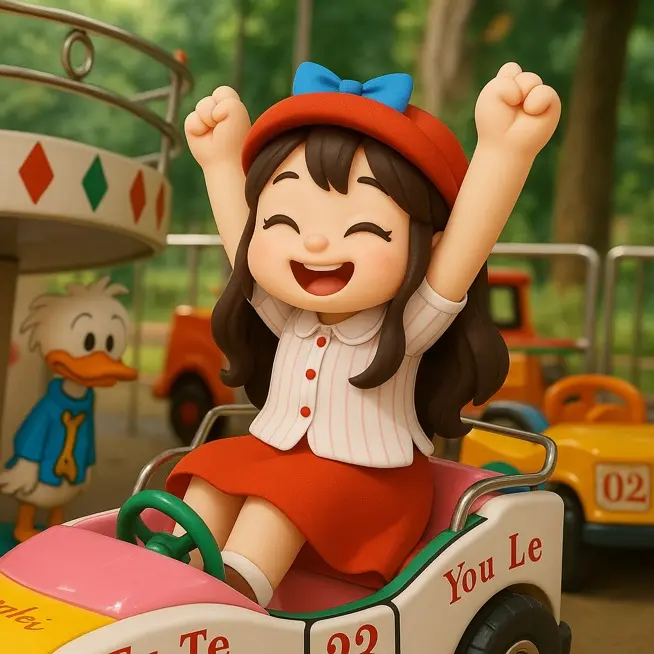
Specify materials for the AI figure generator
Give the AI figure generator a limited finish palette, with a clear material role for each visible part.
Separate sculpt from painted detail
Describe a matte vinyl body with painted eyes and a slightly glossier accessory, or a stone-like sculpt with restrained metallic accents. The AI figure generator should make those differences legible. Look for paint edges that follow the form rather than drifting across it.
- Choose one main material and a small number of accents.
- Check AI figure generator highlights against the intended surface finish.
Describe cloth as a sculpted surface
A collectible cape might be molded plastic with broad folds, not actual flowing fabric. Tell the AI figure generator which interpretation you intend. A small wooden-looking instrument can likewise be a painted accessory rather than a physically separate piece of real wood.
Keep texture at a believable scale
Large pores or oversized scratches can make a tiny figure look enormous. Ask the AI figure generator for subtle surface variation suited to the imagined object. A clean painted finish may explain the design better than dramatic weathering across every visible part.
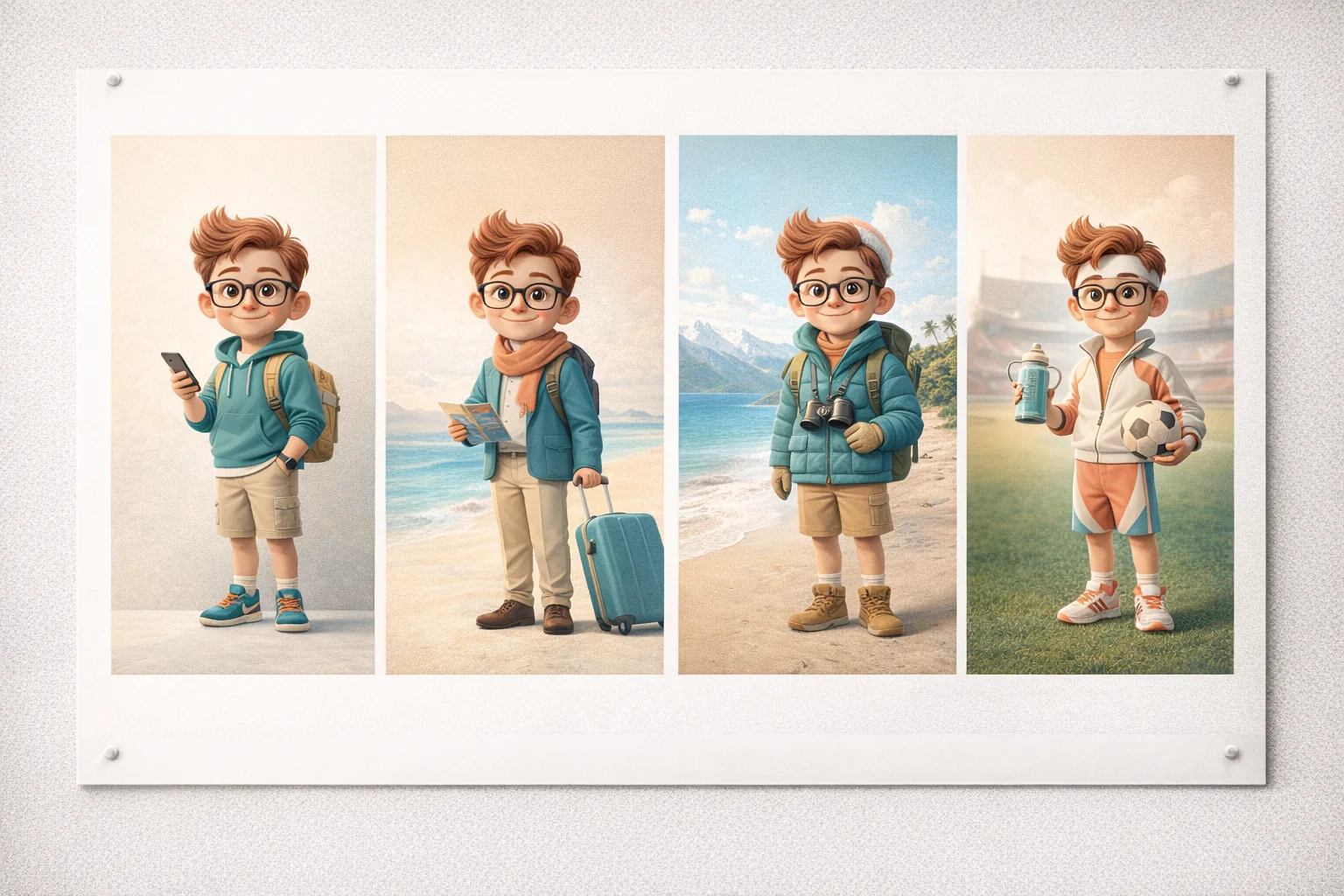
Give the AI figure generator a display context
Use the AI figure generator to frame the collectible through a simple base, quiet setting, and coherent studio light.
Choose a base with a purpose
A shallow circular base can suggest a quiet display object; a small terrain fragment can support a story. Tell the AI figure generator where the feet contact the base. Inspect that connection and avoid a large platform that overwhelms the actual character.
- Leave space around the entire figure and its base.
- Keep AI figure generator support details visible rather than obscured.
Use a restrained studio setting
Request a neutral sweep, soft side light, and enough shadow to ground the object. The AI figure generator does not need shelves full of unrelated collectibles. A quiet setup lets you compare materials and proportions without getting distracted by the surrounding scene.
Separate packaging from the figure
Explore box design later if it becomes useful. Adding a package, labels, accessories, and a complex backdrop to the first AI figure generator request makes the core design harder to judge. Begin with the collectible itself shown completely inside the frame.

Run an AI figure generator study
Give the AI figure generator a reference, material treatment, and camera view that answer a specific design question.
Upload and set the starting view
Choose GPT Image 2 image mode at 1:1 and 1K, with one output. Upload your character reference and request a complete three-quarter figure view. Give the AI figure generator a clear pose, simple base, and the material distinctions you want to inspect.
- Use a reference you are authorized to develop.
- Review the AI figure generator configuration and displayed credits first.
Explain additional references
Image mode supports up to sixteen references. Label their roles: character appearance, material mood, or display lighting. Otherwise the AI figure generator may mix a secondary reference into the character design. Use the smallest selection that communicates the task clearly.
Revise the sculpt before the photograph
If the expression or proportions are wrong, fix those before experimenting with dramatic lighting. The AI figure generator supports one to four outputs, multiple ratios, and 1K, 2K, or 4K. Use those options to explore deliberate alternatives rather than hide unresolved design decisions.
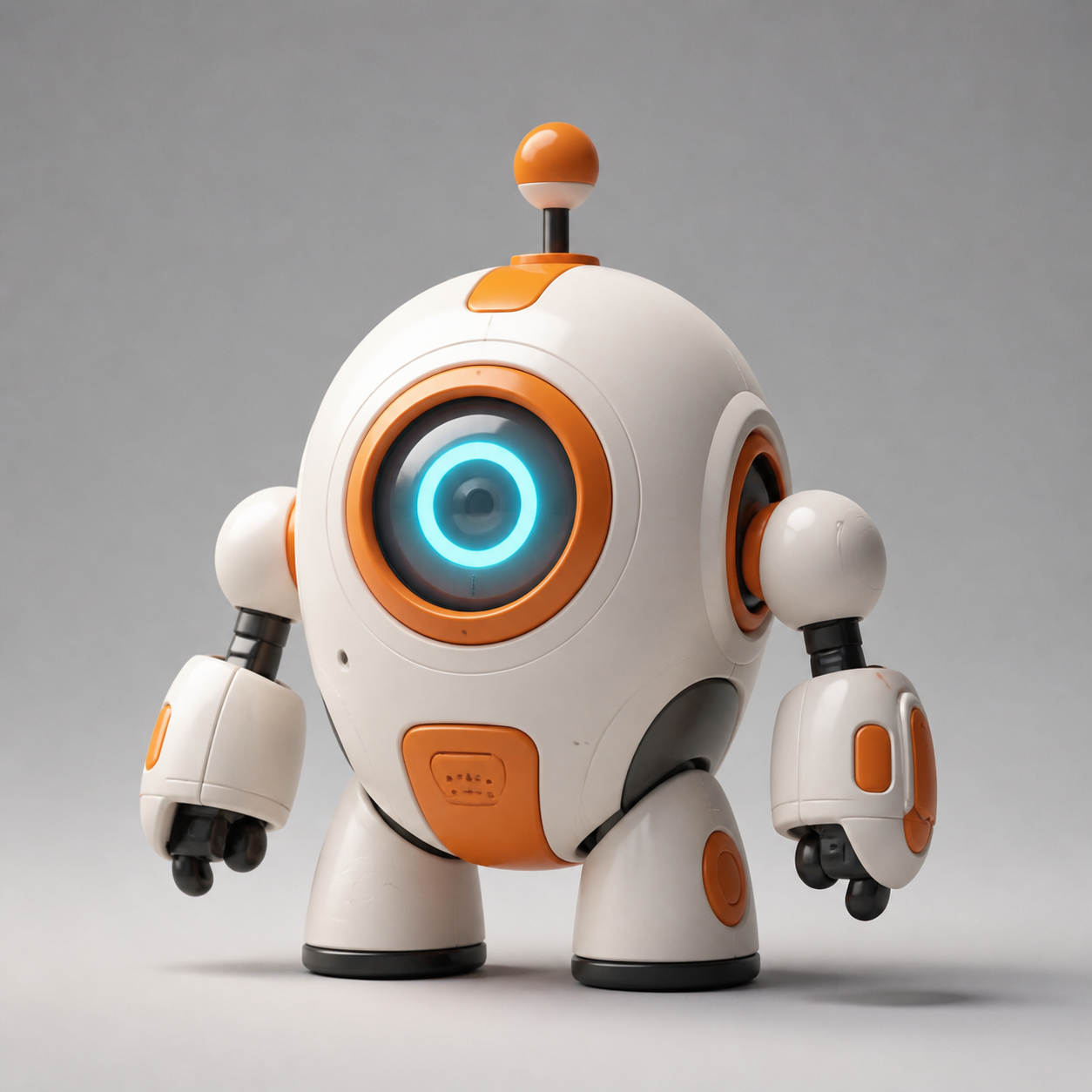
Review the AI figure generator concept as an image
Review AI figure generator images for visual coherence while keeping unresolved construction questions in a separate next-stage brief.
Inspect small connections
Look at fingers around handles, straps over shoulders, glasses near ears, and feet on the base. The AI figure generator can merge adjacent details. A simpler hand holding one clearly defined accessory is preferable to an ornate cluster whose parts cannot be distinguished.
- Compare signature features with the original character reference.
- List AI figure generator details needing another design pass.
Keep the output boundary clear
The result is a JPEG raster image. The AI figure generator does not output a 3D mesh, printable geometry, joints, or production tolerances. A convincing material finish and stable-looking pose are visual proposals, not proof that the object can be manufactured as depicted.
Prepare a sculptor-facing brief
Share the reference, selected image, intended scale, finish notes, and unresolved views with the next designer. Use the AI figure generator concept to start that conversation. A sculptor or manufacturer must separately determine actual geometry, support, assembly, and feasible materials.
Example prompts
A matte explorer art toy
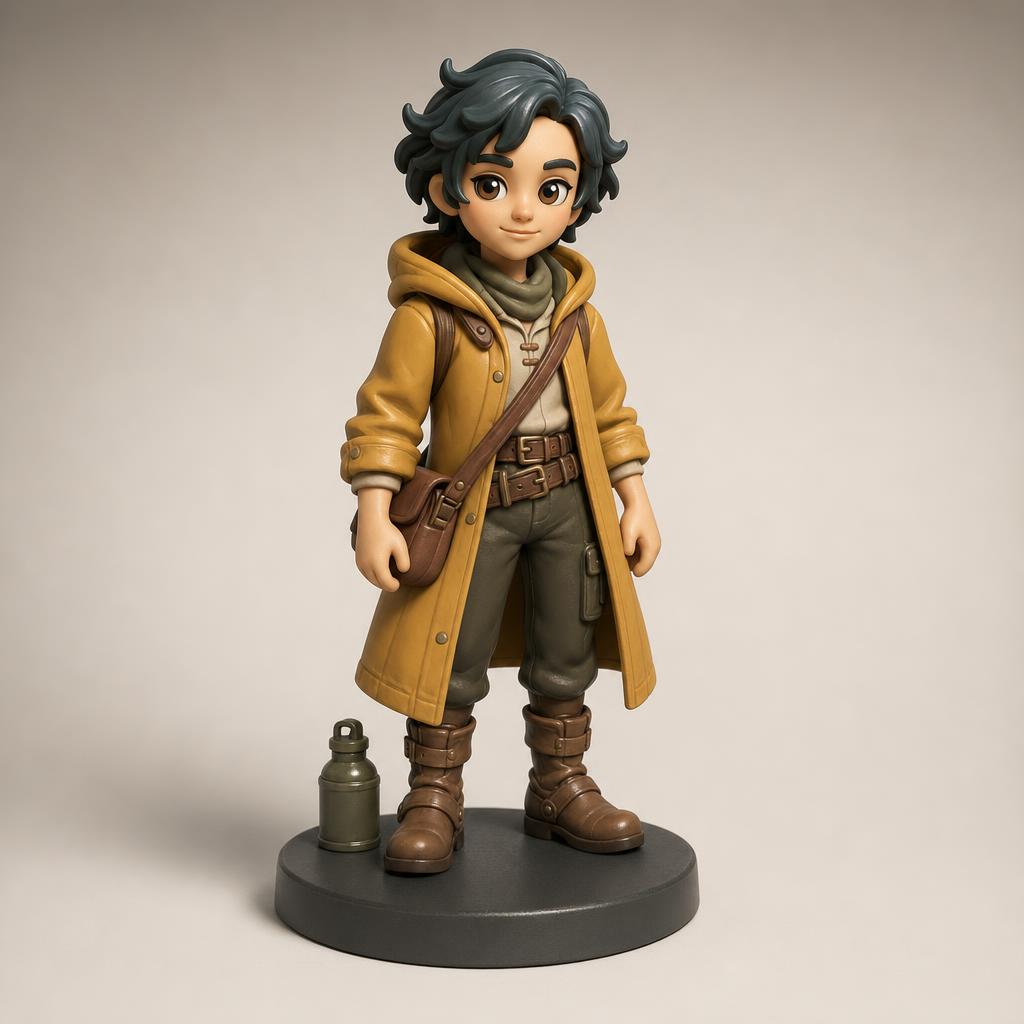
Use my uploaded original character as the appearance reference. Reinterpret the character as a collectible matte vinyl art toy with slightly rounded proportions, retaining the defining hairstyle, hood, satchel, and main colors. Show the entire figure in a relaxed standing pose on a shallow circular charcoal base, three-quarter camera view. Simple clearly separated hands, one small travel accessory, painted eyes, and restrained semi-gloss accents. Neutral warm gray studio background, soft side lighting, realistic contact shadow, square composition. No packaging, brand names, price labels, extra characters, or floating parts.
A painted ceramic character study
Use the uploaded character design to create a photographed collectible statuette concept with a softly glazed ceramic-like finish. Preserve the main silhouette and expression as closely as possible, simplifying fine costume details into broad sculpted forms. Muted cream, sage, and terracotta palette, compact seated pose on a low oval base. Show the whole object with generous space around it, eye-level three-quarter view, ivory studio sweep, gentle diffuse light. Avoid translucent bodies, exaggerated scratches, product packaging, text, and additional unrelated objects.
User reviews
EveryGen AI video creator feedback.
EveryGen AI creator reviews

I made a full character PV for my game with MiniMax H3 in one afternoon. The menu UI stayed readable in every frame and the character never went off-model. That used to cost me a contractor and three weeks.

We tested every AI video generator on the market for stylized work. H3 is the only one that held our anime style across cuts. We now use it for pitch reels and animatics on every project.

I uploaded four product photos and got a listing video with music and a voiceover the same day. My click-through rate on the new listings is up 38%. H3 even got the label text on my packaging right.

I ship five vertical videos a week for three brands. MiniMax H3 gets me from brief to draft in under an hour, with sound already synced. My old workflow needed a videographer and two review rounds.

The editing side is what sold me. A client wanted the background of an interview changed — I typed one sentence into MiniMax H3 and the lighting on the subject matched the new scene automatically.

I previsualized my entire short film in MiniMax H3 before we shot a single frame. Rack focus, match cuts, even the title cards — it understands director language, not just keywords.
EveryGen AI · MiniMax H3 Max Pricing and Credit Plans
Cancel anytime
Lite
50% off0.025 / credit
Billed $ yearly179· Save $179.8
Video Models


Image Models



- Includes MiniMax H3 and all premium models
- Up to 1 batch generation task
- Standard generation speed
- Standard generation success rate
- Standard customer support
- Commercial Use License
Standard
50% off0.017 / credit
Billed $ yearly299· Save $299.8
Video Models
Image Models
- Includes MiniMax H3 and all premium models
- Up to 4 batch generation tasks
- Priority processing speed
- High generation success rate
- Priority customer support
- Commercial Use License
Pro
50% off0.014 / credit
Billed $ yearly599· Save $599.8
Video Models
Image Models
- Includes MiniMax H3 and all premium models
- Up to 10 batch generation tasks
- Fastest generation speed
- High generation success rate
- Dedicated account manager
- Commercial Use License
Max
50% off0.012 / credit
Billed $ yearly1,199· Save $1,199.8
Video Models
Image Models
- Includes MiniMax H3 and all premium models
- Up to 10 batch generation tasks
- Fastest generation speed
- High generation success rate
- Dedicated account manager
- Commercial Use License
Pay safely and securely with






















FAQ
Frequently asked questions
Does the AI figure generator create a printable 3D model?
No. The AI figure generator returns a JPEG concept image, not mesh geometry or a manufacturing file. Use the picture to discuss appearance and presentation. A separate modeling and production process is needed to determine the actual three-dimensional object.
Can the AI figure generator use my original character?
Yes. Upload a reference you are authorized to use and describe the features that should remain recognizable. Specify the collectible style, materials, pose, and base. Check the result against your design because fine details and proportions may change during reinterpretation.
Can the AI figure generator show multiple angles?
You can request a different camera view, but separate images may disagree about hidden surfaces or accessories. Treat them as design proposals to reconcile. They do not establish a consistent turntable, linked camera views, or an underlying three-dimensional model.
What materials can I describe to the AI figure generator?
You can describe visual finishes such as matte vinyl, painted resin, ceramic-like glaze, or brushed metallic accents. Explain which part uses each finish. These instructions guide the image; they do not select actual materials or verify how a physical object would be made.
How should I start an AI figure generator request?
Begin with the character reference, GPT Image 2 image mode, 1:1, and 1K. Choose a simple full-figure view and one output. Read the displayed credits for the configuration before submitting, then review the character translation before spending attention on elaborate scenery.
CTA
Build a collectible direction with the AI figure generator
Bring a clear character reference and choose its sculpted personality. Use the AI figure generator to explore materials and presentation, then carry the selected image into a separate design and production conversation.
Explore a collectible concept