 EveryGen AI
opus 5.5 video guide: Make an Illustrated Timeline of 98 Years of Best Picture
Plan an attributed reconstruction of LemoLab’s illustrated Best Picture timeline, checking chronology and distinguishing public tools from unavailable source.
Start here: open EveryGen AI Opus for cinema-history timelines.
Watch OPUSCAR 98, the published illustrated retrospective. The supplied web MP4 measures 391.424 seconds—6:31.424; the author’s feature presentation says 6:25. Preserve that discrepancy rather than retiming the file. LemoLab attributes its code-made films to Claude Opus 5.5; neither those model sessions nor an EveryGen AI reproduction has been independently verified here.
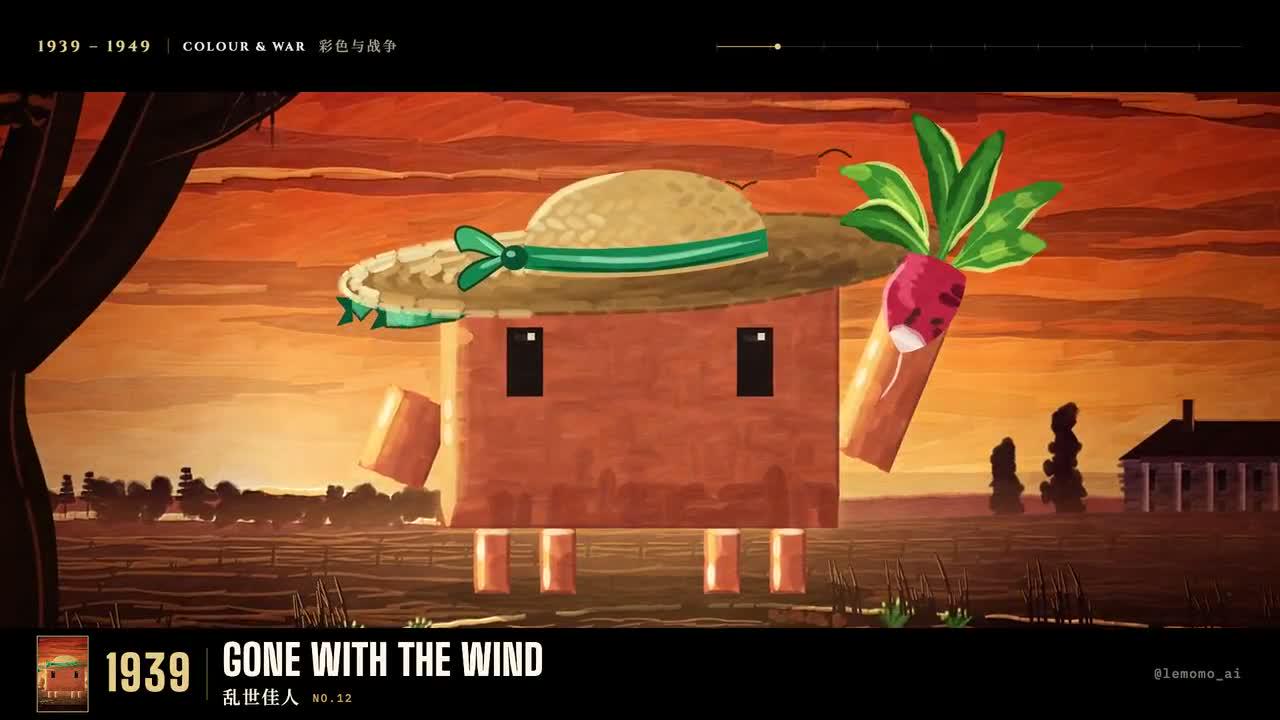
Original OPUSCAR 98 frame. Credit: LemoLab.
1. Locate the project, not an invented style folder
The gallery builder’s feature-source note explicitly places this film in promo/, which is not included in the repository. There is no styles/opuscar98/STYLE.md or verified public one-command rebuild for this feature.
An exact source rebuild requires that original project. The route below instead reconstructs the published film’s chronology using public Lemo tools, clearly labeled as a reconstruction. Its newly written files must never be presented as recovered author code.
2. Map the actual film and check the winners
Keep the reference MP4 unchanged. Record each visible title, displayed year, chapter, illustration description, and start/end time in timeline.csv. Cross-check entries against the Academy’s awards records. Separate film-release years from ceremony years; do not fill unreadable cards or duplicate titles simply to reach 98.
Preserve the progression from early cinema to contemporary films, while allowing different visual treatments. Describe illustrations as interpretations, not archival stills. Record artwork, character, typography, and soundtrack provenance before reuse.
Use a separate terminal with Git, Node 20+, FFmpeg/ffprobe, and Python 3.11–3.13 or uv:
git clone https://github.com/lemomo-ai/lemo-opuscar.git cinema-study
cd cinema-study
export LEMO_OPUSCAR_HOME="$PWD"
sh plugin/skills/lemo-opuscar/scripts/setup.sh deps voice
D=study/opuscar98
mkdir -p "$D/reference" "$D/evidence" "$D/out"
git rev-parse HEAD > "$D/evidence/commit.txt"
Copy the downloaded film into reference/opuscar98.mp4 within that directory. Keep the lockfile and resolved dependencies. These preparation commands do not recover the unpublished promo/ project.
3. Give Opus a complete reconstruction brief
New prompt—not the author’s original conversation:
Reconstruct the published OPUSCAR 98 case from the supplied MP4 and checked
timeline.csv. Inspect the repository commit, locks, DIRECTOR.md, TECHNIQUE.md,
core/README.md, and gallery feature-source note. The original promo/ project
is absent: do not invent its files, build commands, prompts, or model logs.
Preserve the observed chronological structure, verified years/titles, chapter
changes, and readable illustrations. Compare entries with Academy records;
flag conflicts rather than fabricating history. Keep author attribution.
Implement new source in study/opuscar98: index.html, timeline.js, chapter
modules, credits, and mix.py. Label this an independent reconstruction.
Use the installed READY/render(t)/DUR interface, absolute time, fixed seeds,
and reproducible forward/reverse seeks. Choose 24 fps for this reconstruction,
quantize cues to integer frames, and record duration separately from the
391.424-second reference container and README's 6:25 description.
Build the audio master from cleared supplied material and reviewed timings;
do not invent narration or silently substitute an uncleared soundtrack.
Keep every title, caption, image and cue linked to its evidence. Implement
mix.py to write out/mix.wav. Missing evidence/assets must be identified,
not masked. Otherwise proceed using documented core commands. Save prompts,
actual model/provider/effort/session details, changes and checks. Do not publish.
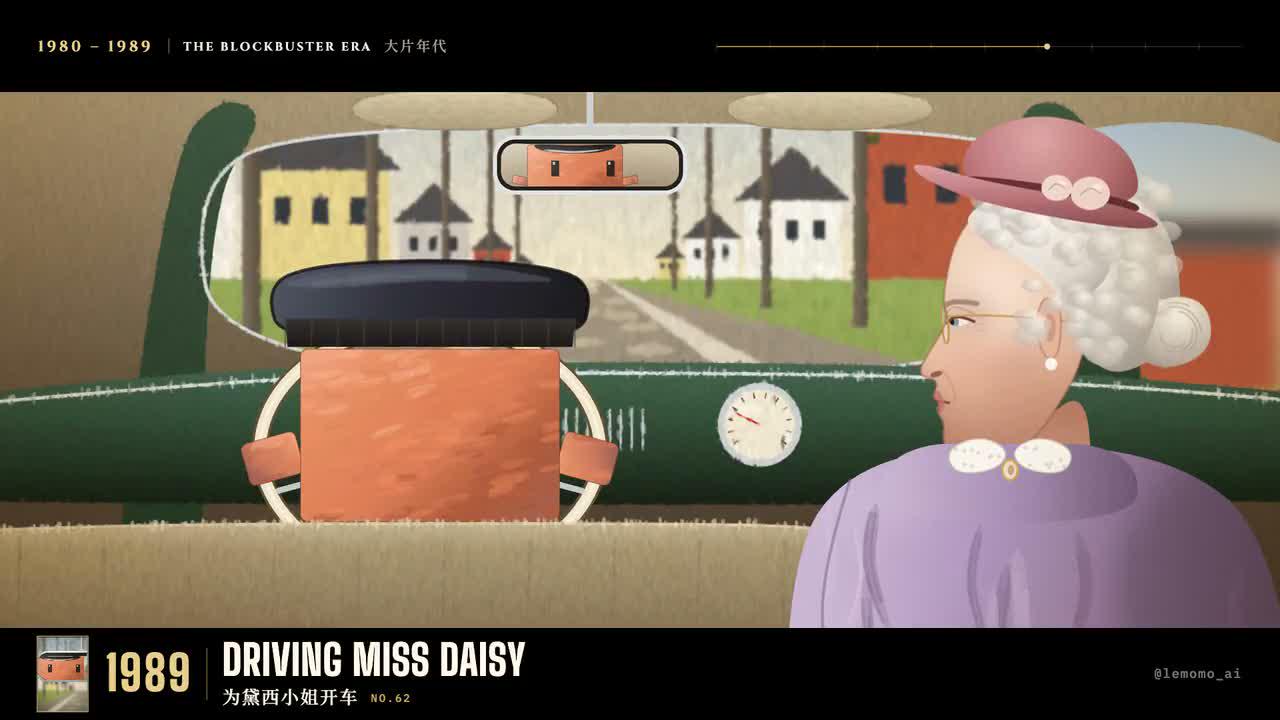
Another author-film frame; preserve its year and title context.
4. Render only the implemented reconstruction
After the new page and mixer exist, use Lemo’s shared rendering interfaces, not a nonexistent feature build script:
.venv/bin/python "$D/mix.py"
node core/render/still.mjs "$D" 0 --out "$D/evidence/stills"
node core/render/video.mjs "$D" --fps 24 --workers 2 --out "$D/out/picture.mp4"
sh core/render/mux.sh "$D/out/picture.mp4" "$D/out/mix.wav" "$D/out/study.mp4" 24 0
ffprobe -v error -count_frames -show_streams -show_format -of json "$D/out/study.mp4"
ffmpeg -v error -i "$D/out/study.mp4" -f null -
Sample additional frames at the recorded chapter boundaries. Check complete soundtrack tails before muxing: the shared mux can trim audio to picture length.
5. Correct chronology and accept the full edit
Correct only the observed year/title, illustration, or timing mismatch.
Update linked captions and audio together. Preserve chronology and reading
holds; show the evidence, source diff, and fresh boundary frames.
Original-release frame, not evidence of a newly completed rebuild.
Compare decoded frame count with the reconstruction’s actual frame plan, then watch and listen throughout. Archive evidence, source, prompts, versions, edits, and MP4. The repository license covers its software under MIT; it does not automatically clear film imagery, characters, music, or other third-party material.