 EveryGen AI
Tutorials
Step-by-step guides to creating and editing images and videos with EveryGen AI.
Tutorial2026/10/03
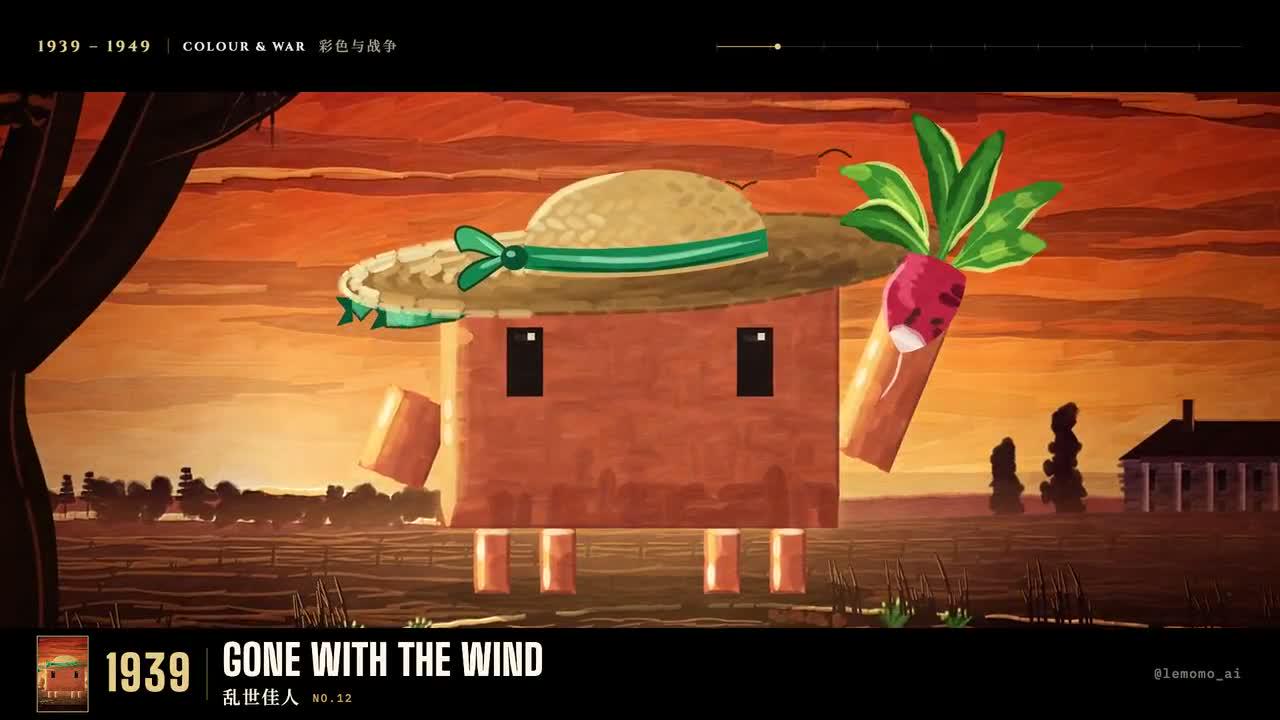
opus 5.5 video guide: Make an Illustrated Timeline of 98 Years of Best Picture
Plan an attributed reconstruction of LemoLab’s illustrated Best Picture timeline, checking chronology and distinguishing public tools from unavailable source.
Tutorial2026/10/03
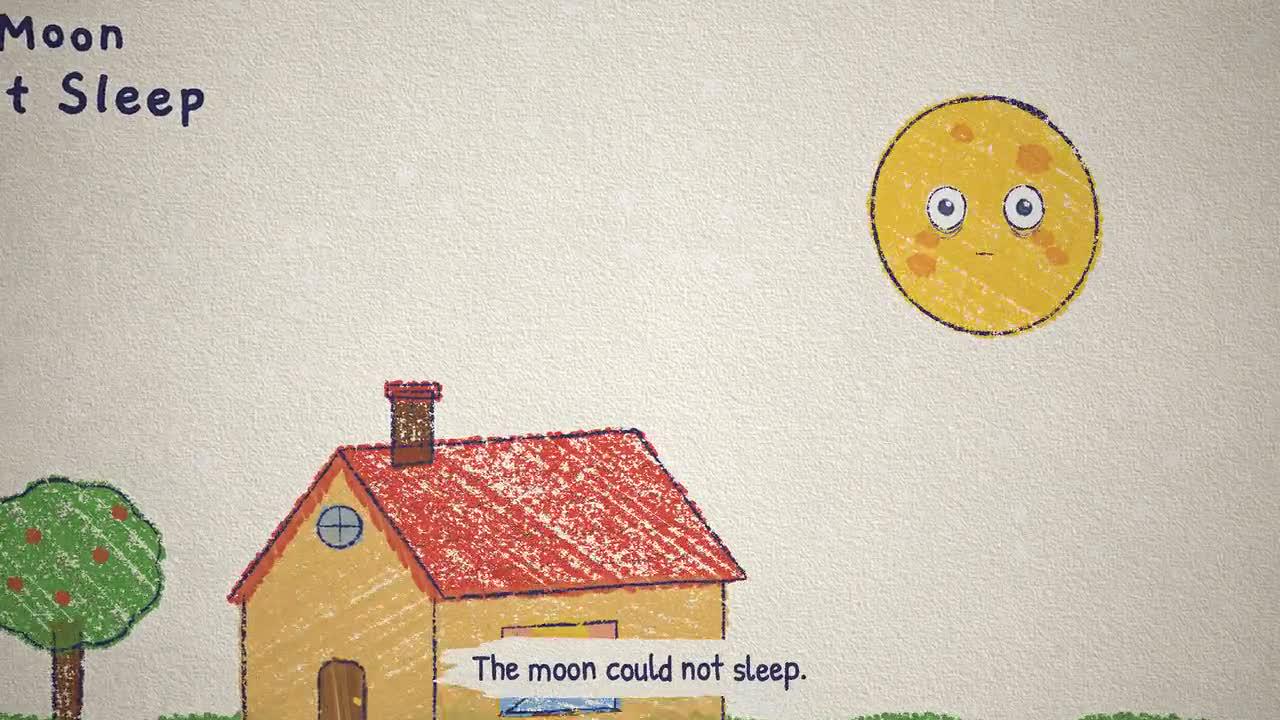
opus 5.5 video guide: Animate a Crayon Picture-Book Story About a Moon That Cannot Sleep
Explore LemoLab’s sleepless-moon crayon story through drawing, wash reveals, stepped character poses, and the final picture-book reveal.
Tutorial2026/10/03
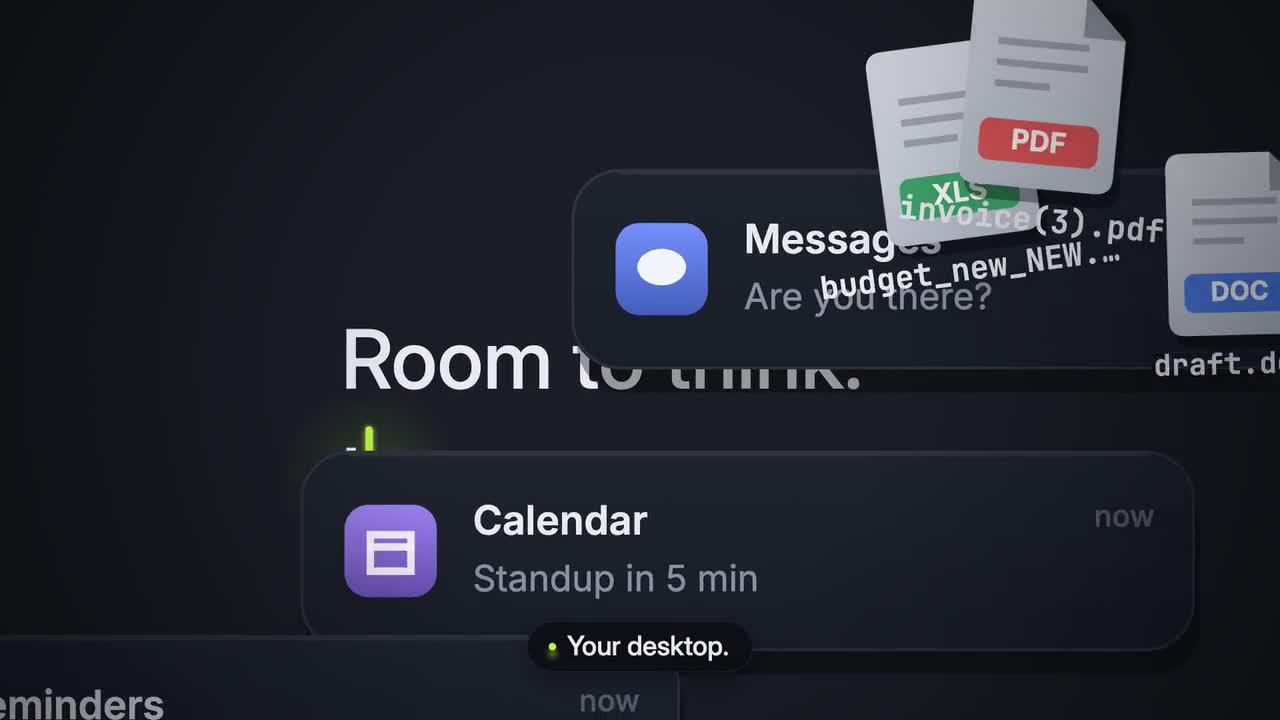
opus 5.5 video guide: Create a Dark Tech Launch Film for Tidy with Animated Windows
Study LemoLab’s fictional Tidy launch film: cursor-led storytelling, animated windows, shared timing, local build steps, and source attribution.
Tutorial2026/10/03
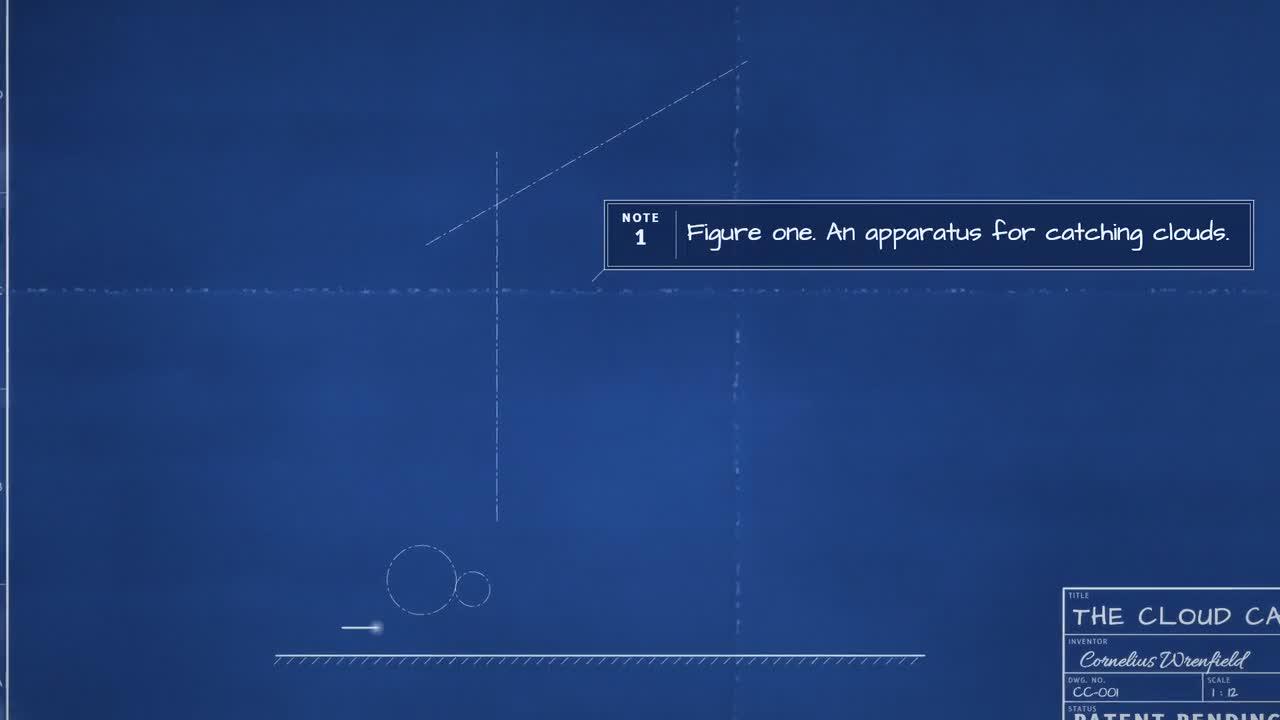
opus 5.5 video guide: Animate a Cloud-Catching Machine as an Exploded Engineering Blueprint
Study LemoLab’s fictional Cloud Catcher blueprint film with drafting order, exploded drawing offsets, shared sound cues, and source attribution.
Tutorial2026/10/03
opus 5.5 video guide: Create a Glass Earbud Product Film with Unboxing and Exploded Views
Study LemoLab’s fictional Aura earbuds film with transparent materials, unboxing, exploded views, lighting, and source-based review.
Tutorial2026/10/03
opus 5.5 video guide: Explain GPS and Relativity with a Whiteboard Animation
Study LemoLab’s GPS whiteboard lesson, keeping clock corrections, diagrams, equations, narration, and drawing timing consistent.
Tutorial2026/10/03
opus 5.5 video guide: Animate a Coffee Journey from Bean to Cup in an Isometric World
Follow LemoLab’s isometric coffee journey from picking to a city café, using one coordinate system and shared visual and sound cues.
Tutorial2026/10/03
opus 5.5 video guide: Animate a Living Screencast with Clawd, a Terminal, and the Claude App
Study LemoLab’s Clawd interface animation with terminal typing, Claude app scenes, shared sound cues, and a source-based reproduction brief.
Tutorial2026/10/03
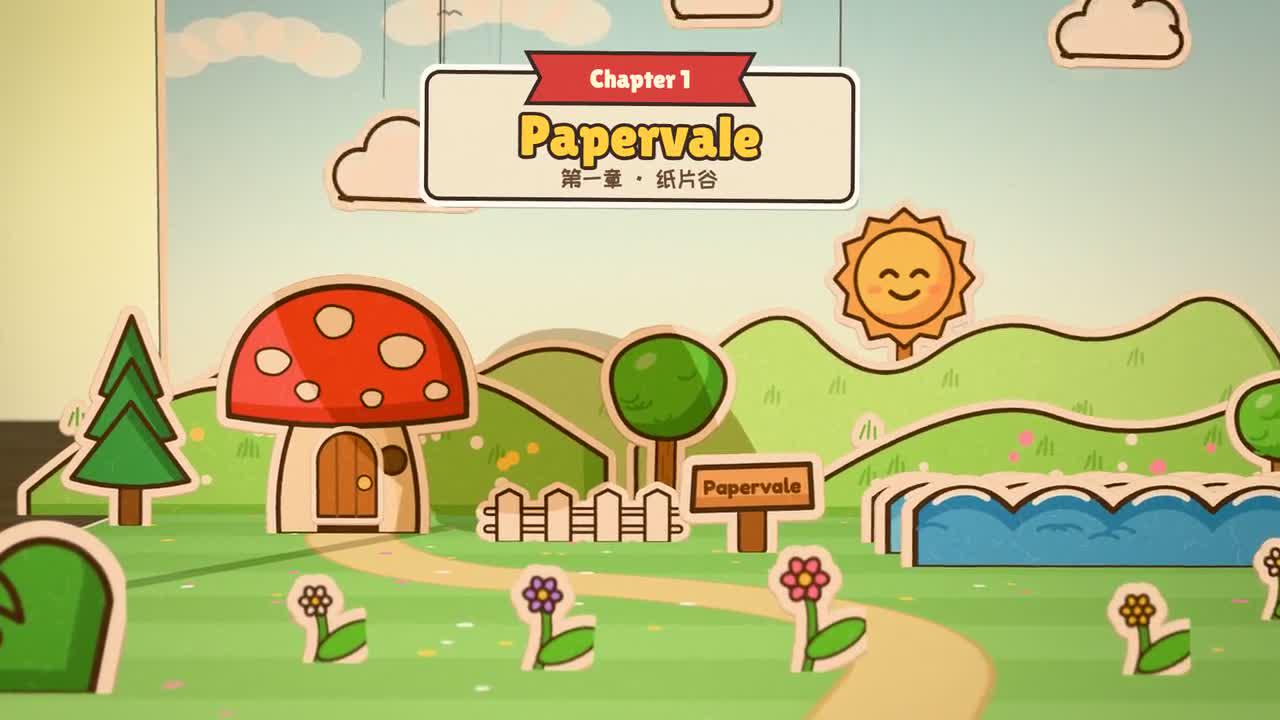
opus 5.5 video guide: Create a Pop-Up Book Adventure that Leaps Off the Page
Explore LemoLab’s Pip pop-up adventure through paper cards, hinges, page turns, narration, and source-based rendering checks.
Tutorial2026/10/03
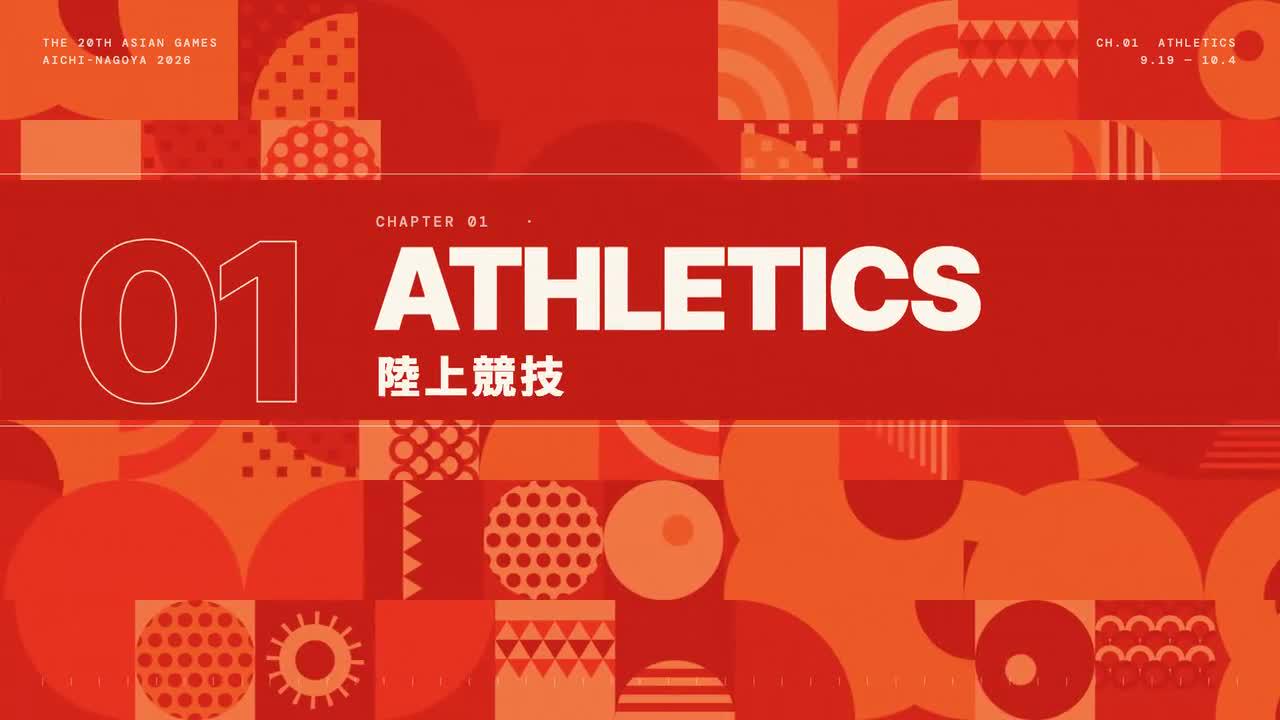
opus 5.5 video guide: Animate 43 Sports as Beat-Synced Geometric Pictograms
Explore LemoLab’s unofficial sports-pictogram film with 43 categories, 70 action cards, bilingual titles, and music-led timing.
Tutorial2026/10/03
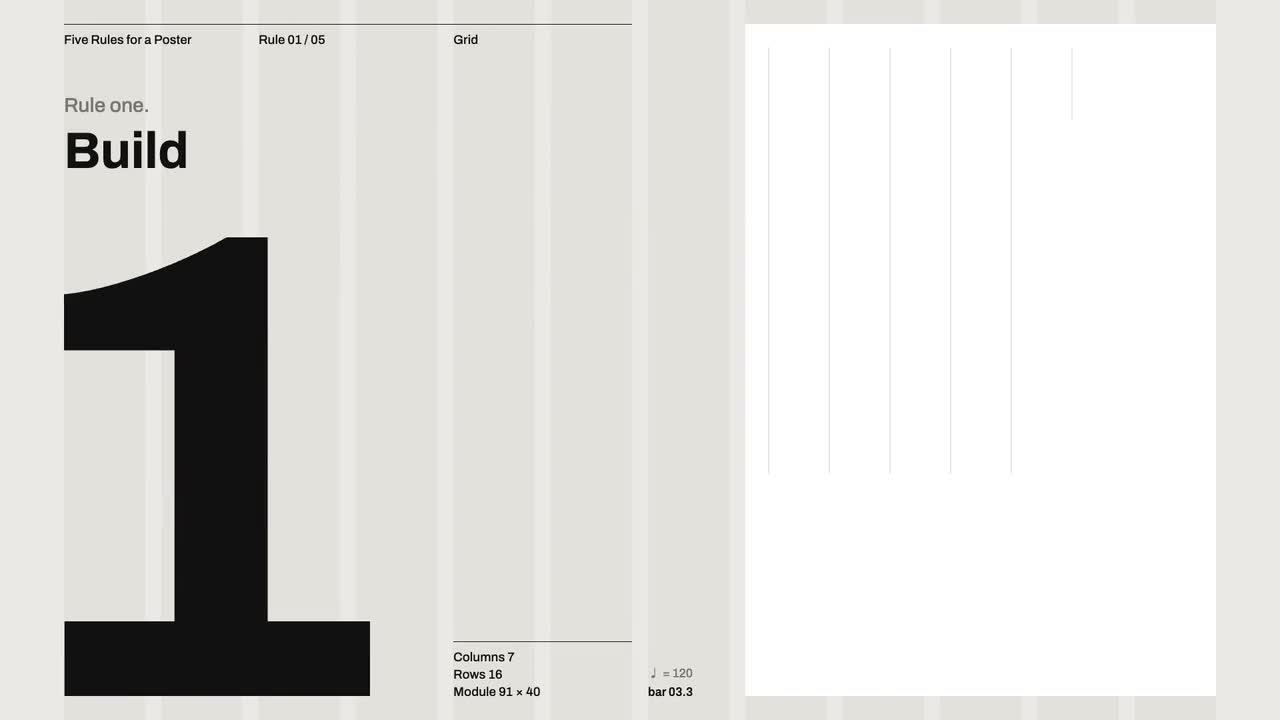
opus 5.5 video guide: Animate Five Swiss Design Rules into a Concert Poster
Study LemoLab’s Swiss poster animation through five design rules, aligned typography, whitespace, and a shared visual and musical score.
Tutorial2026/10/03
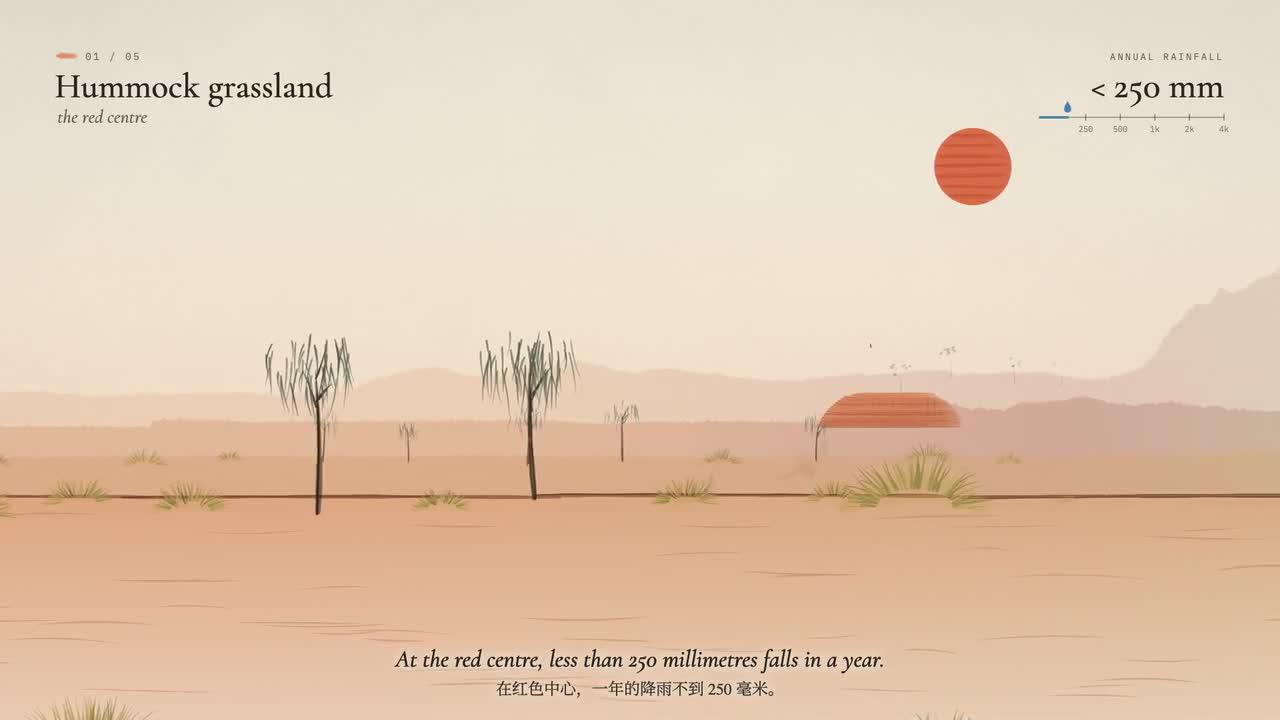
opus 5.5 video guide: Make a Watercolor Film that Follows Rain Across Australian Vegetation
Follow LemoLab’s watercolor rain film across Australian vegetation, with layered washes, narration, source build steps, and frame review.
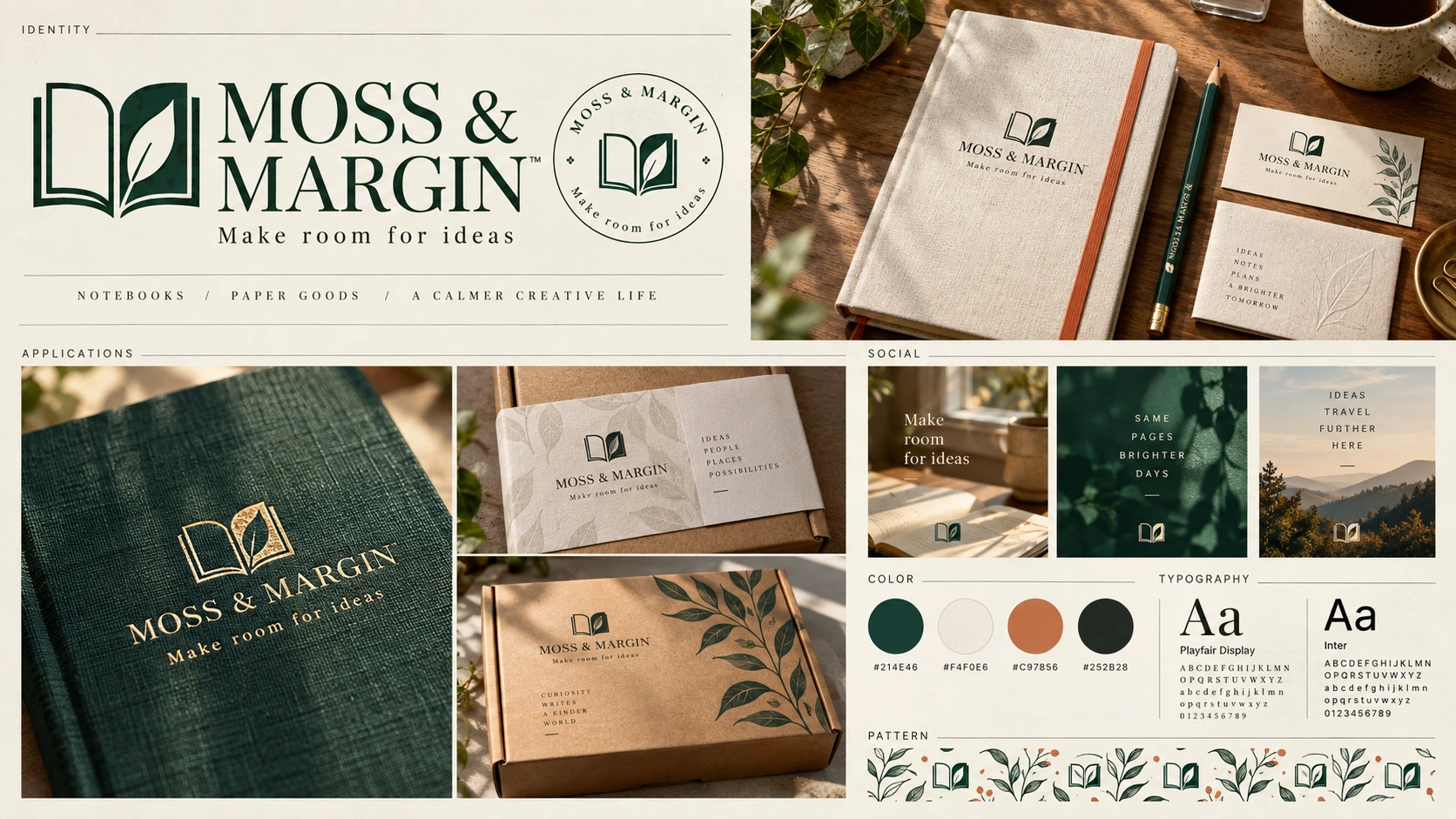
Tutorial2026/09/29
GPT-Image-2 in Practice: Build a Full Brand Kit for a Small Business in One Day (Brand Board / Logo Mark / Social Assets)
Develop a cohesive stationery brand kit with a logo system, color targets, typography, packaging, and social concepts.
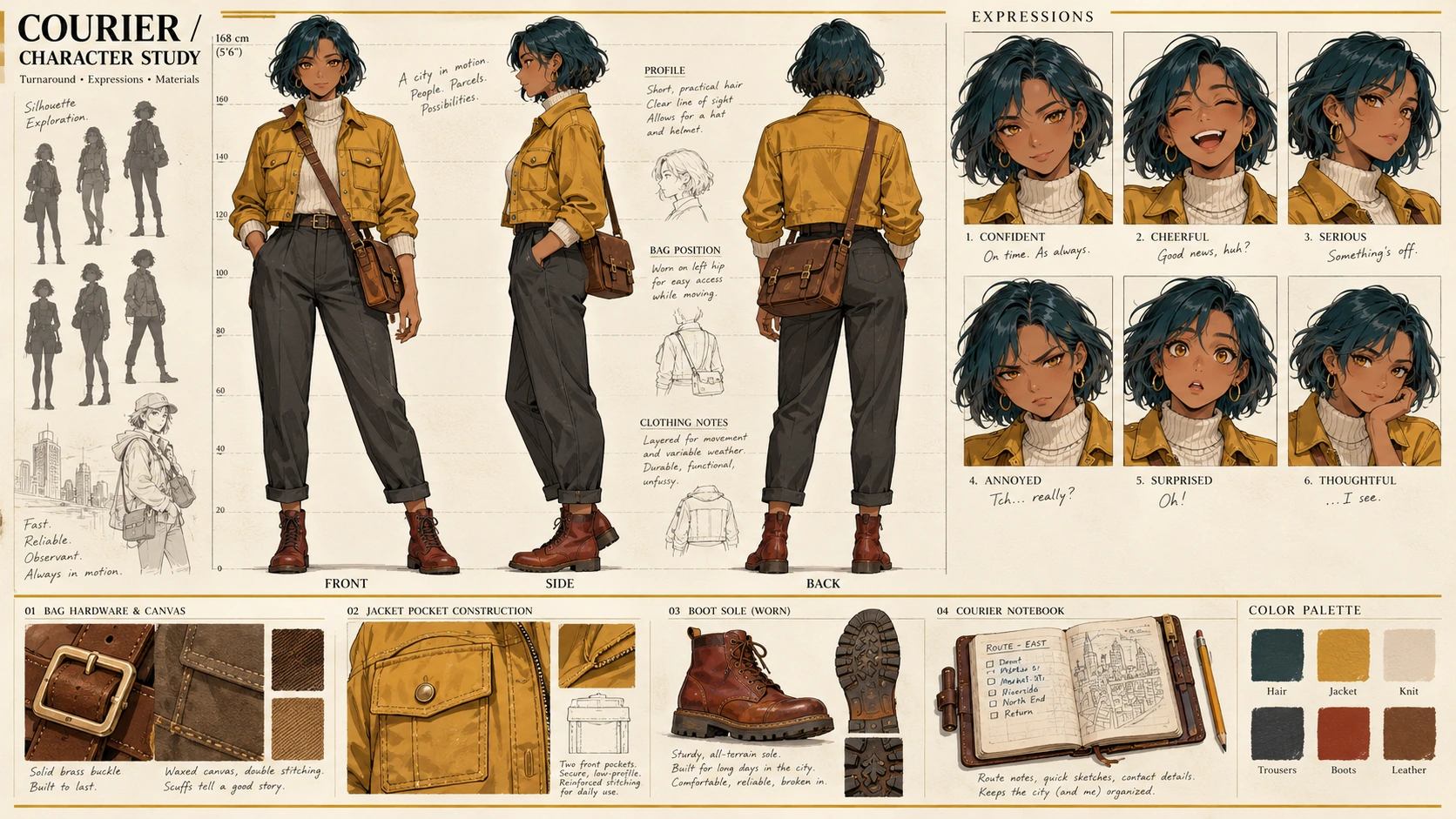
Tutorial2026/09/28
GPT-Image-2 in Practice: Design a Character Reference Sheet from One Prompt (Turnaround / Expressions / Style Directions)
Build an anime character reference sheet and check poses, expressions, accessories, and consistent anatomical placement.
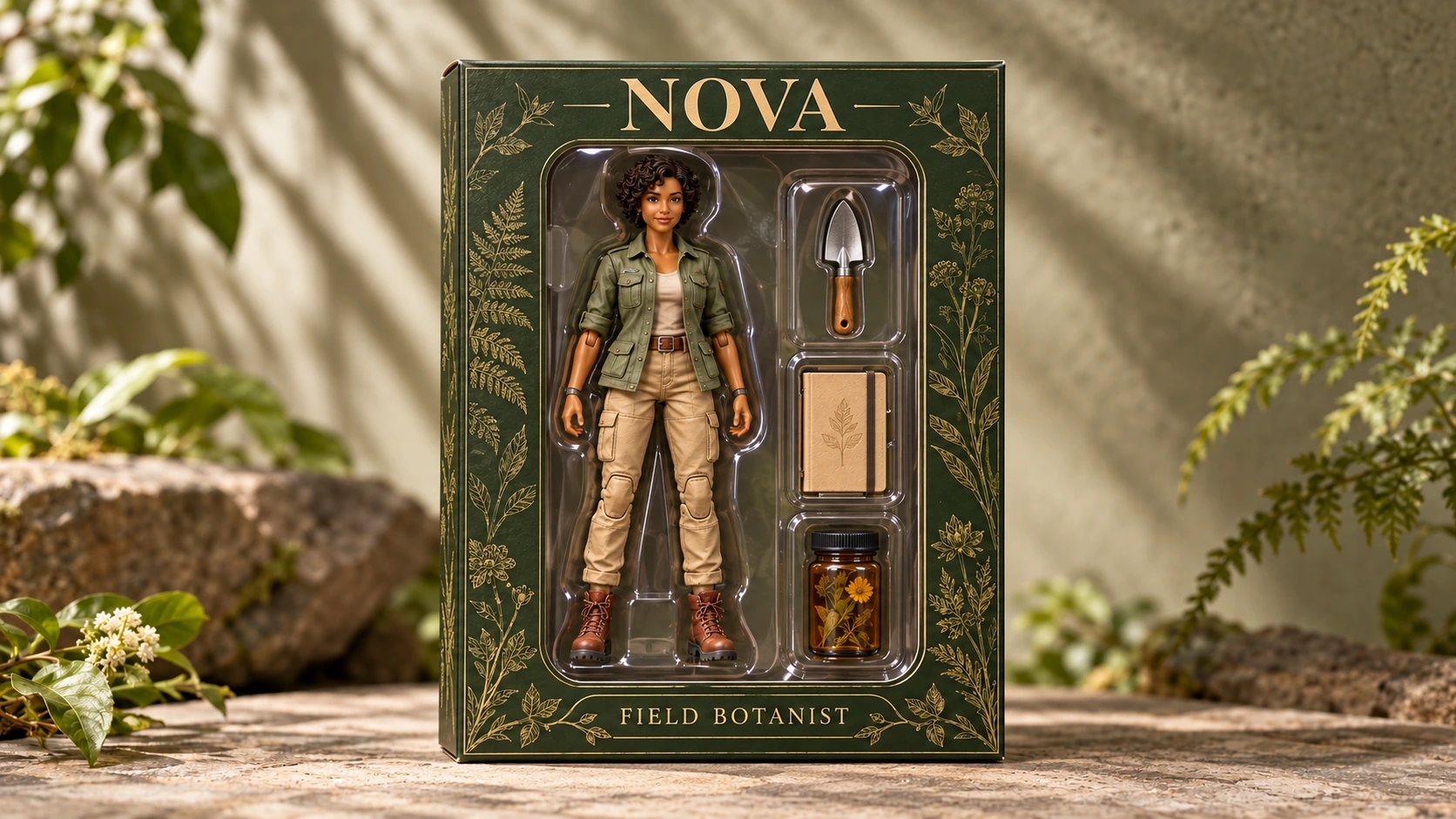
Tutorial2026/09/26
GPT-Image-2 in Practice: Turn Yourself (or Anything) into an Action Figure (Blister Pack / Vinyl Toy / Trading Card)
Create a boxed AI figure concept and verify the character, packaging labels, compartments, and every accessory.
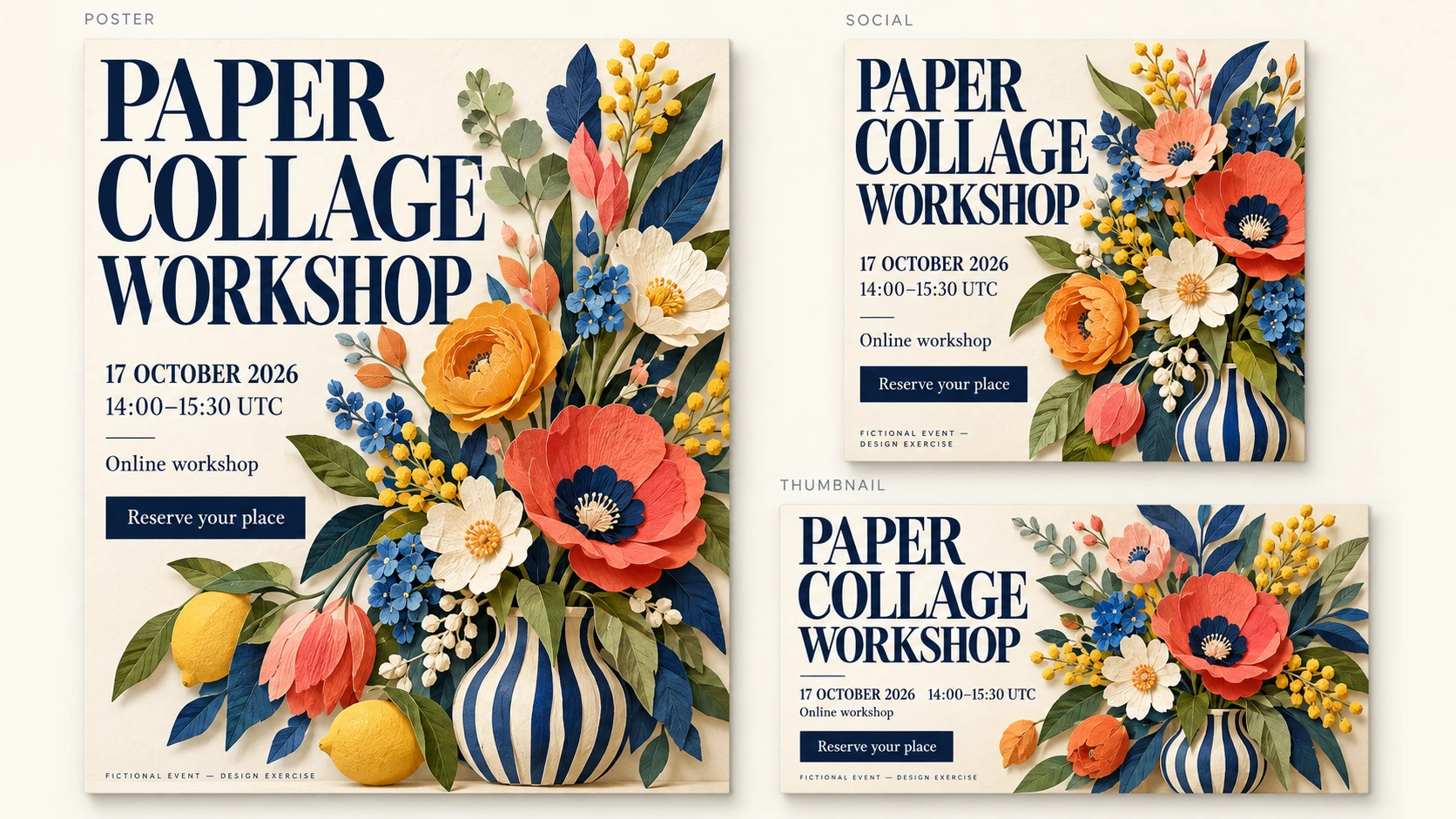
Tutorial2026/09/25
GPT-Image-2 in Practice: Make a Marketing Poster from One Prompt (Promo Poster + Social Cover + Video Thumbnail, with the Trick for Getting Text Right)
Create an event poster with accurate copy, a readable hierarchy, and a clear call to action.
Tutorial2026/09/23
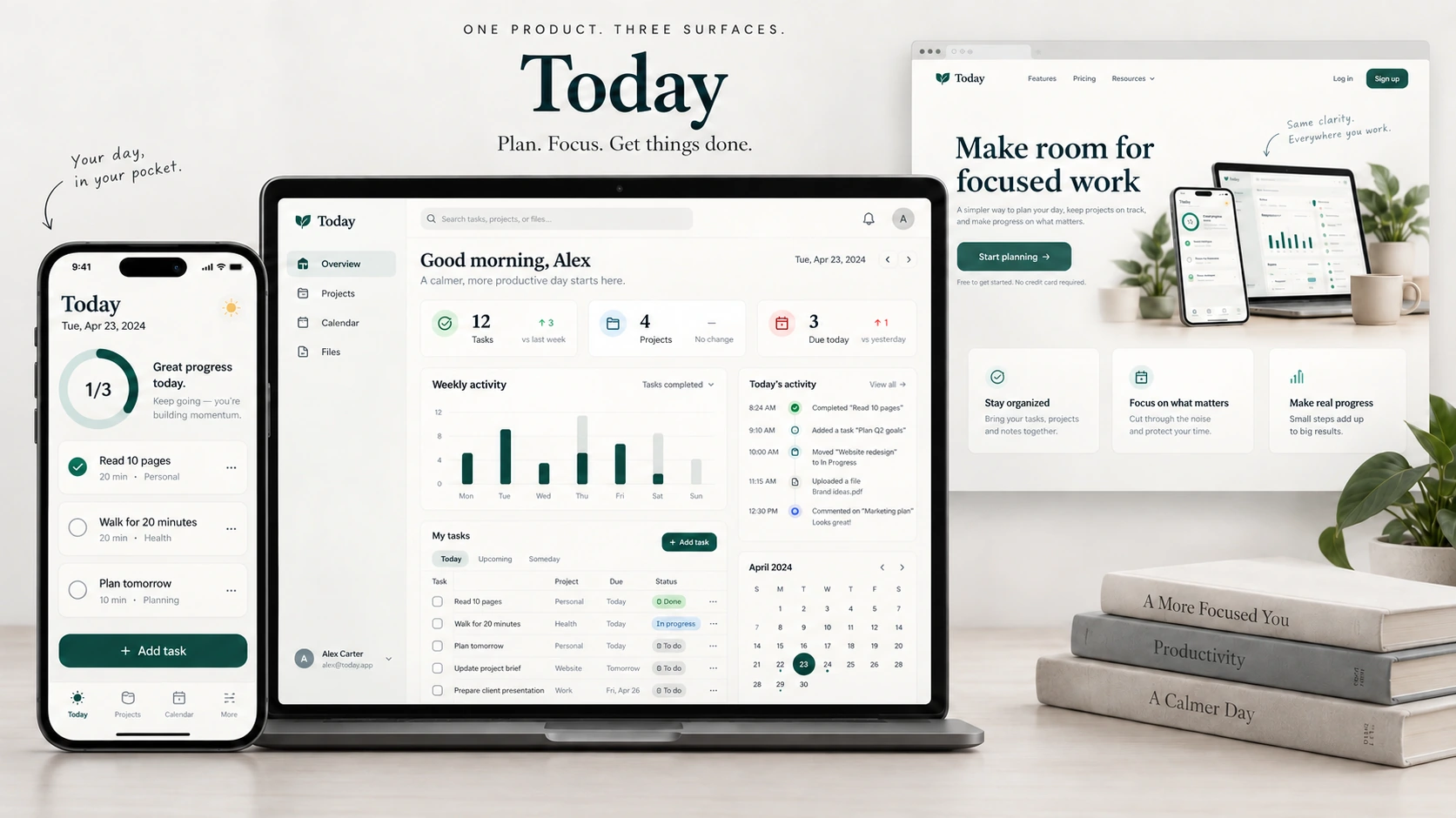
GPT-Image-2 in Practice: Generate App and Web UI Mockups from One Prompt (Mobile Screen / SaaS Dashboard / Landing Page)
Create a static app UI concept with GPT Image 2, then check the exact copy, layout, hierarchy, and component counts.
Tutorial2026/09/21
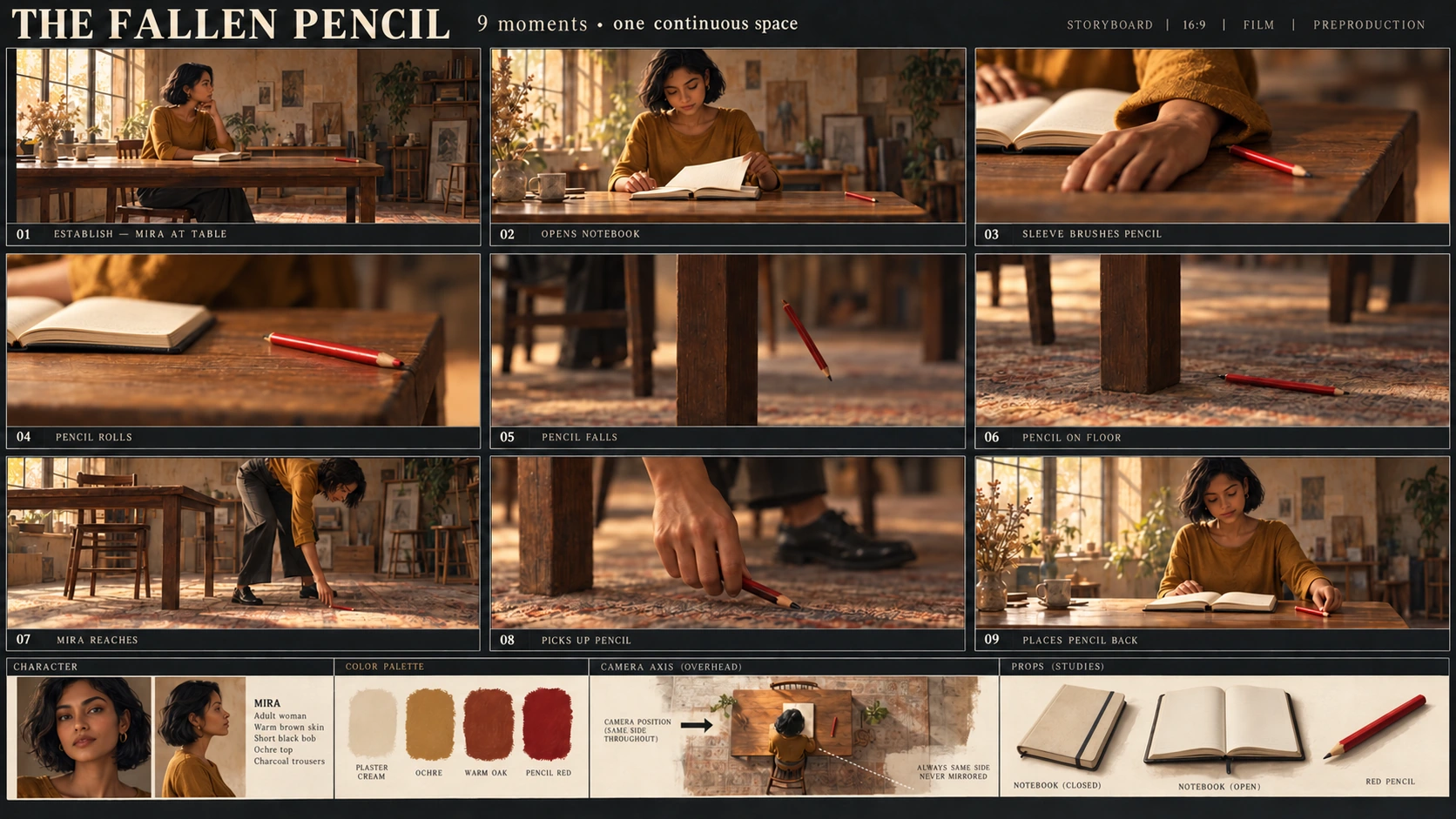
GPT-Image-2 in Practice: Generate a Pro Storyboard from One Prompt (9-Panel Template Included)
Plan a nine-panel storyboard and check character appearance, props, scene order, and visual continuity.
Tutorial2026/09/19
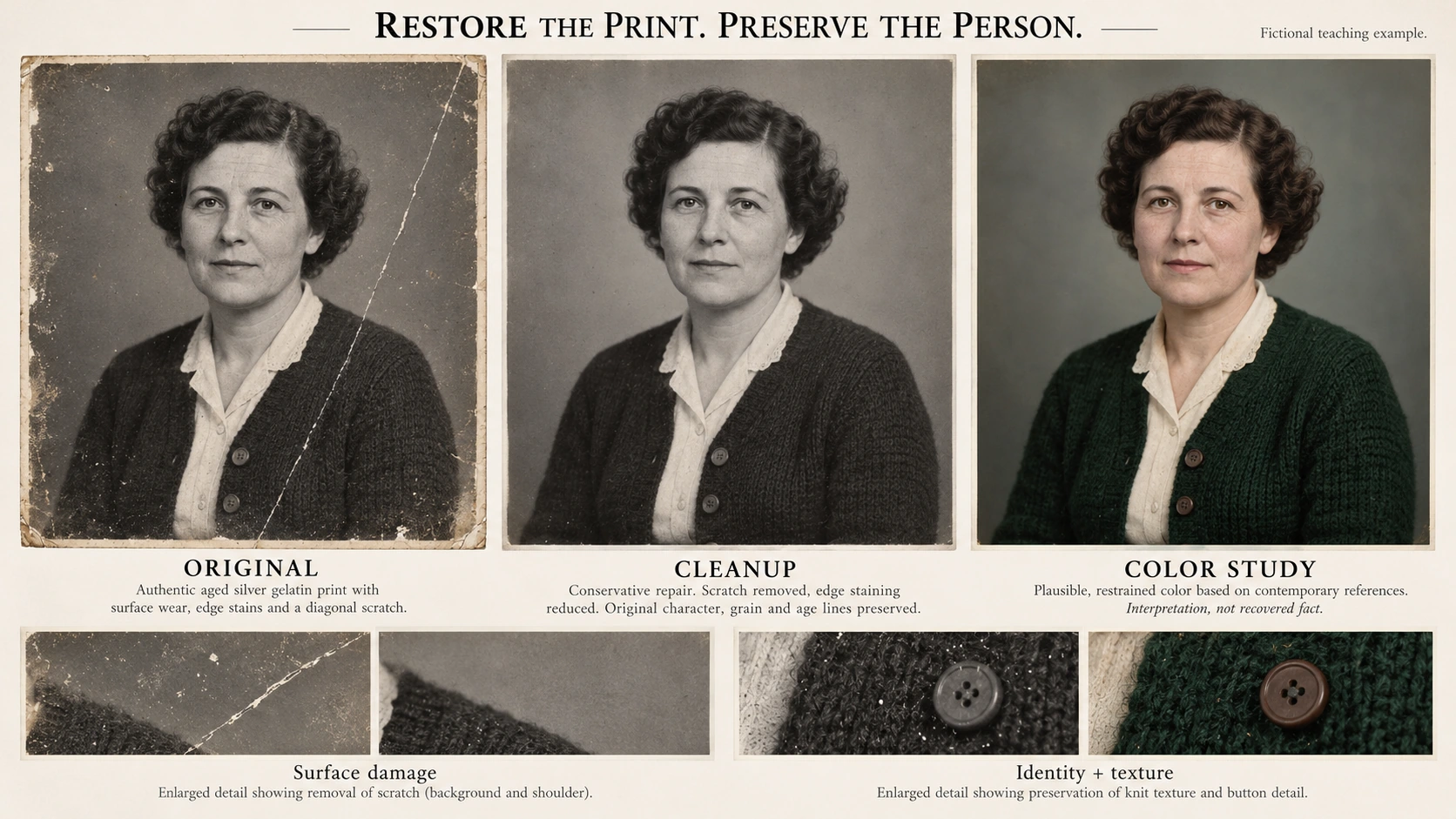
GPT-Image-2 in Practice: Restore Old Photos with a Single Prompt (Remove Scratches, Recover Detail, Colorize)
Clean up an old photo while preserving the original, checking identity and detail, and keeping restoration changes controlled.
Tutorial2026/09/17
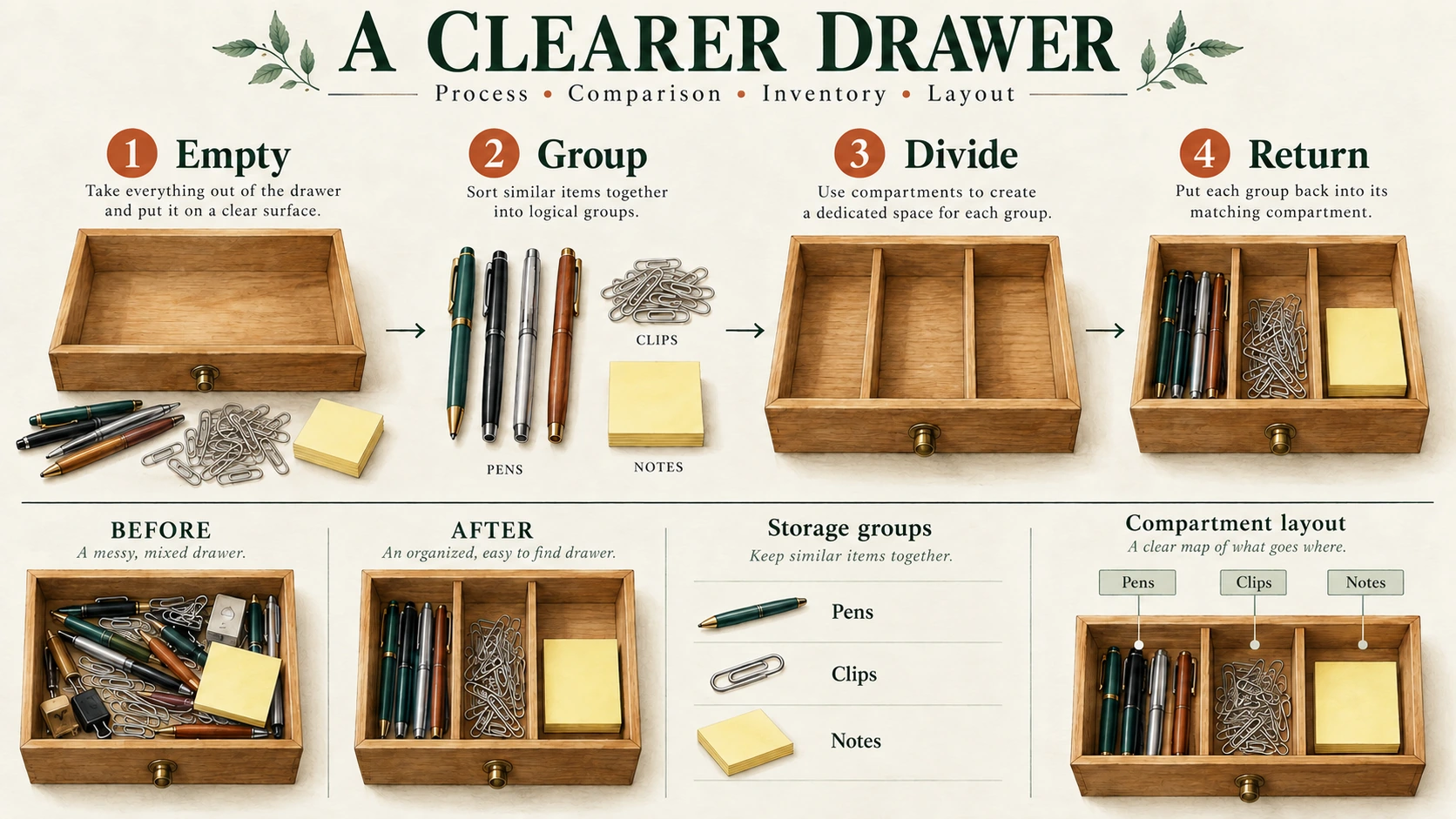
GPT-Image-2 in Practice: Make an Infographic from One Prompt (Process + Comparison + Data + Diagram)
Make a process infographic with exact wording, a clear reading order, and consistent visual steps.
Tutorial2026/09/16
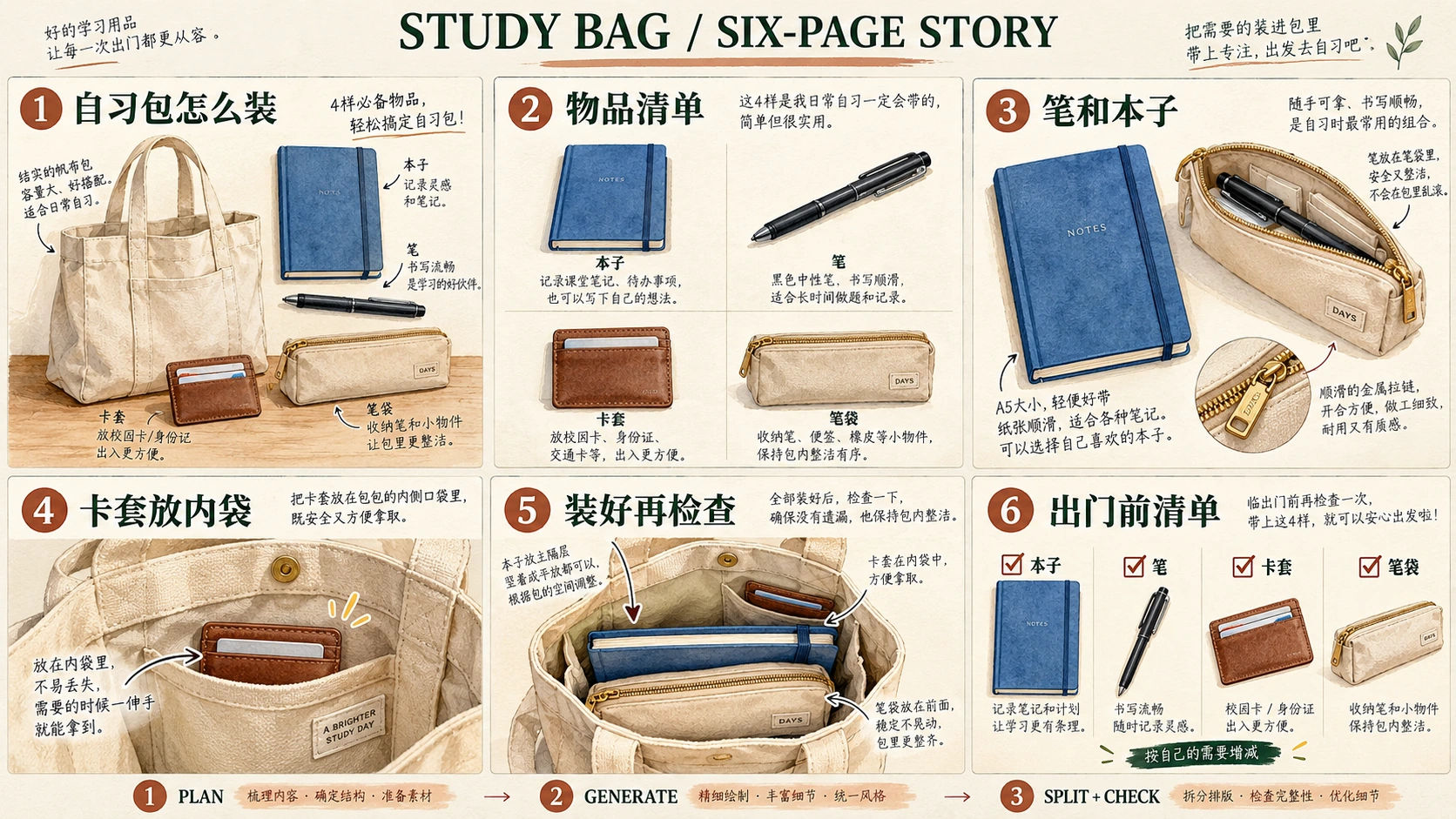
GPT-Image-2 in Practice: Build a Xiaohongshu Grid Post in 3 Steps (Auto-Splitting Included)
Build a six-page Xiaohongshu post one image at a time, keeping copy, layout, and visual identity consistent.
Tutorial2026/09/14
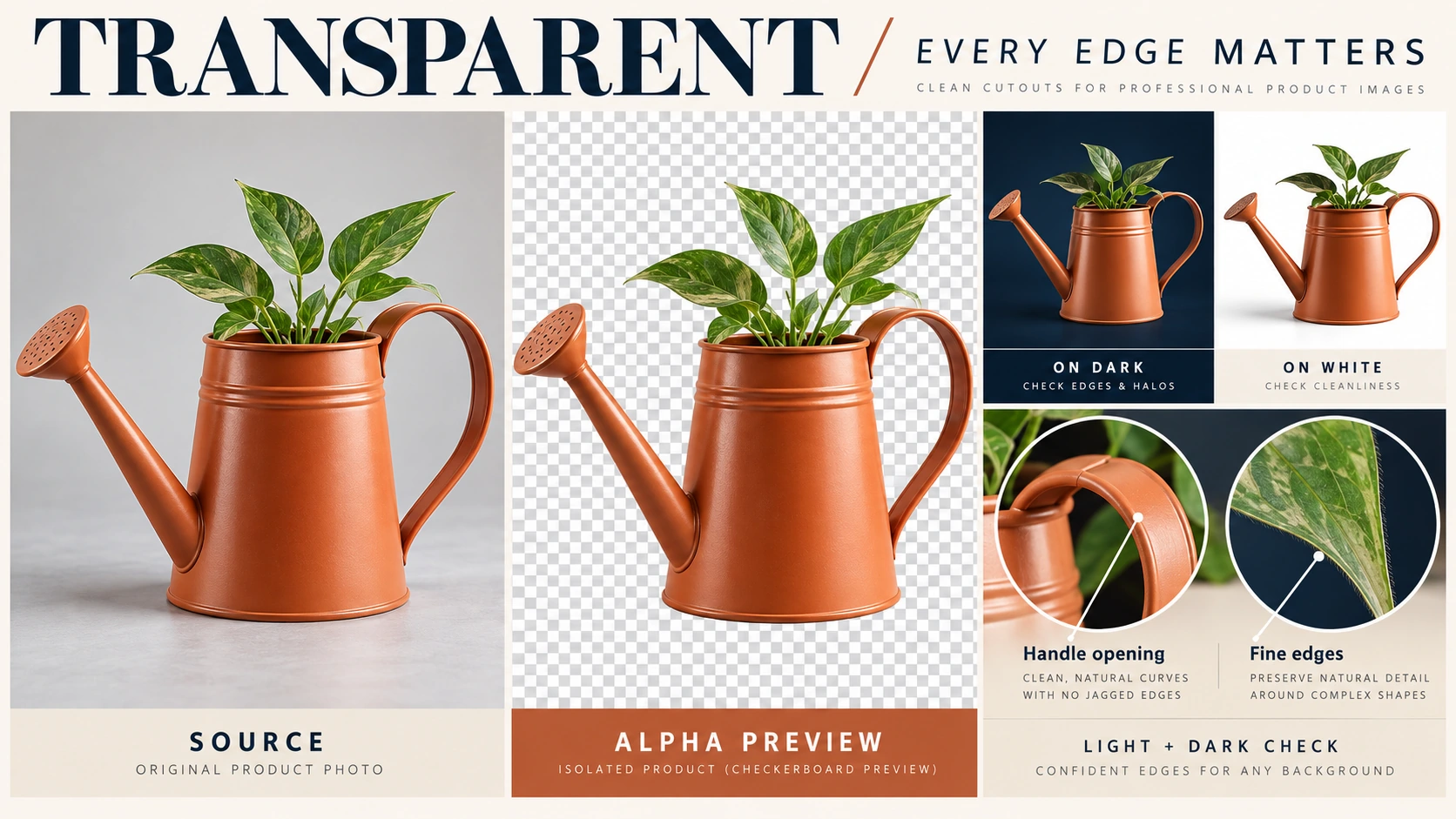
GPT-Image-2 Transparent Background Guide: Generate True Alpha-Channel PNGs in One Step
Learn how to remove an image background, verify PNG transparency, and inspect fine edges on light and dark backgrounds.
Tutorial2026/09/12
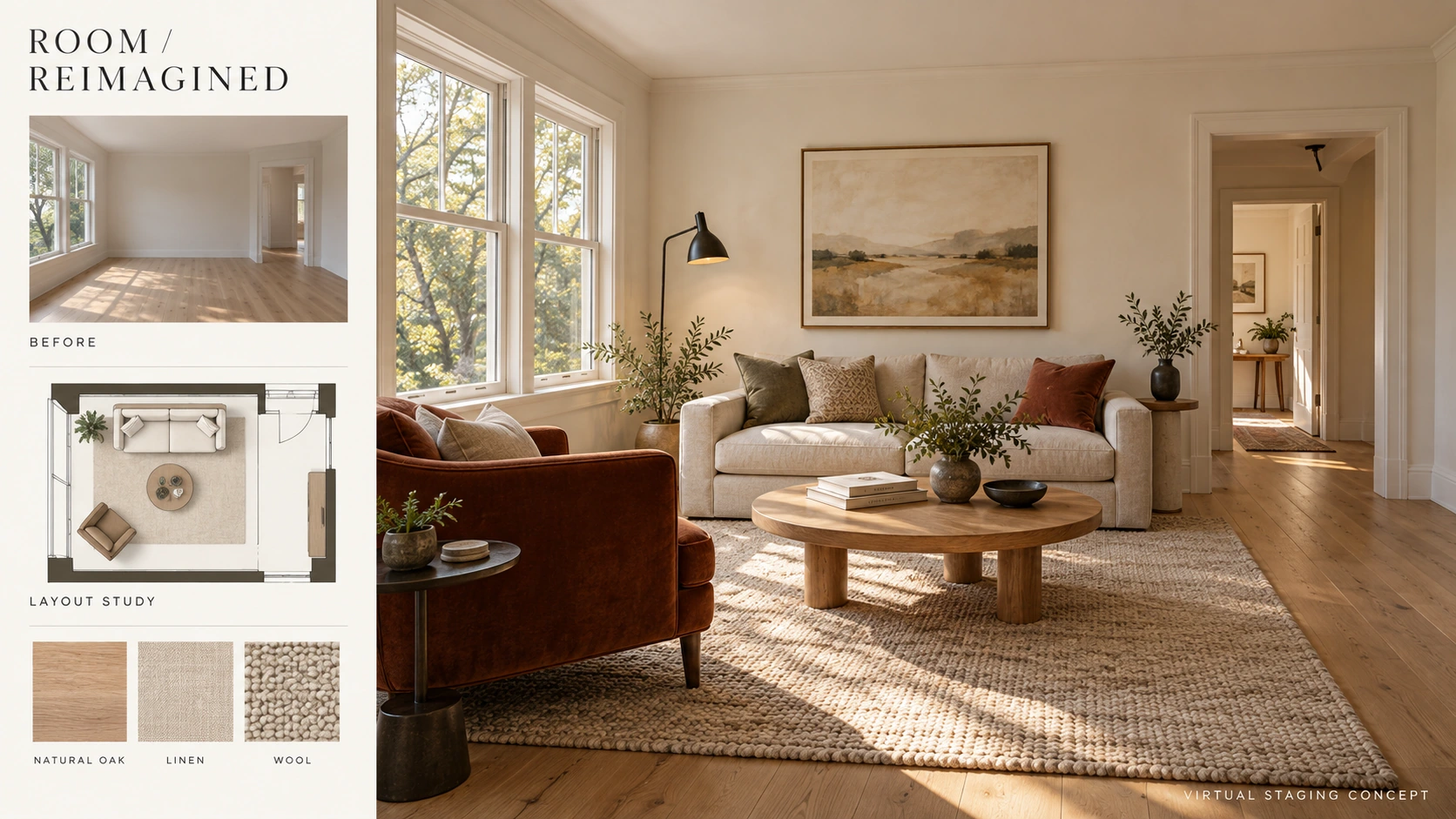
GPT-Image-2 in Practice: Virtual Staging and Interior Redesign from One Prompt (Listing Photos / Room Makeovers / Floor Plans)
Virtually stage an empty living room while checking that windows, doorways, proportions, and furniture counts stay consistent.
Behind the scenes2026/09/11
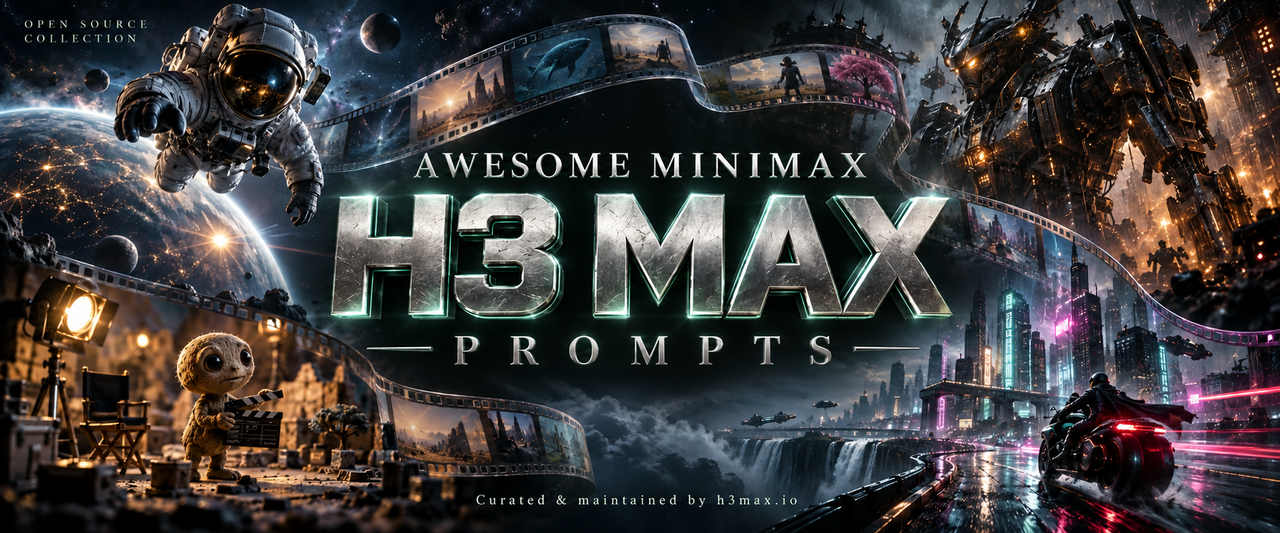
Awesome MiniMax H3 Max Prompts — How this video reference collection was assembled
How the H3 Max reference collection was assembled, how to distinguish adapted prompts from reconstructions, and how to use the examples with clear expectations.