 EveryGen AI
opus 5.5 video guide: Create a Glass Earbud Product Film with Unboxing and Exploded Views
Study LemoLab’s fictional Aura earbuds film with transparent materials, unboxing, exploded views, lighting, and source-based review.
Start here: open EveryGen AI Opus for transparent-product launch films.
Watch Aura — Hear the Light, the released glass-earbud film. The supplied 32.000-second film presents fictional transparent earbuds and their charging case through opening, floating components, exploded views, light sweeps, and a final brand card. LemoLab’s statement on code-made films attributes the collection to Claude Opus 5.5. Those sessions and a local reproduction have not been independently verified here; these commands require a separate terminal.
Original Aura film frame. Credit: LemoLab. The product is fictional.
1. Understand the glass before adjusting the camera
Read the transparent-material studio specification. The scene uses Three.js transmission, strip-light reflections, and procedural floor caustics. Clear glass needs something to reflect or refract; increasing transparency alone can make it disappear. Light expresses the concept, not measured acoustic performance.
Inspect product.js for geometry/materials, studio.js for lighting, story.js for timing, and main.js for staging and titles. Keep the reference MP4 separate. Check the opening, distinct exploded layers, and readable reassembly. The source links its light pulses to the score rather than independent timers.
2. Prepare the reproduction workspace
Use Git, Node 20+, FFmpeg/ffprobe, and Python 3.11–3.13 or uv. Run the following in a new directory, or reuse a reviewed existing clone. Setup installs the browser and voice dependencies, not a completed film.
git clone https://github.com/lemomo-ai/lemo-opuscar.git aura-study
cd aura-study
export LEMO_OPUSCAR_HOME="$PWD"
sh plugin/skills/lemo-opuscar/scripts/setup.sh deps voice
D=styles/glass-product/demo
mkdir -p evidence
git rev-parse HEAD > evidence/commit.txt
npm ls --depth=0 > evidence/node-packages.txt
Preserve dependency versions; check Inter Tight, Kokoro, and WebGL. This case synthesizes music and effects; it does not require an HDRI or sample-bank replacement.
3. Paste this new reproduction prompt
Newly written for this tutorial, not the author’s original prompt:
Reproduce Aura — Hear the Light from the supplied author film and glass-product
source. Inspect the commit, locks, STYLE.md, DEMO.md, CREDITS, core APIs, and
build.sh. Identify missing files or unsupported dependencies before execution;
otherwise proceed through the documented build without adding approval gates.
Preserve the fictional earbuds, case opening, component separation, reassembly,
light sweeps, and closing card. Keep author attribution. Invent no real-product
specifications, performance results, original prompts, or successful runs.
Check the source's 32-second, 1920x1080, 24-fps configuration. Trace geometry,
lighting, camera and sound to product.js, studio.js, story.js and main.js.
Keep component positions deterministic under arbitrary and reverse render(t).
Maintain readable exploded layers, shell visibility, floor clearance, and the
shared snap/light/music cue. Do not paint fake screen-space reflection streaks.
Use the actual build script; inspect every error and listen to regenerated
speech. Test the opening, macro focus, snap boundary, caption holds and ending.
Retain editable code, dependency records, model/provider/effort/session details,
prompts and human diffs. No external generated media or publishing.
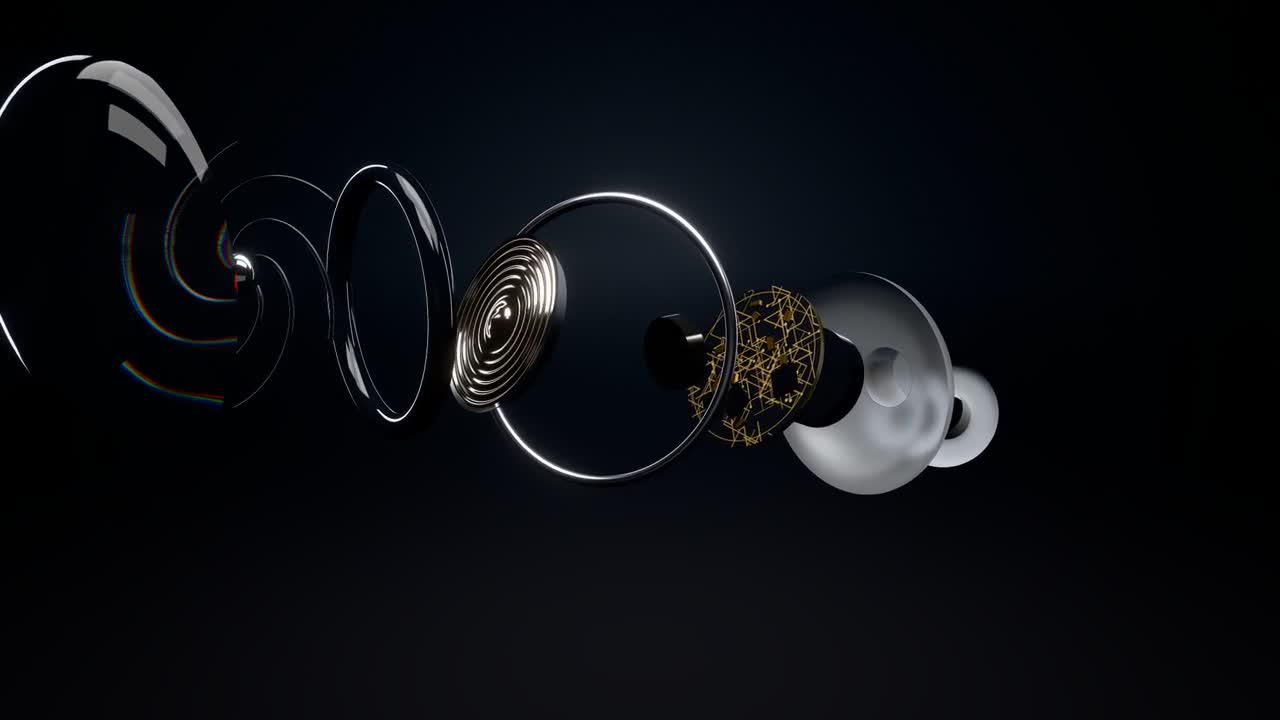
Another original-release frame; judge component movement in the complete sequence.
4. Build and repair observed defects
sh "$D/build.sh"
node core/render/still.mjs "$D" 9.3 14.6 15.9583333333 16 16.0416666667 26.8 \
--out evidence/aura-review
The script creates speech, score, events, mix, and subtitles; renders at 24 fps with three workers; then muxes and checks the final audio. The still times are source-based review points, not new observations.
For washed-out glass, inspect emitter strength and tone mapping. For unreadable exploded layers, adjust focus and viewing angle. A stale reflection calls for checking camera/world updates, not adding another glow. Use this targeted instruction:
Repair only the observed reflection, separation, clearance, or timing defect.
Preserve the source story and duration. Show the material/camera/cue diff,
render adjacent frames, then replay with sound. Do not conceal errors with cuts.
5. Verify the export
OUT=styles/glass-product/glass-product.mp4
ffprobe -v error -count_frames -show_streams -show_format -of json "$OUT"
ffmpeg -v error -i "$OUT" -f null -
Expect 768 picture frames at 24 fps for unchanged 32-second source settings. Check dimensions, full narration, and the closing fade separately; a web release need not be byte-identical to a rebuilt file. Watch the entire MP4.
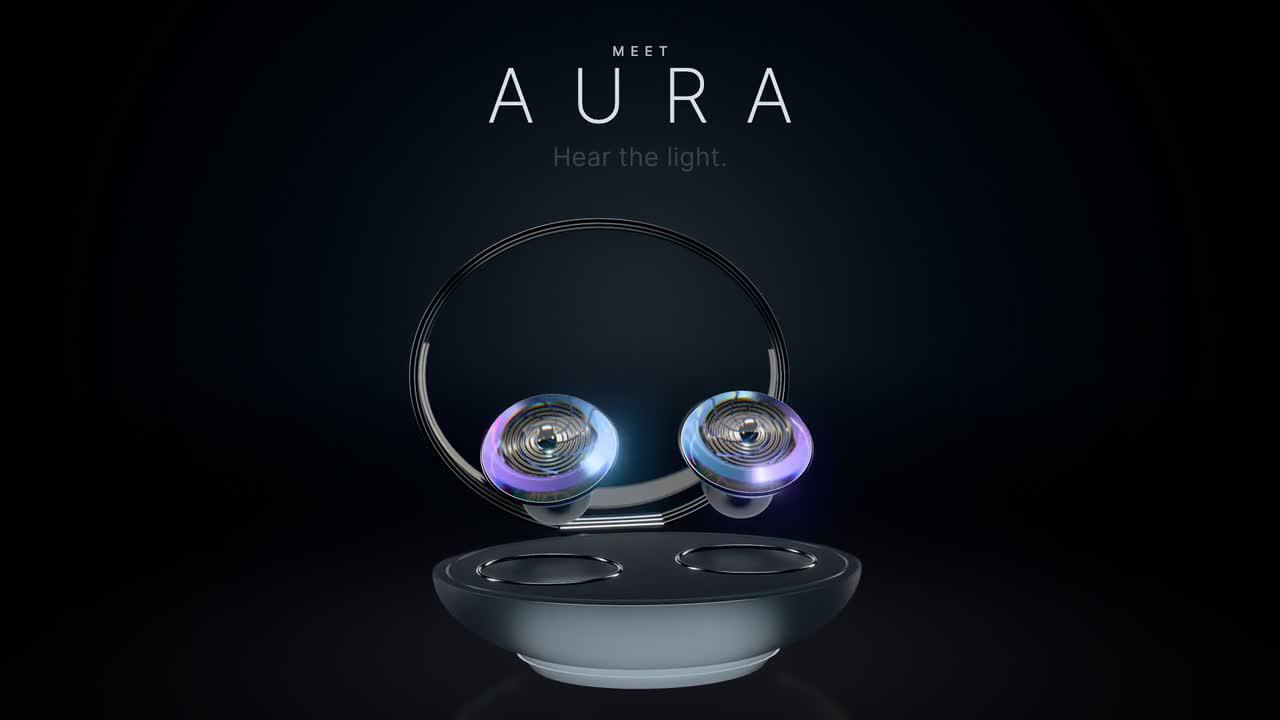
Original-film frame. Keep its LemoLab attribution.
Archive source, prompts, session records, revisions, checks, and output. Lemo code is MIT; Aura’s typography and voice credits retain separate licenses. Preserve notices and the fictional-product description.